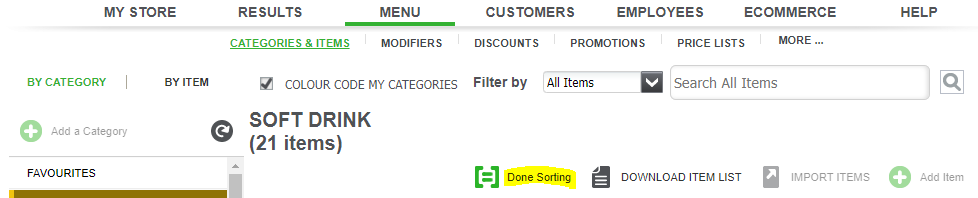
How to add a category
- Log into Silver
- Select Menu > Categories & Items

- Press the 'Add a a Category' button.

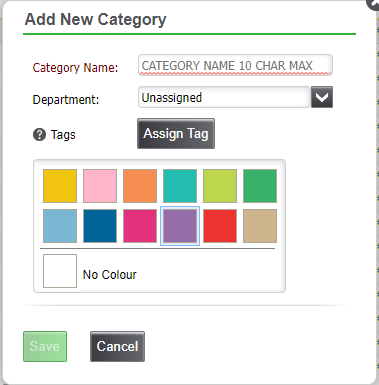
- Enter the details for the new category, and save changes.
How to move a category
- Log into Silver
- Select Menu > Categories & Items
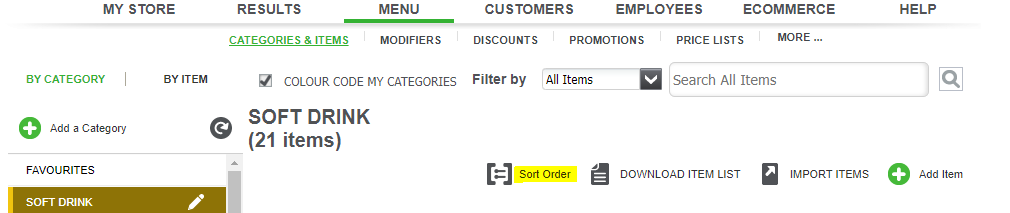
- Press the 'Sort Order' button.
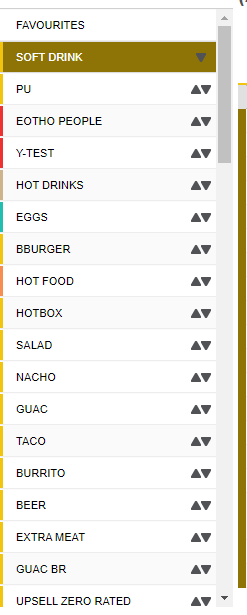
- You will now see up and down arrows, you can use these to move the categories into the order you would like.
- When you have finished sorting categories, press the 'Done Sorting' button to save the changes.