What is a POS Data Sync?
A POS data sync removes and re-downloads all the data (customers, tables, menu, offer, promotions, etc..) to the till.
Although NCR Silver automatically updates itself, a POS data Sync can fix many issues if the automatic update is unsuccessful or corrupted.
How to perform a POS Data Sync?
1. Ensure your till is online.
2. Log into NCR Silver
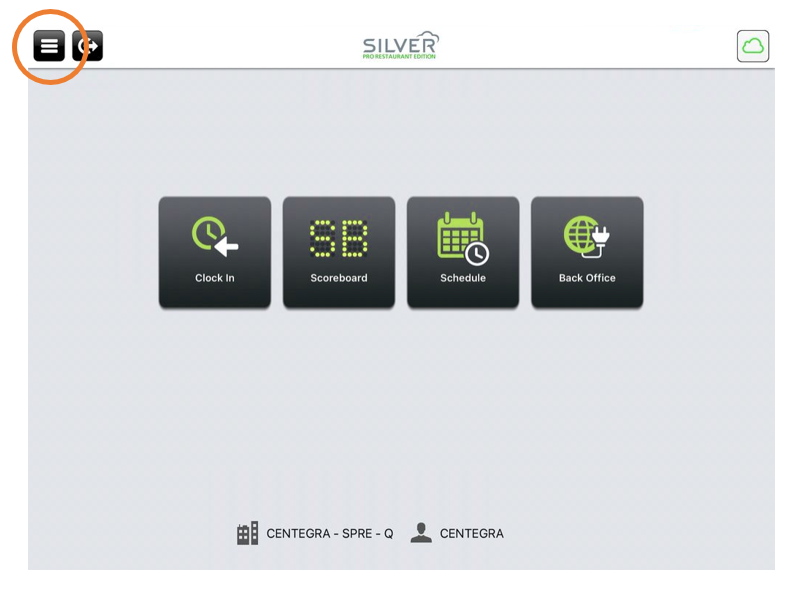
3. From the NCR Silver dashboard, select the 3 lines at the top right.
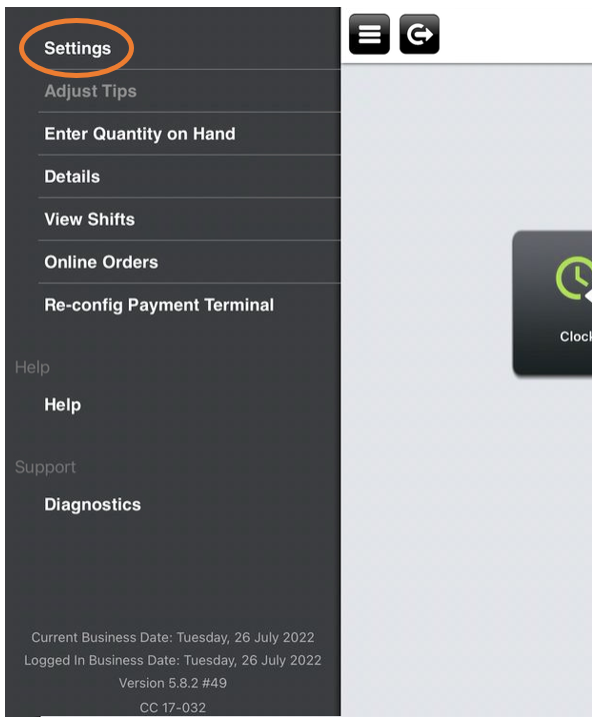
3. Select Settings
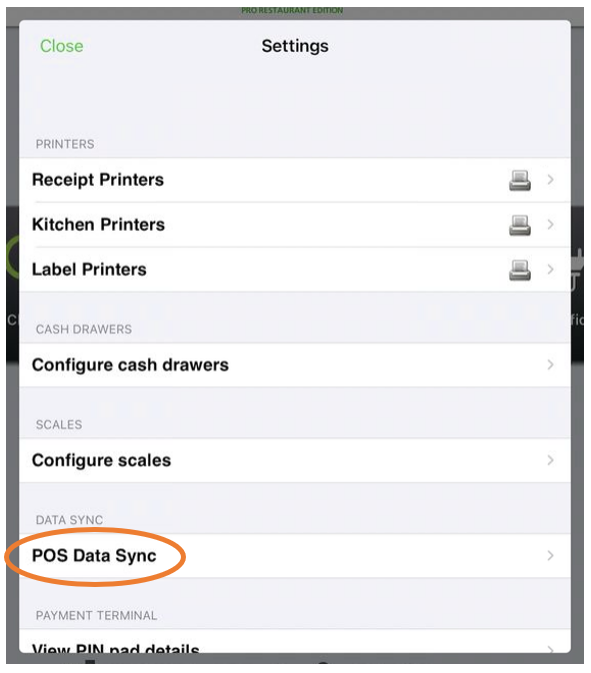
4. Select POS Data Sync
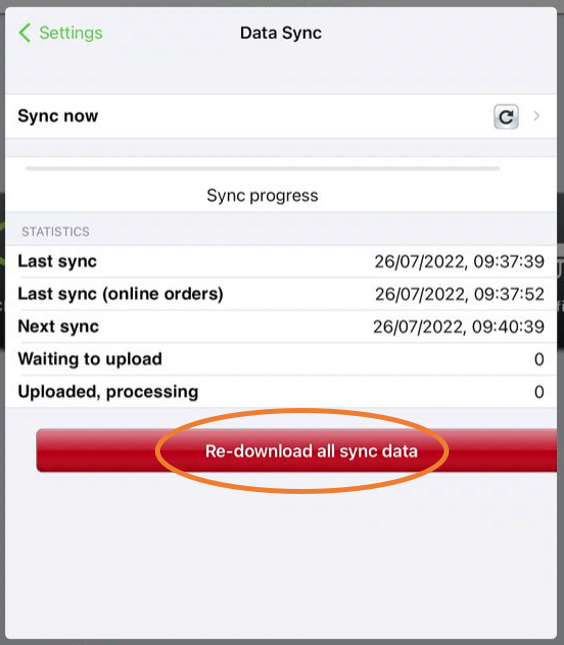
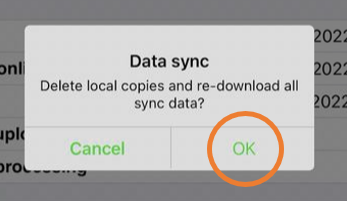
5. Select Re-download all sync data
6. Select OK
7. Wait for Data Sync to complete
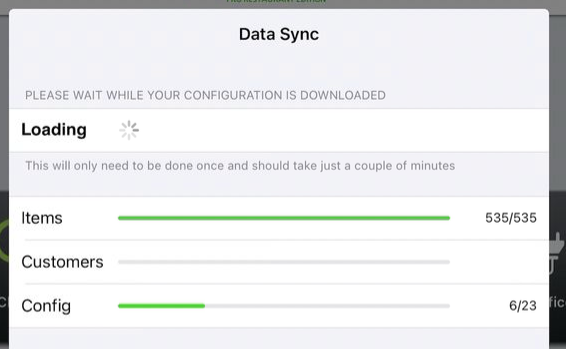
8. This is now complete. Select Settings and then Close at the top left to exit.