Learn how to connect your Facebook account to the Tatvam analytics platform. This guide walks you through the authorization process and settings configuration to ensure your data is properly synced.
Alert: Alert! The user integrating a Facebook Business Page with Tatvam must be an administrator of the Facebook Page with Full Access permissions. This ensures Tatvam inherits the required permissions to access the page and retrieve review data.
1. Navigate to https://live.tatvamanalytics.com/
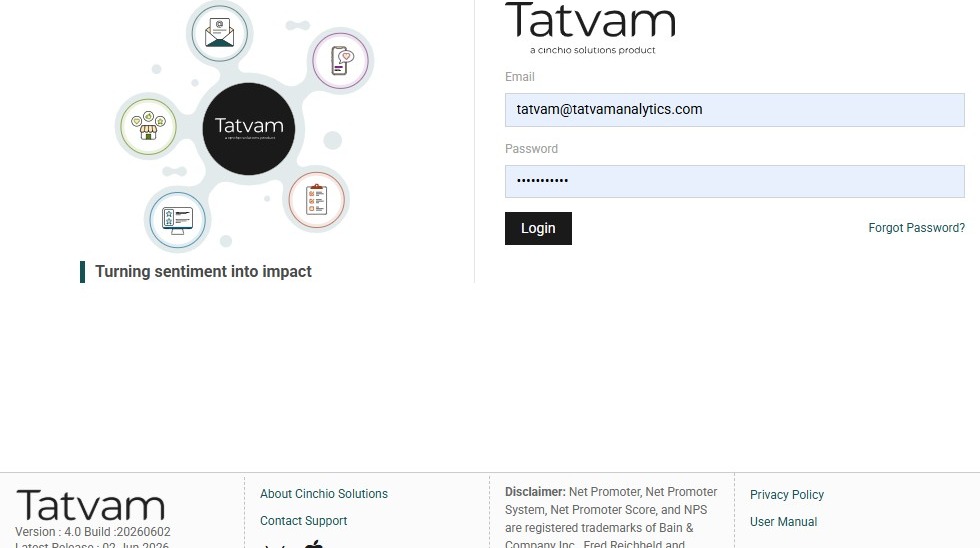
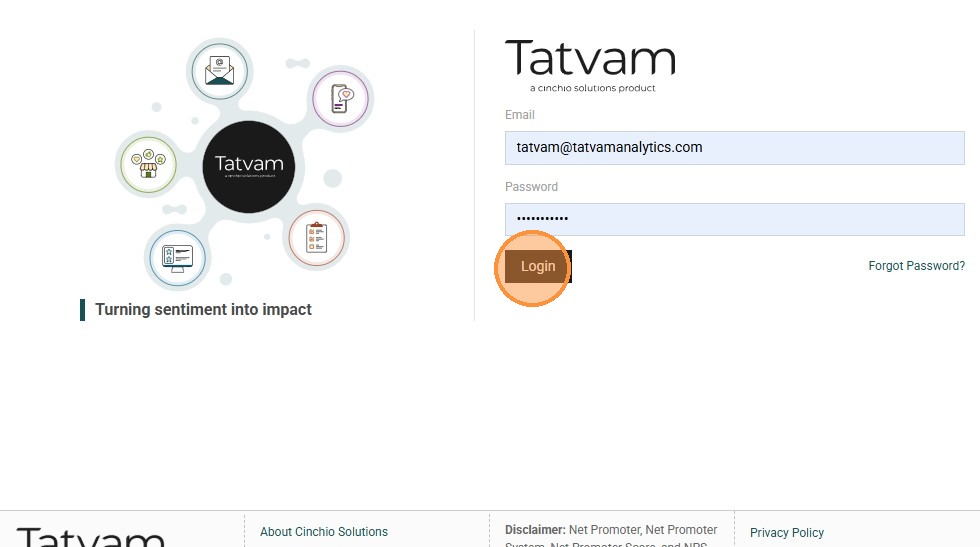
2. Click "Login"
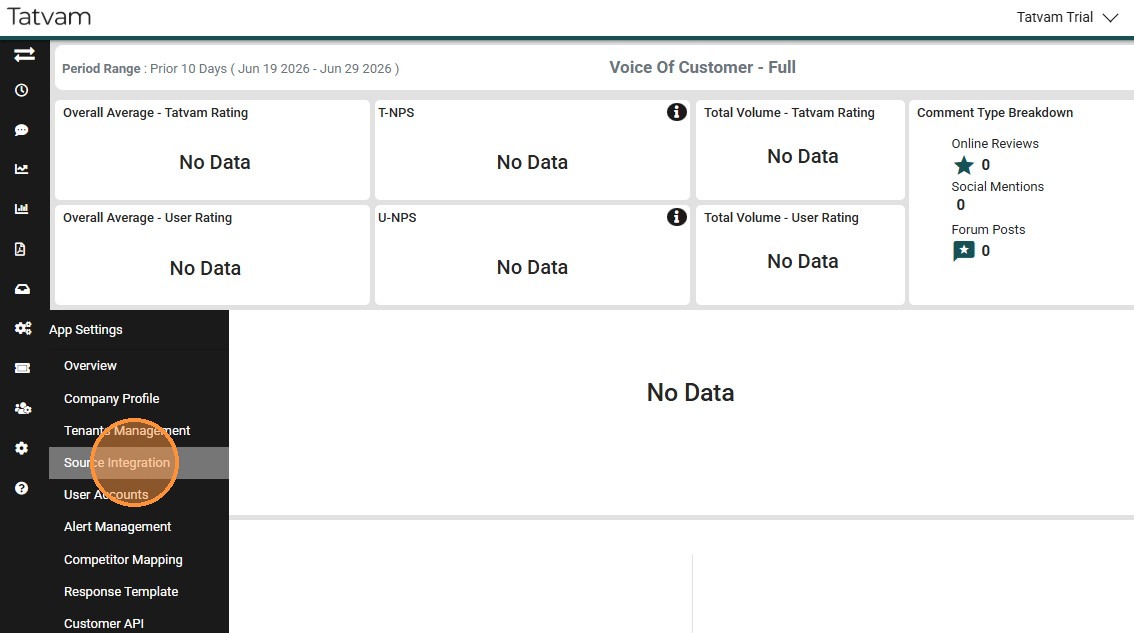
3. Click "Source Integration"
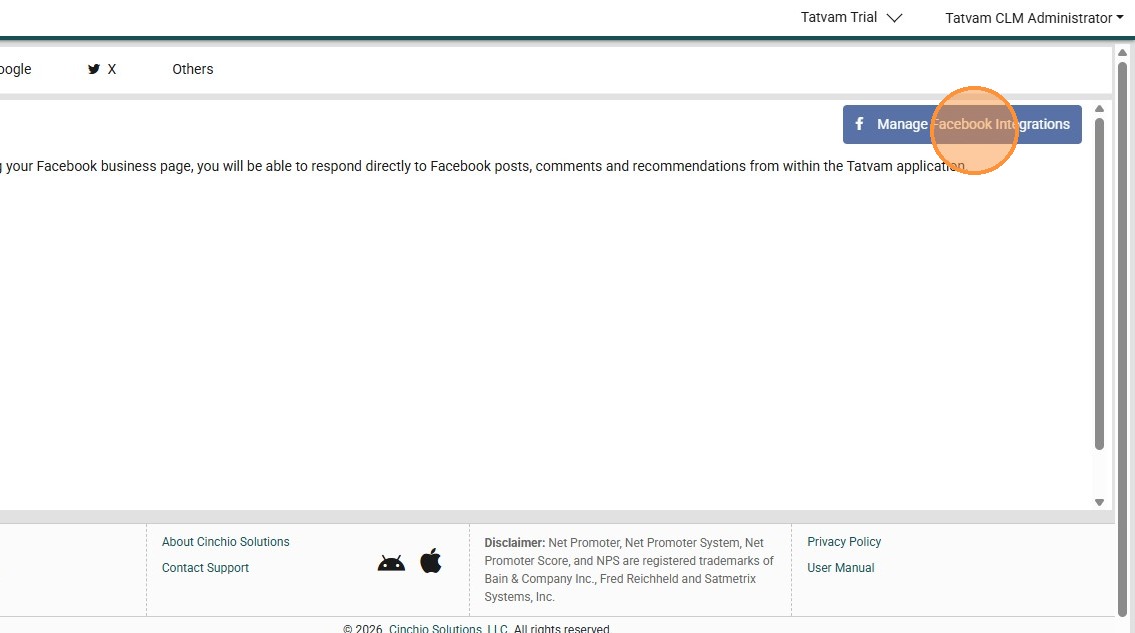
4. Click "Manage Facebook Integrations"
5. Type teh password.
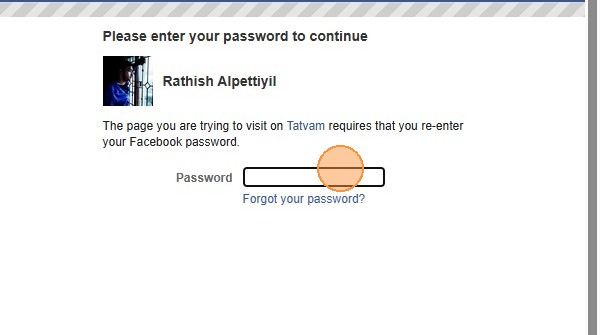
6. Click "Submit"

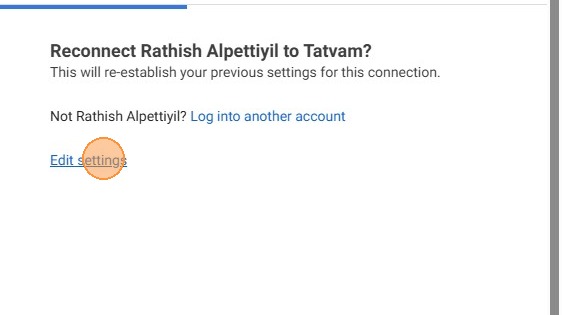
7. Click "Edit settings"
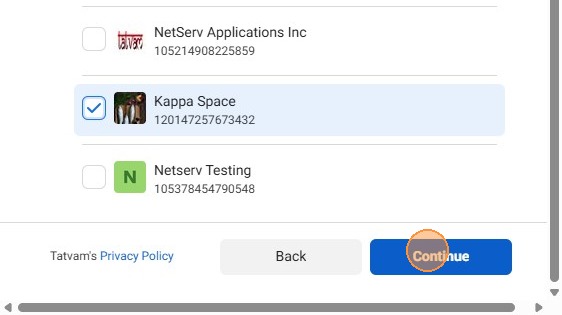
8. This shows all the business pages that you have access to.
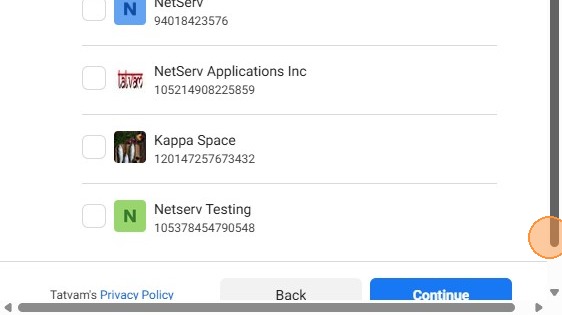
9. Click the preferred page and click continue
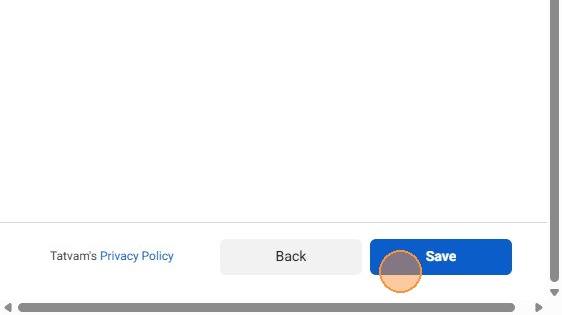
10. Click "Save"
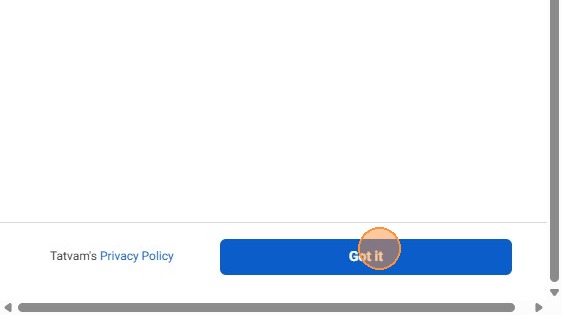
11. Click "Got it"
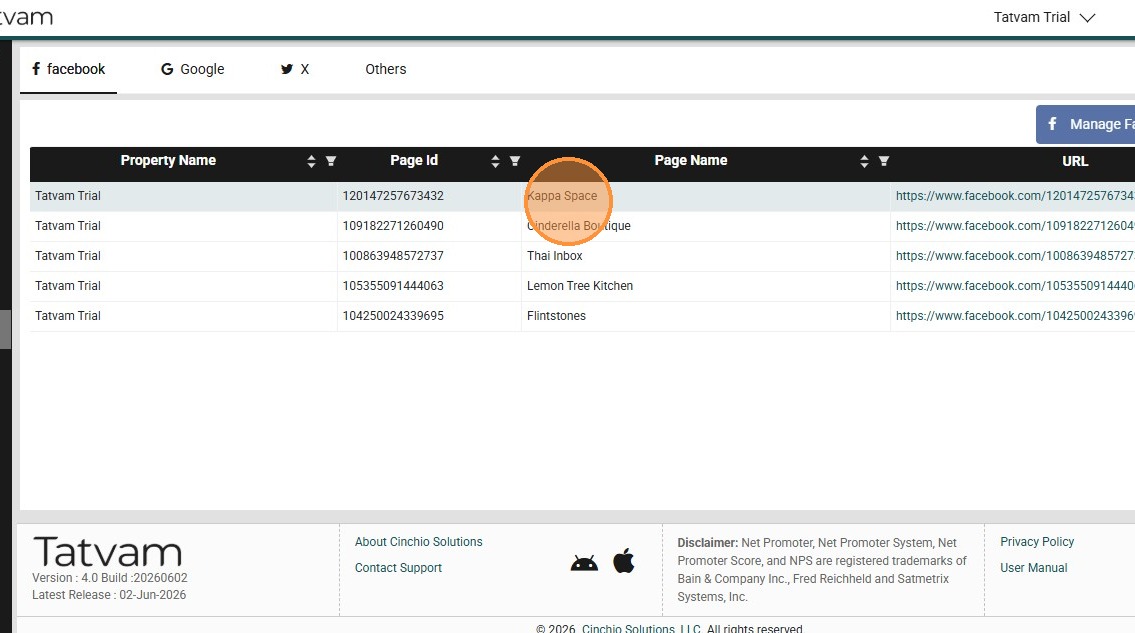
12. Now you see the integrated page appears here.
13. Click "Profile"
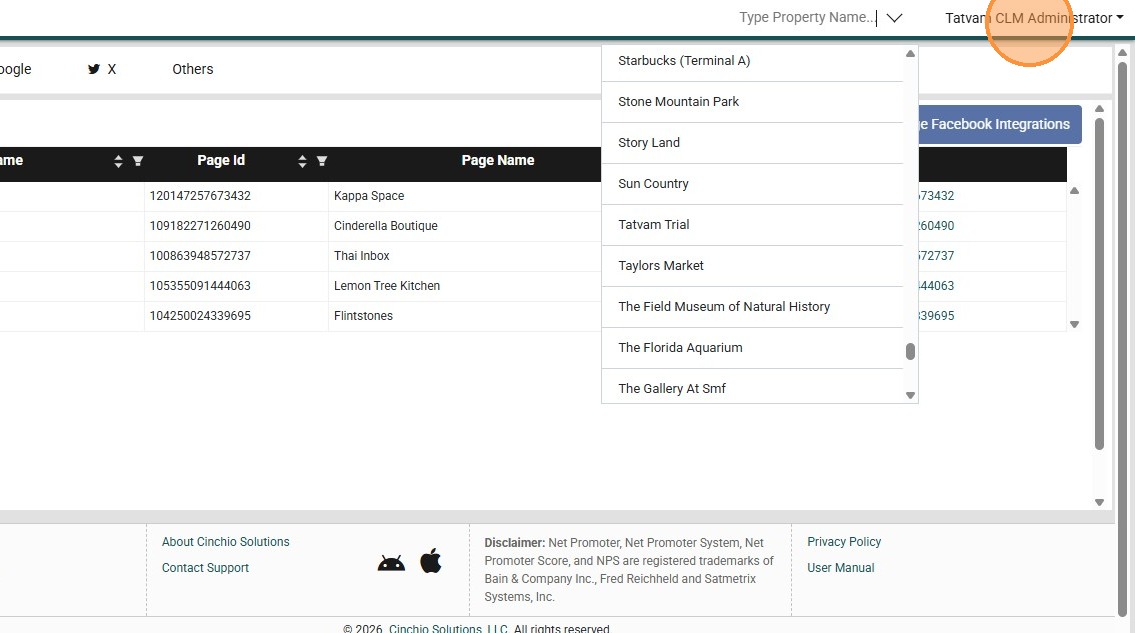
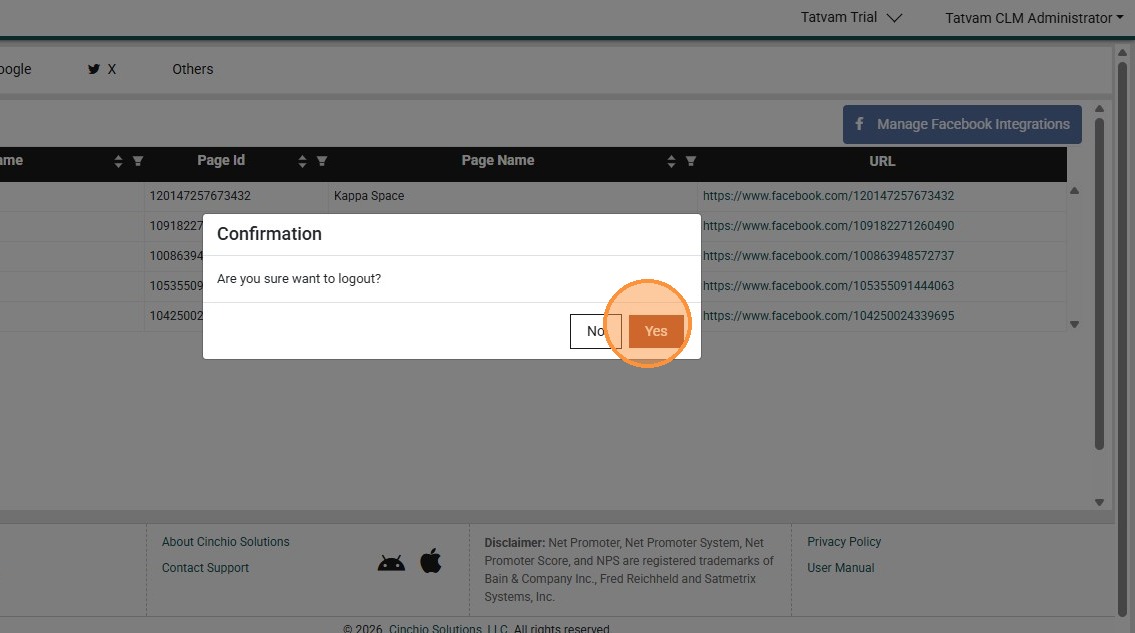
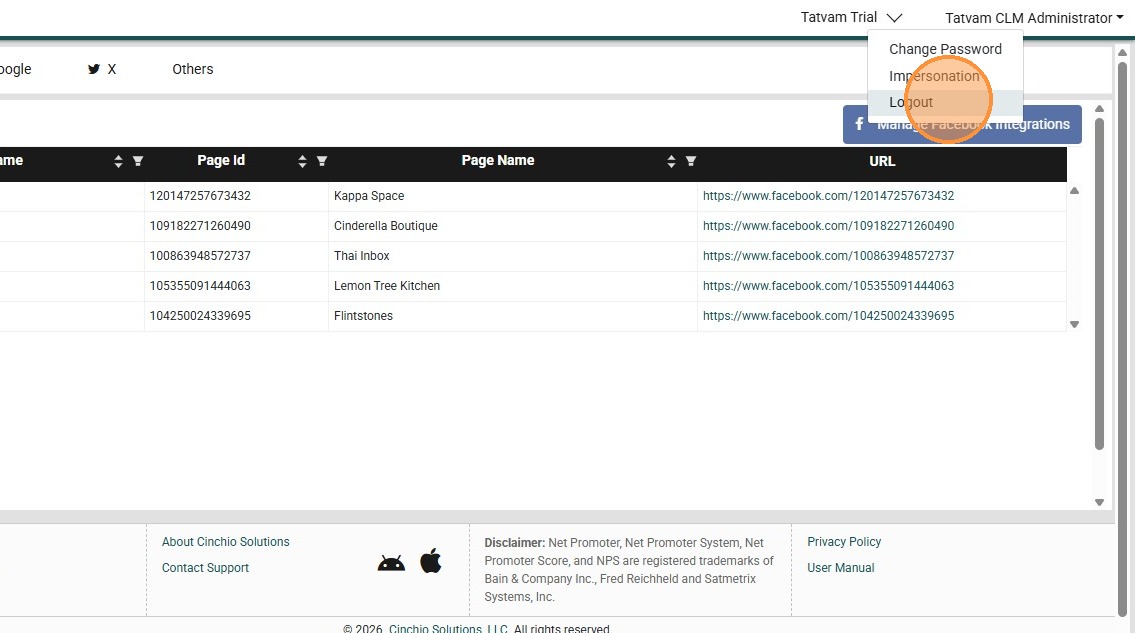
14. Click "Logout"
15. Click "Yes"