1. Navigate to https://live.tatvamanalytics.com/login
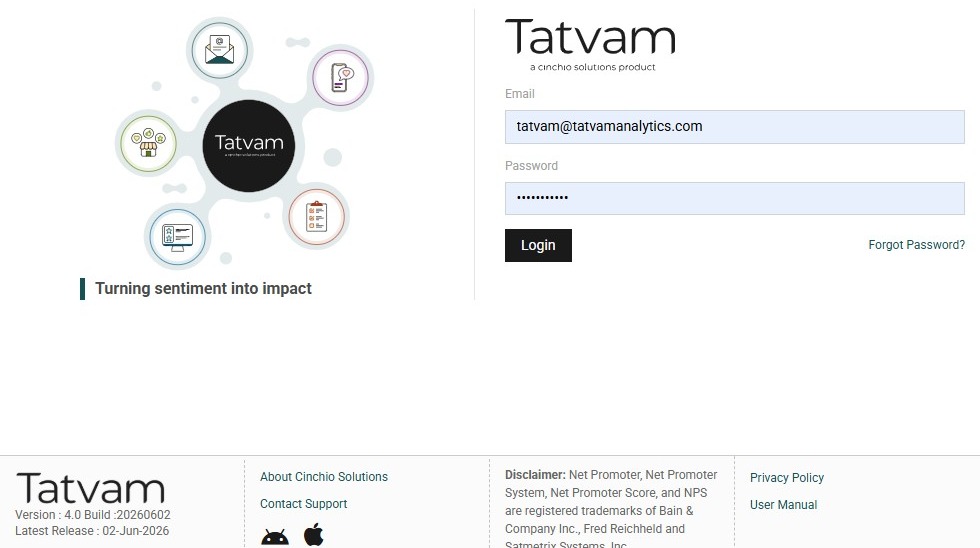
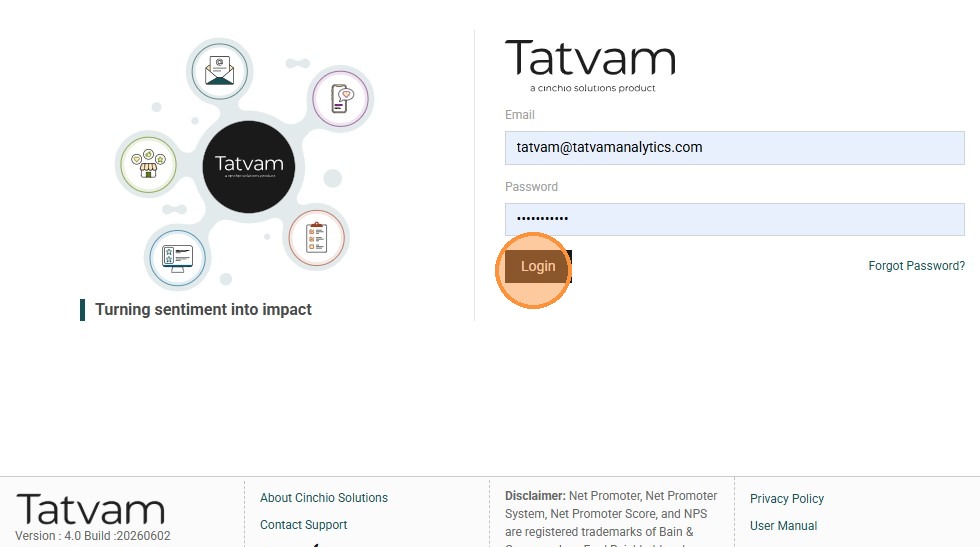
2. Enter your email address, Tatvam password and click "Login"
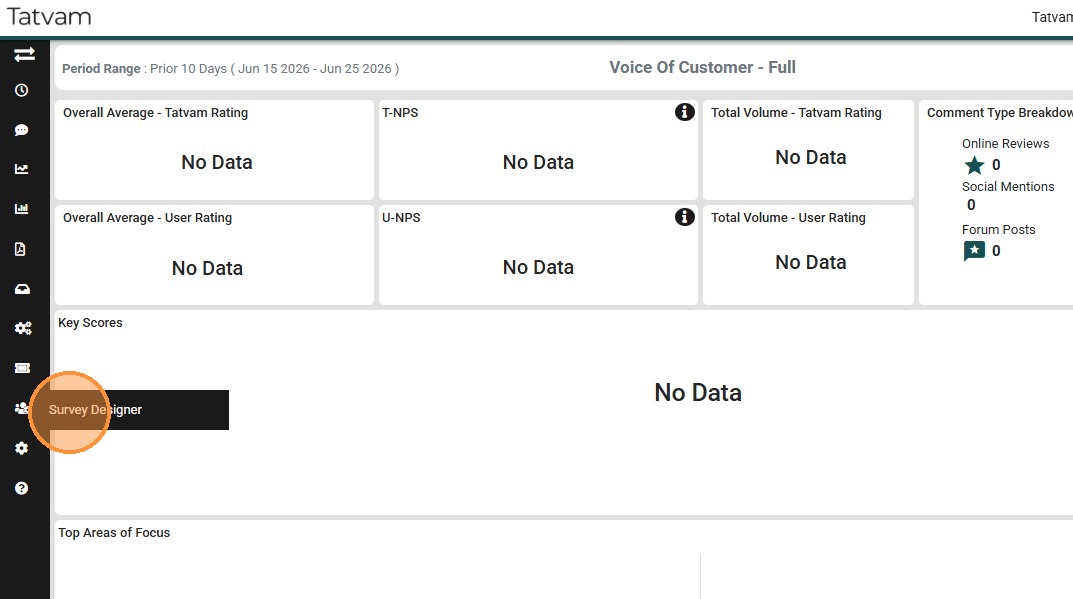
3. Click "Survey Designer"
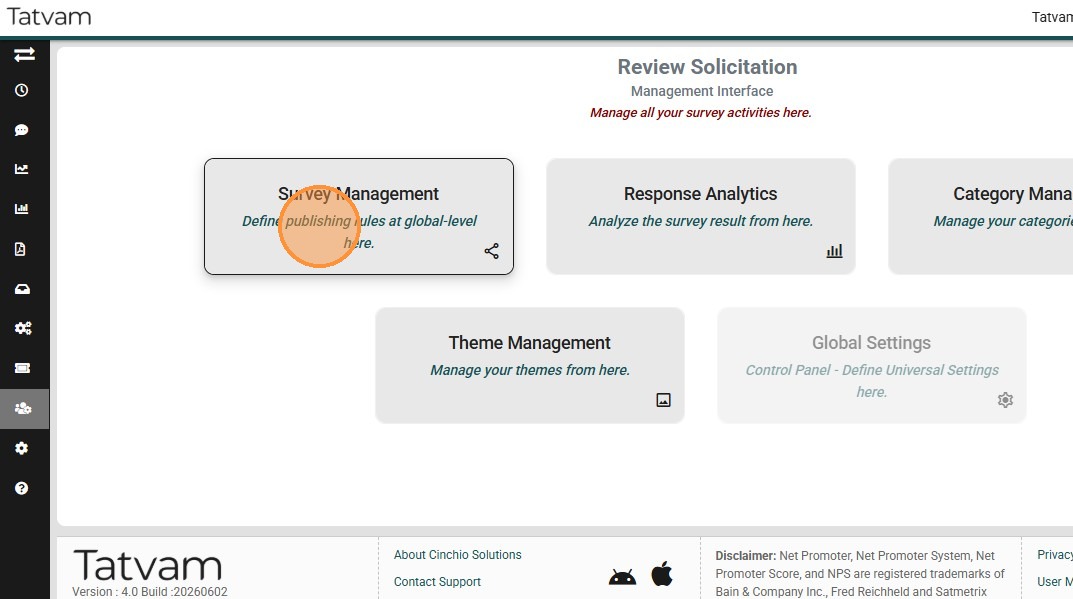
4. Click "Survey Management"
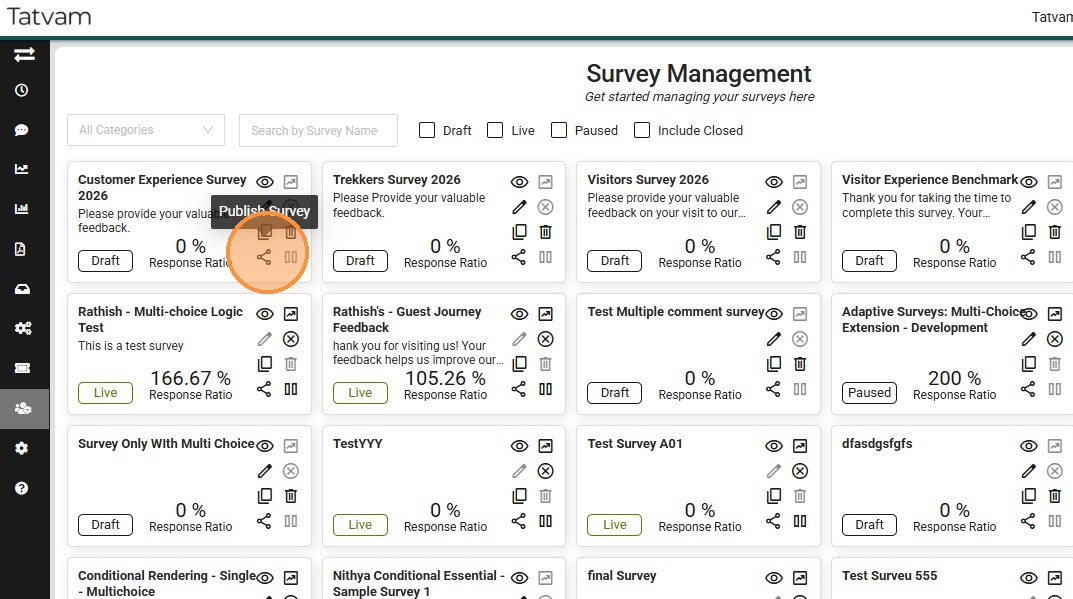
5. Locate the Survey you wish to publish then click this icon to open 'Publish Settings'
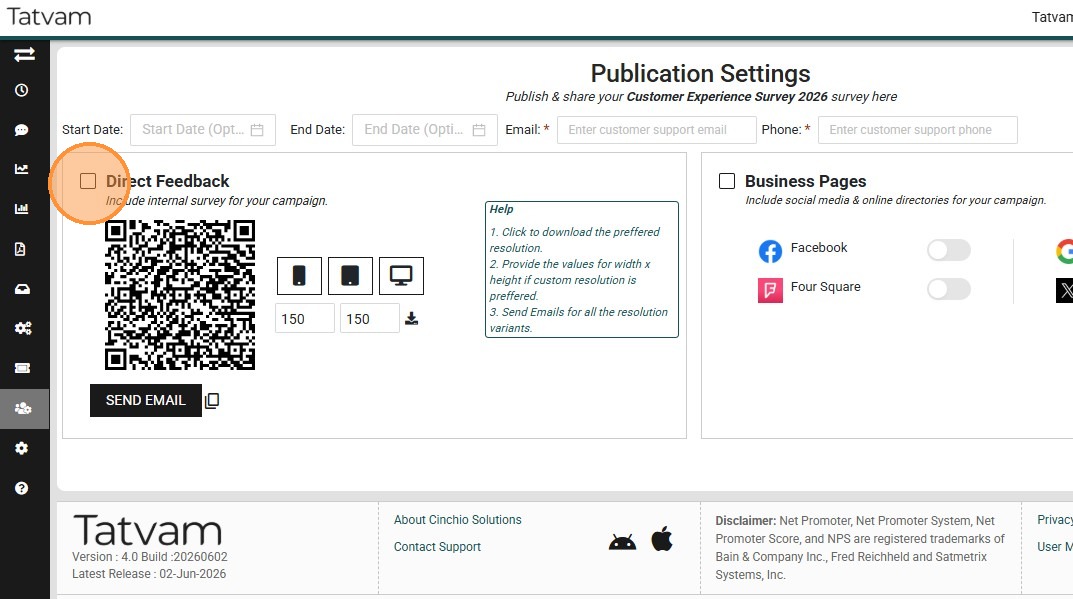
6. Ensure that this 'Direct Feedback' box is checked.
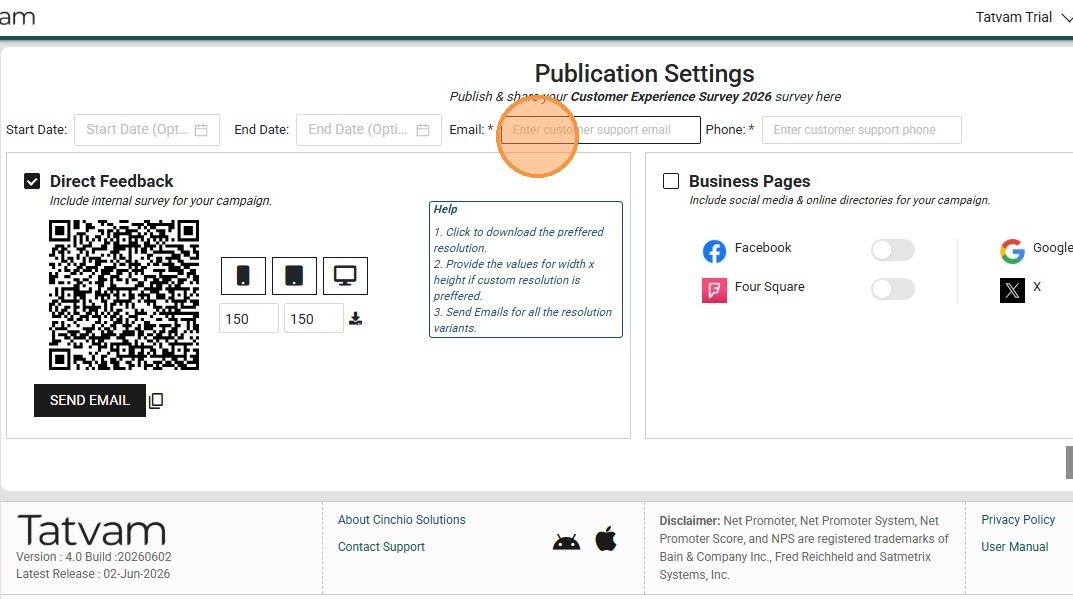
7. Enter your general customer service email address
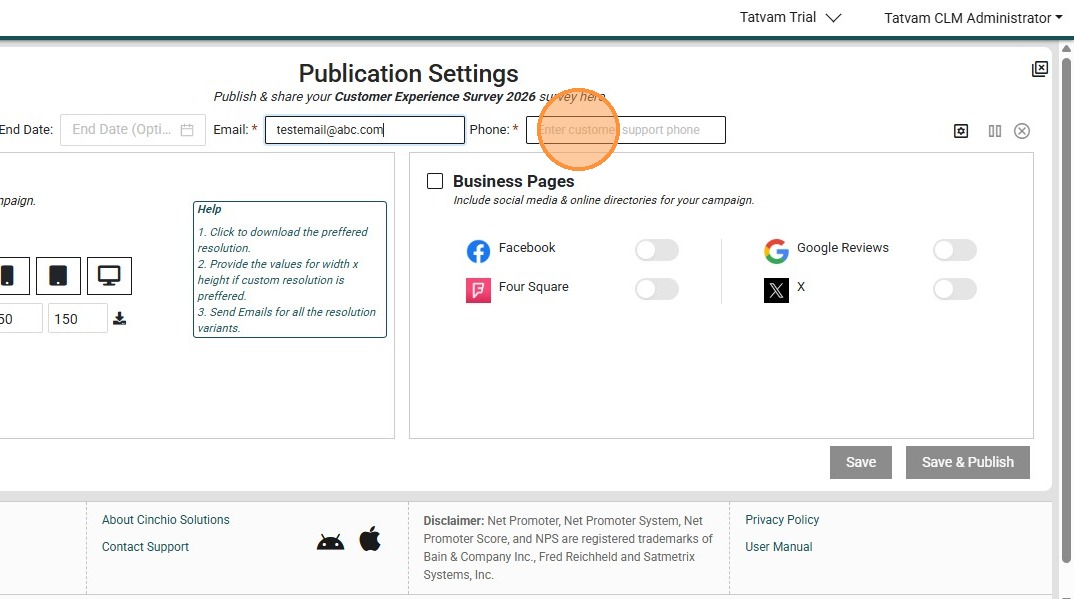
8. Enter your general customer service phone number
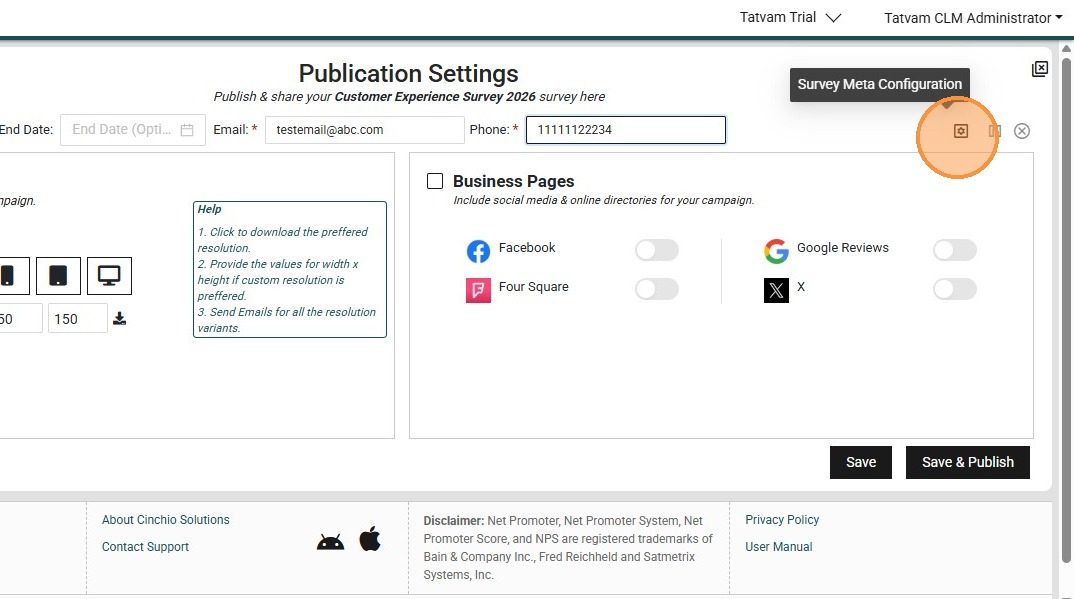
9. Click "survey meta configuration"
10. Select the questions that you prefer to see it on subscription reports, by checking the checkboxes.
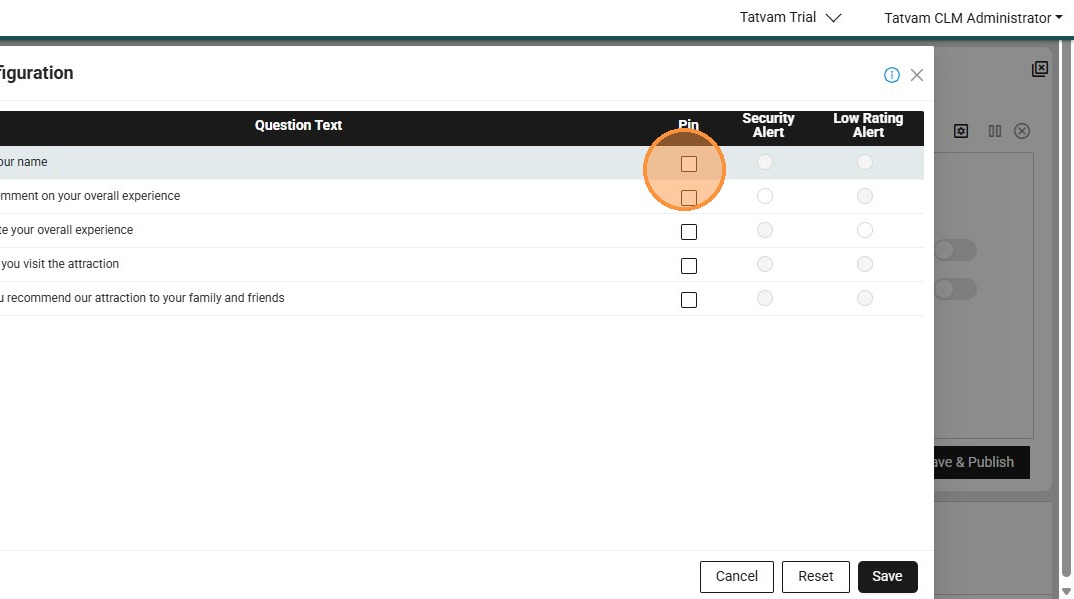
Alert: Alert! All responses are visible within Tatvam. You can select up to 3 questions to appear on email subscription reports in this step. The subscription report is most commonly scheduled daily. See the "How to Schedule Subscriptions" process to enable that feature.
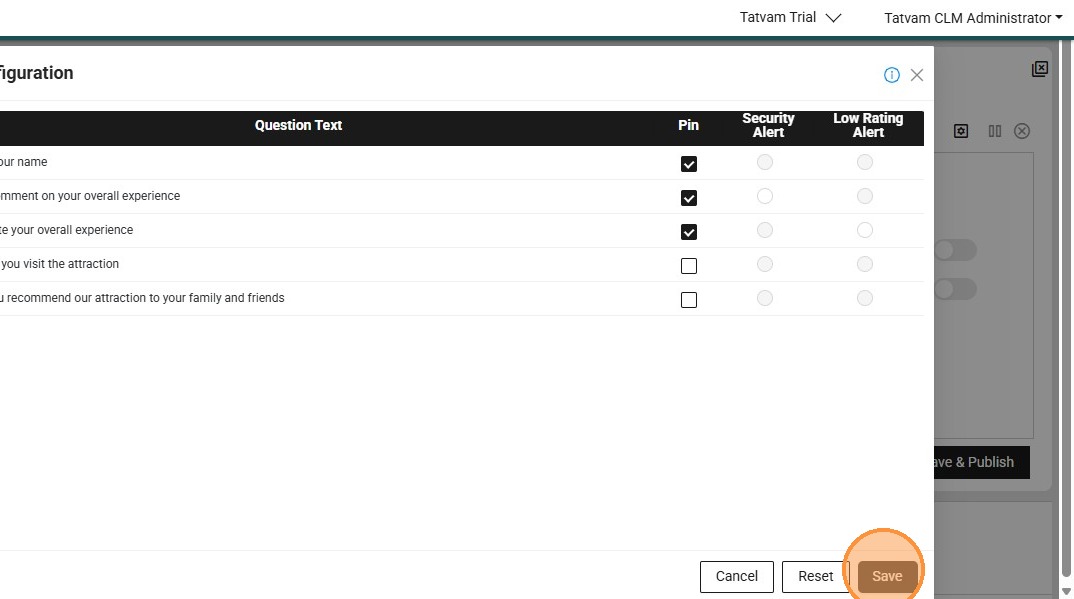
11. Click "Save"
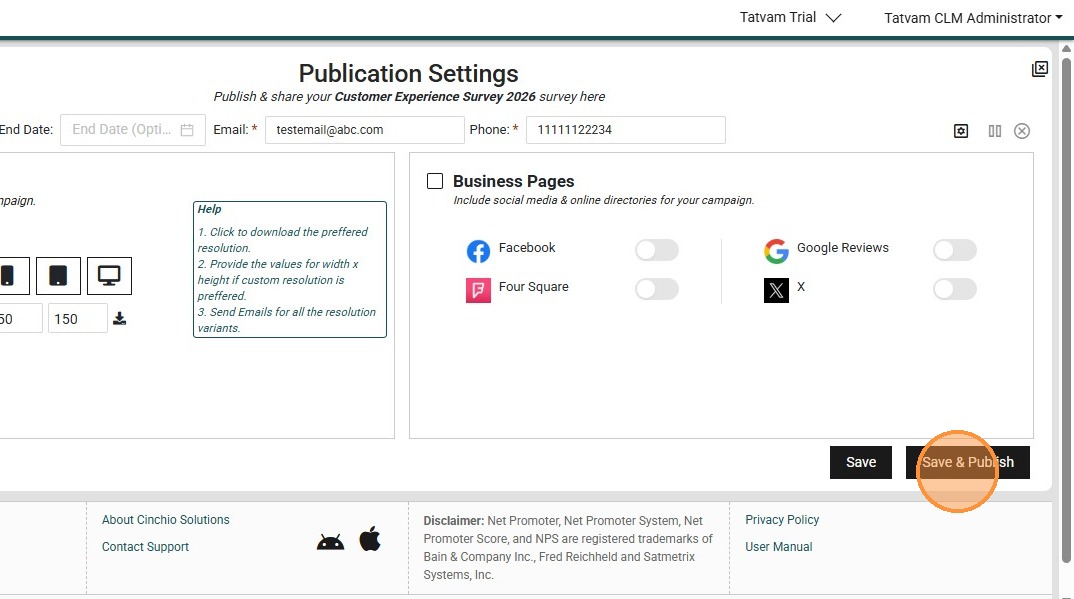
12. Click "Save & Publish"
13. Preview the survey here
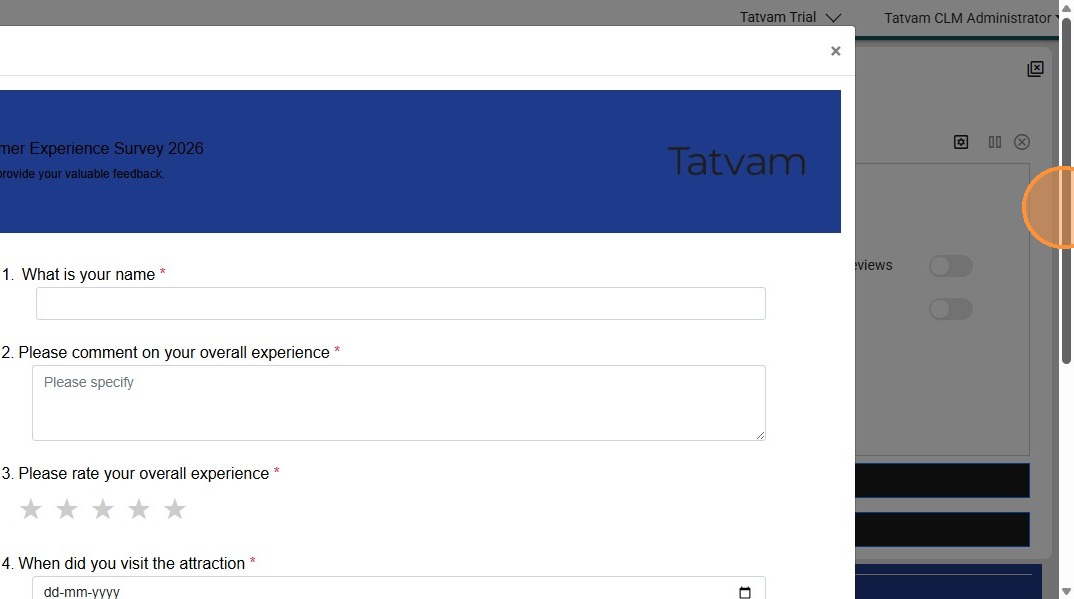
14. Click "Publish"
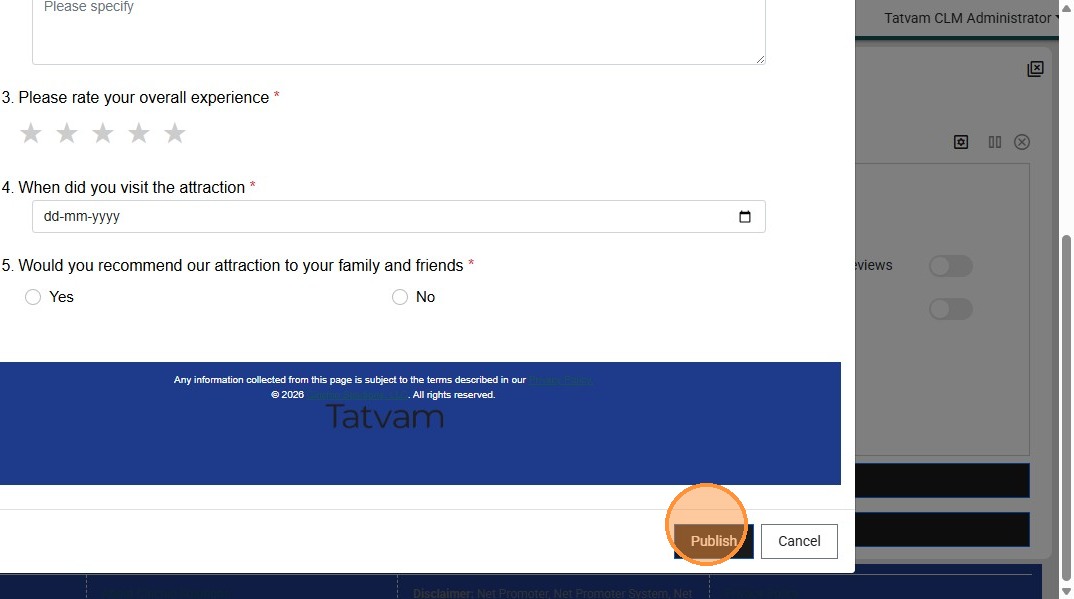
15. Congratulations!
