This guide provides step-by-step instructions for adding or removing users from existing email subscription reports.
1. Navigate to https://live.tatvamanalytics.com/login
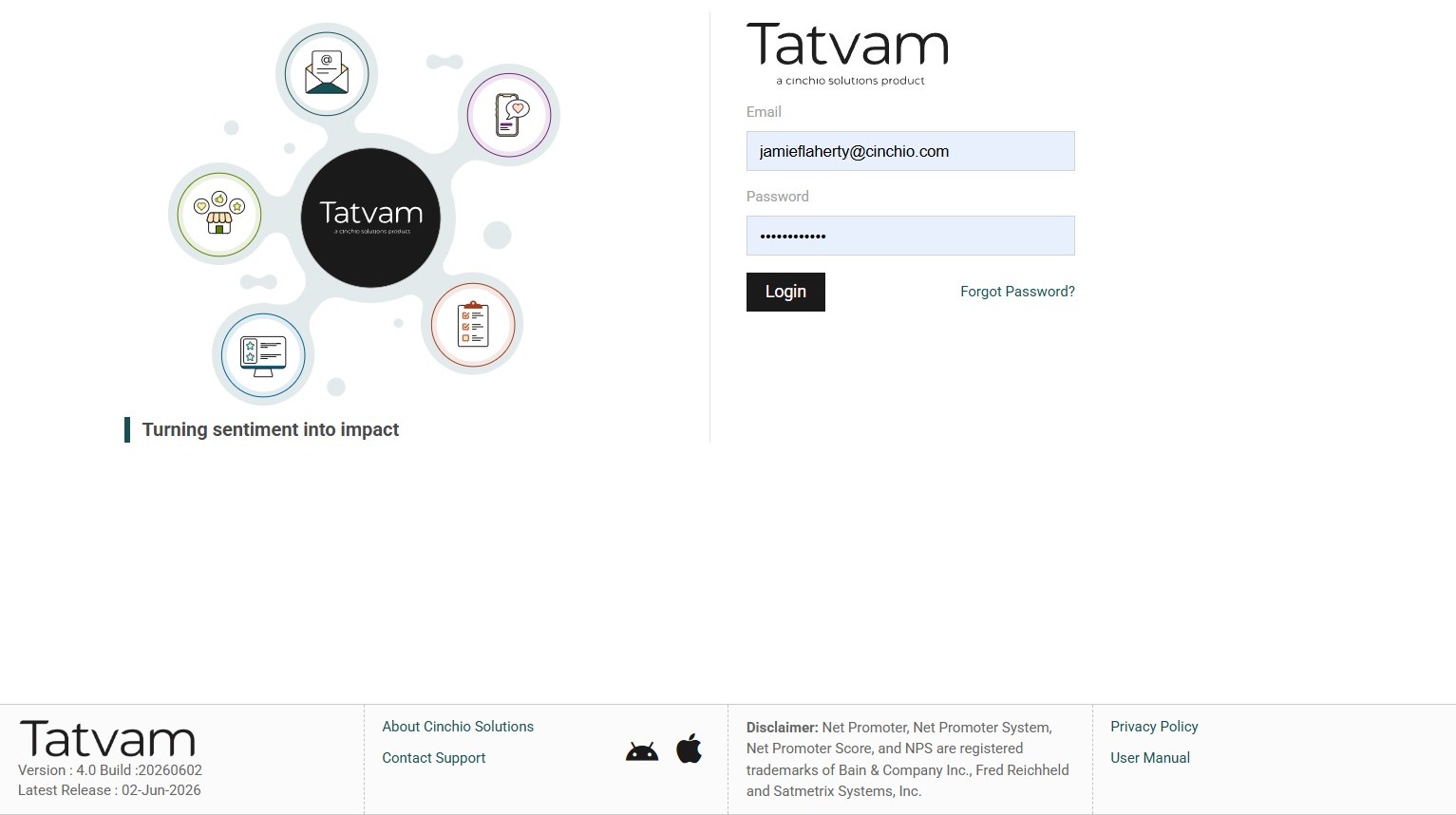
2. Enter your email
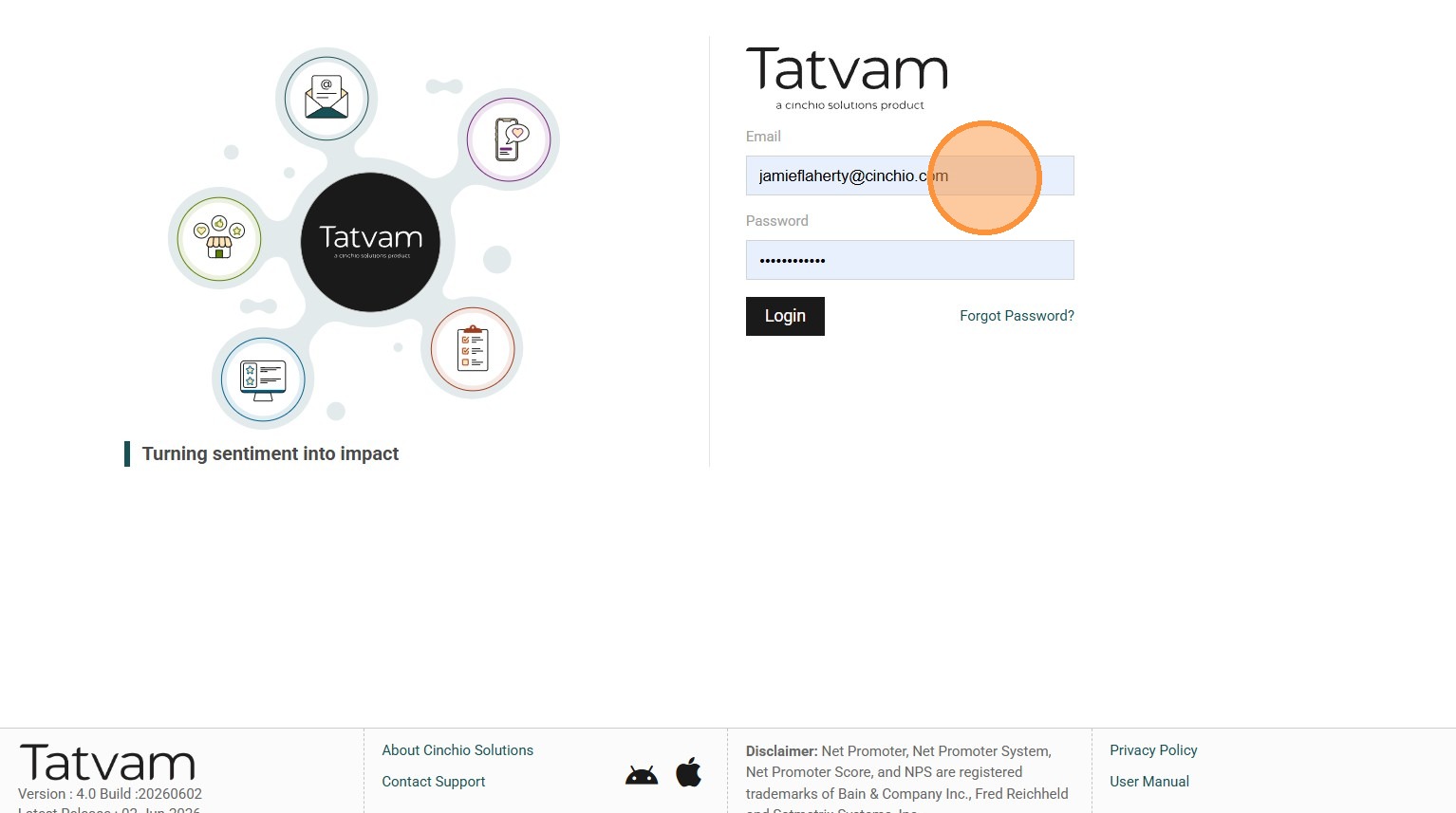
3. Enter your password
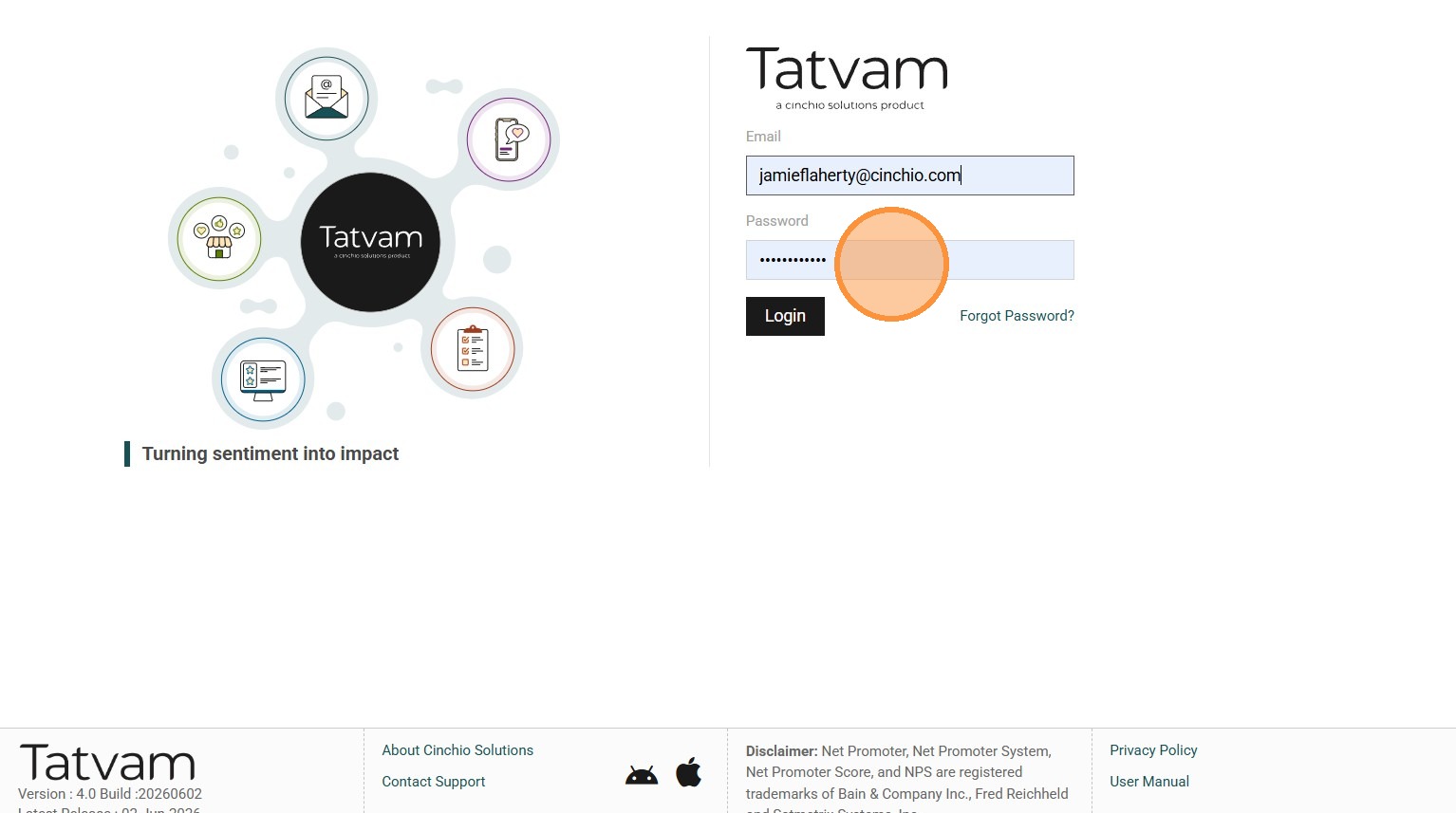
4. Click "Login"
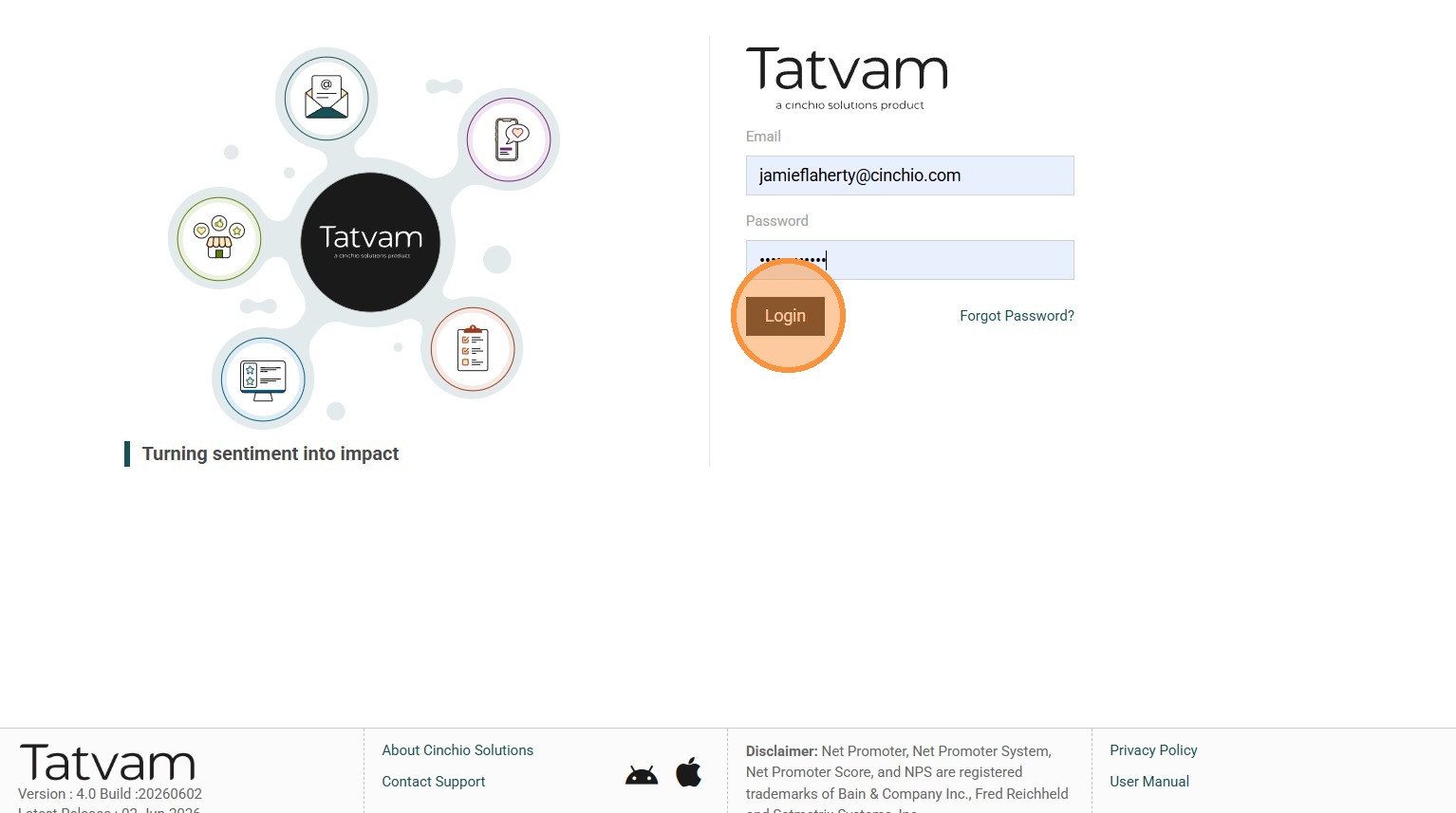
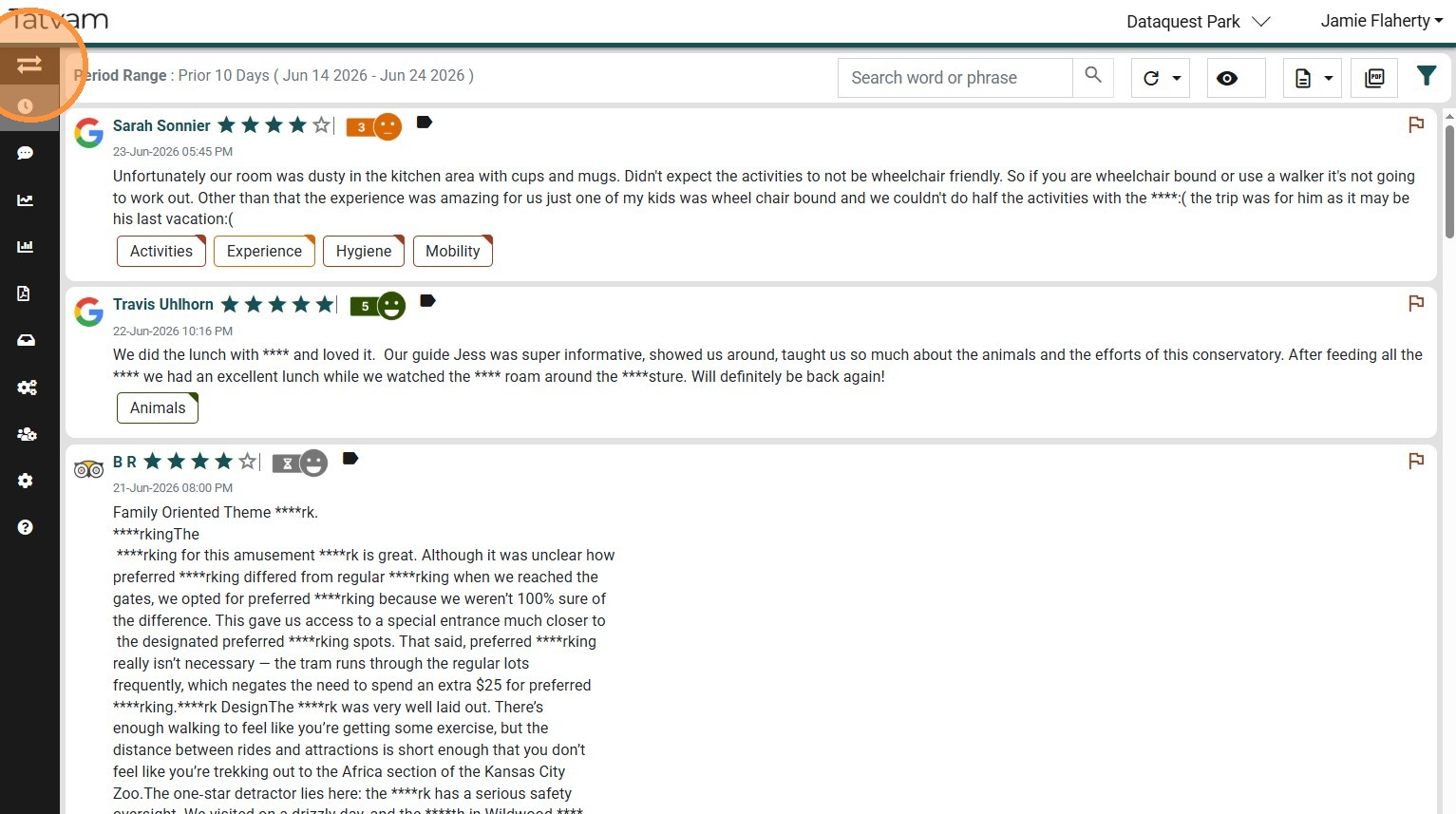
5. Click here to expand the navigation panel
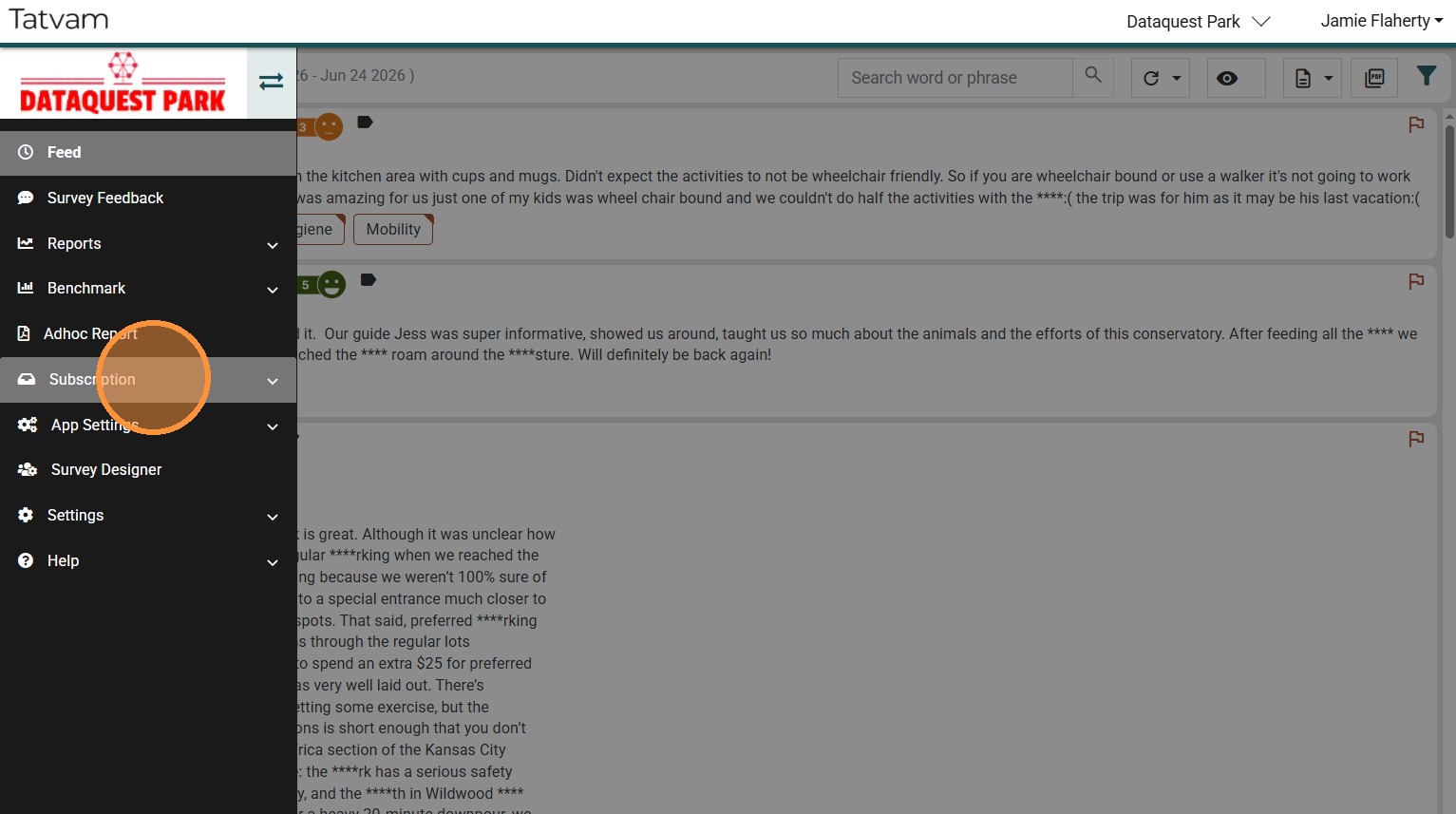
6. Click "Subscription"
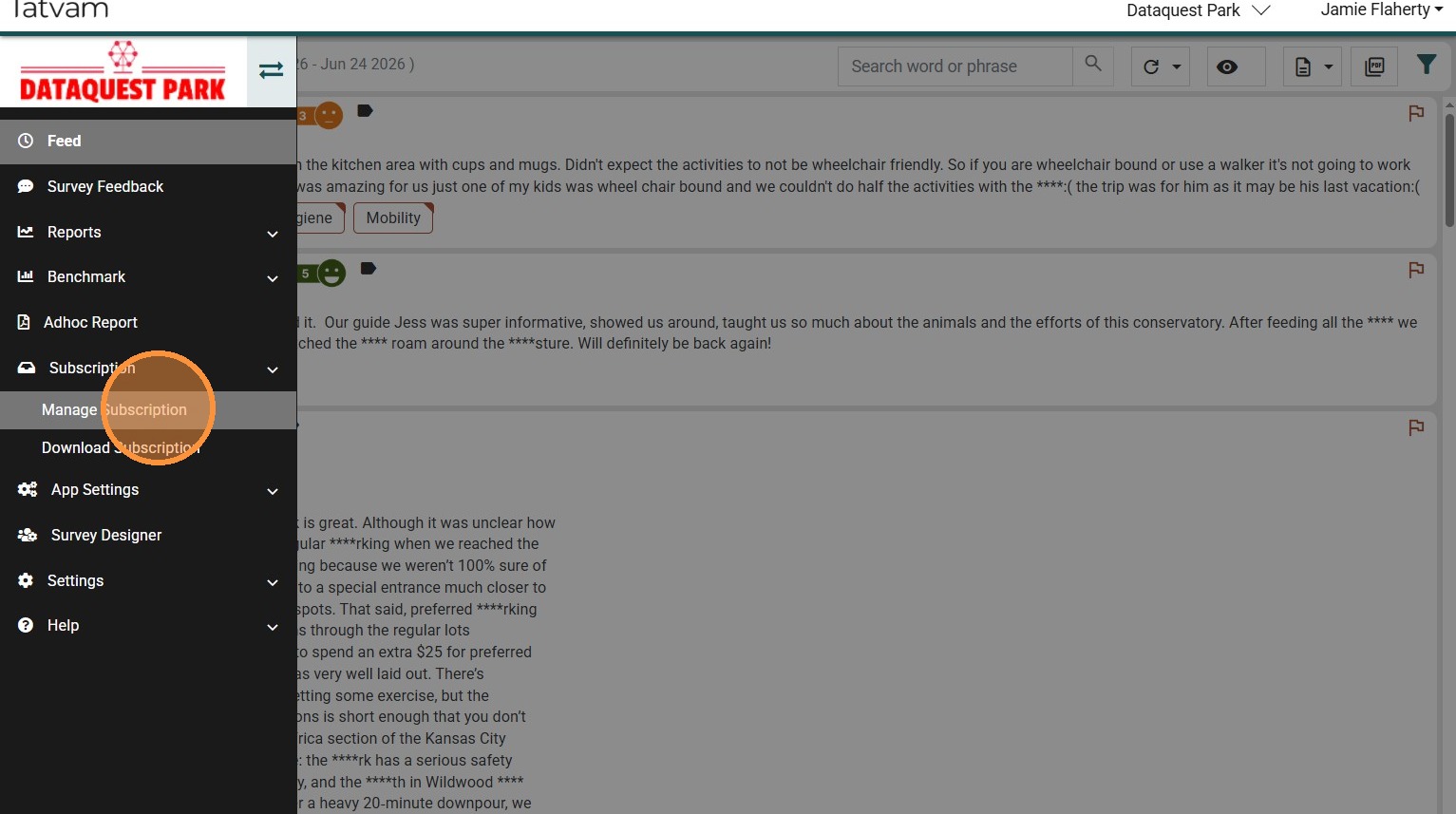
7. Click "Manage Subscription"
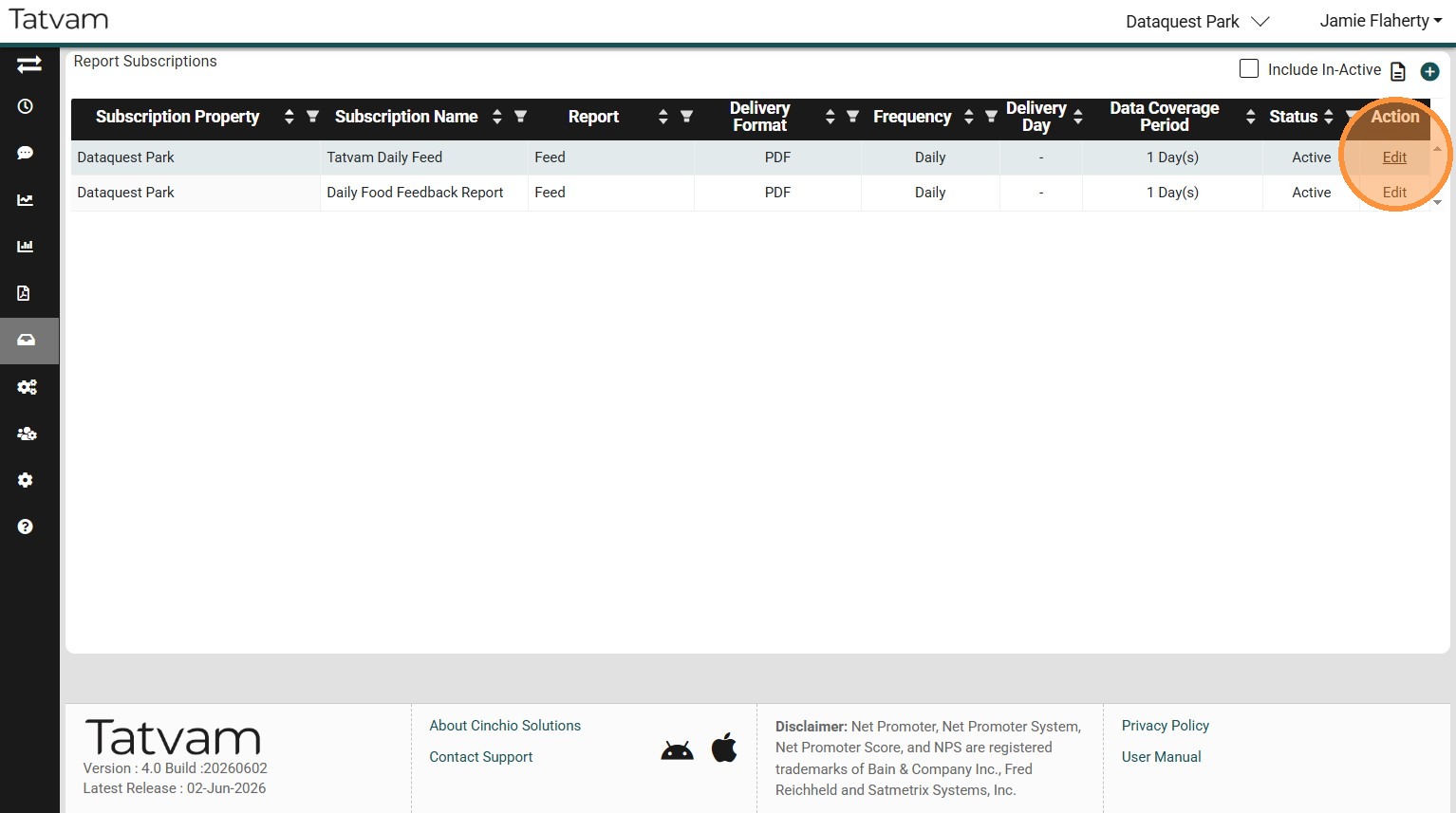
8. Locate the specific Subscription you wish to add or remove the user
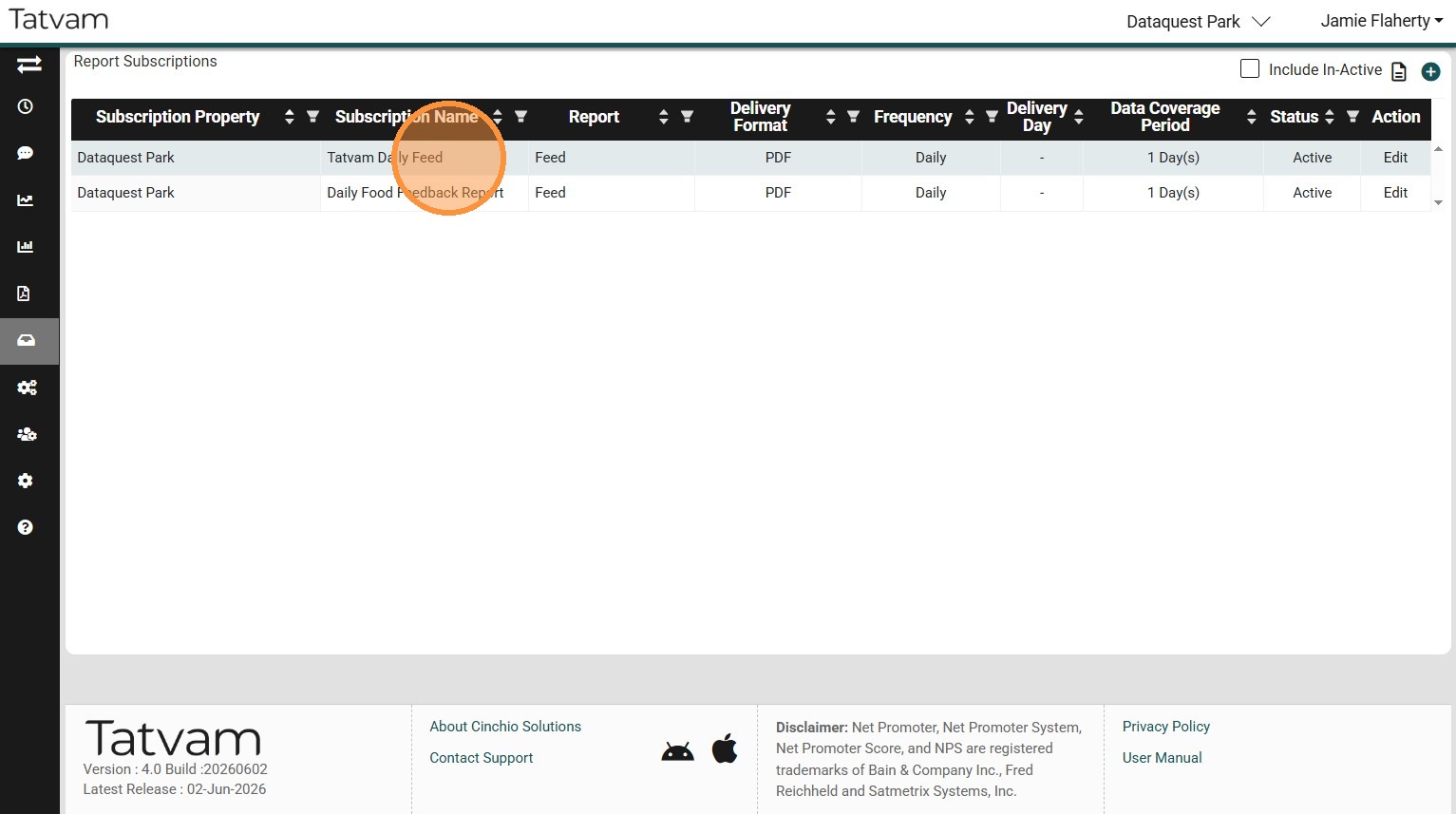
9. On the corresponding row, click "Edit"
10. Check the user(s) you wish to add, uncheck the user(s) you wish to remove
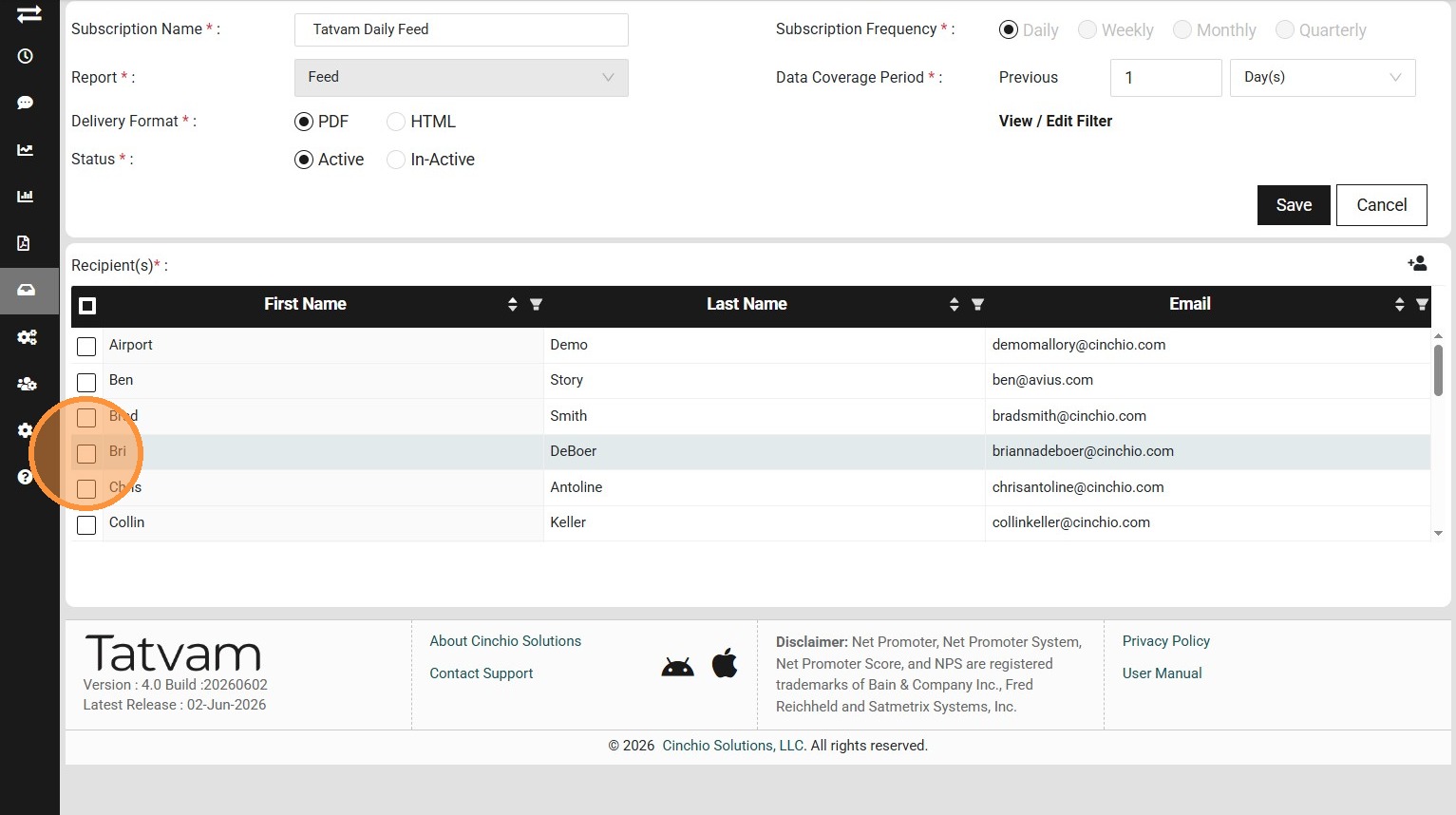
Tip: Tip! A scroll bar appears on the right side of the Recipient section. It can be easy to miss, so be sure to scroll down to view all additional users.
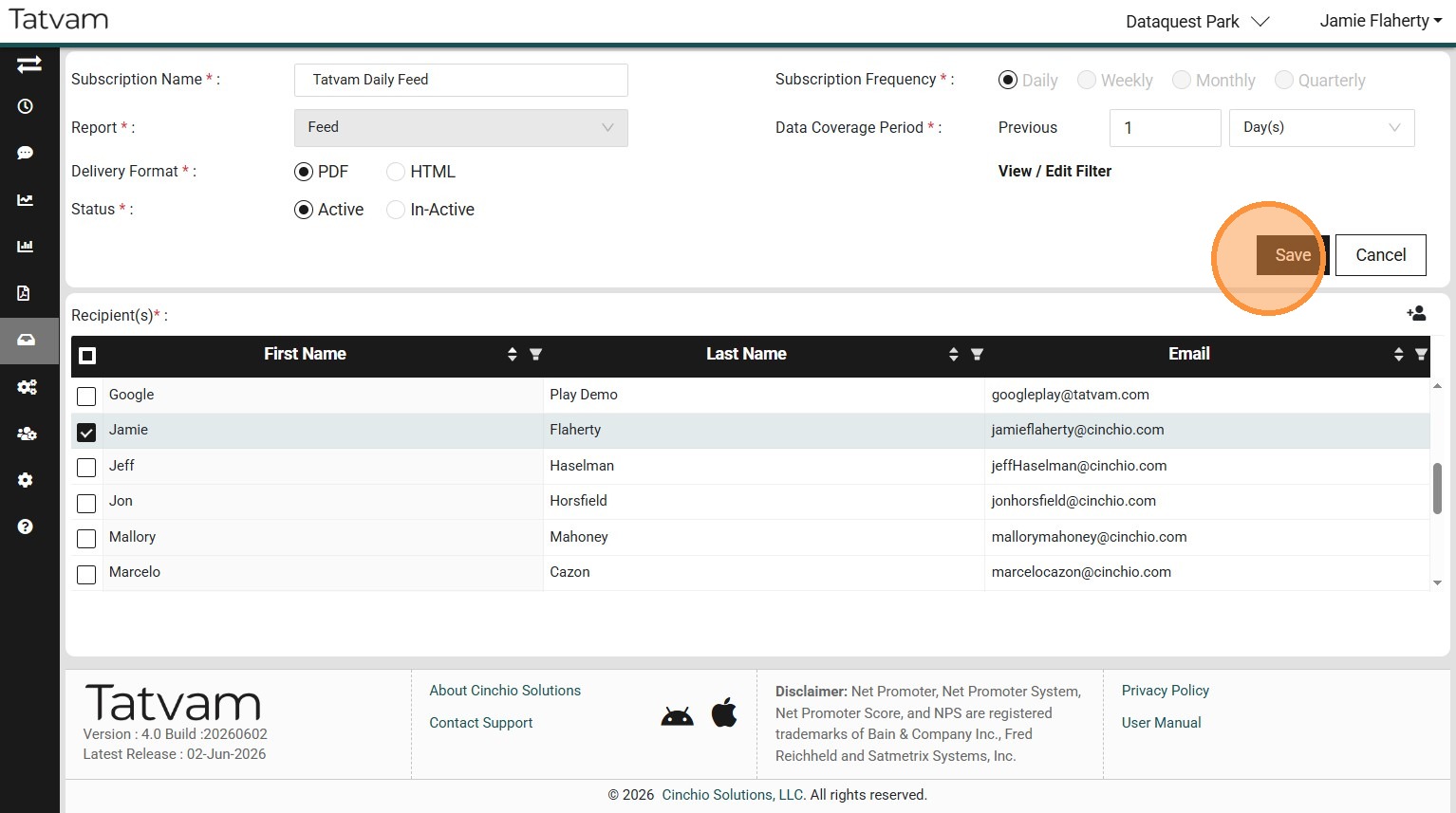
11. Click "Save"
12. Step