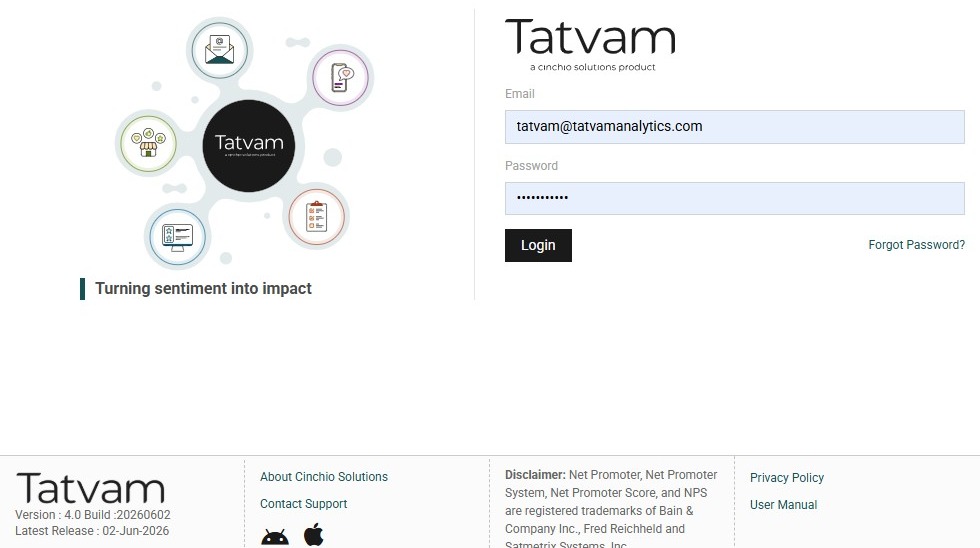
1. Navigate to https://live.tatvamanalytics.com/login
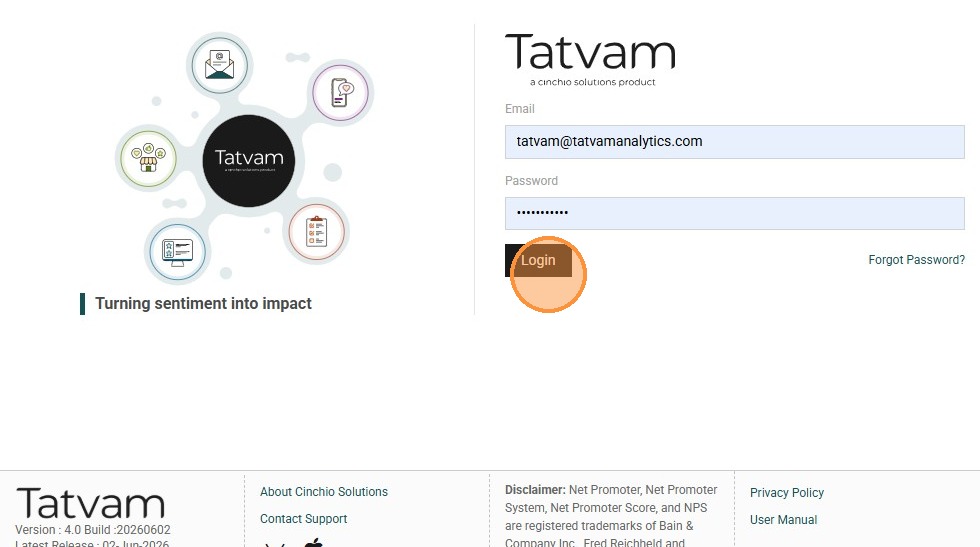
2. Click "Login"
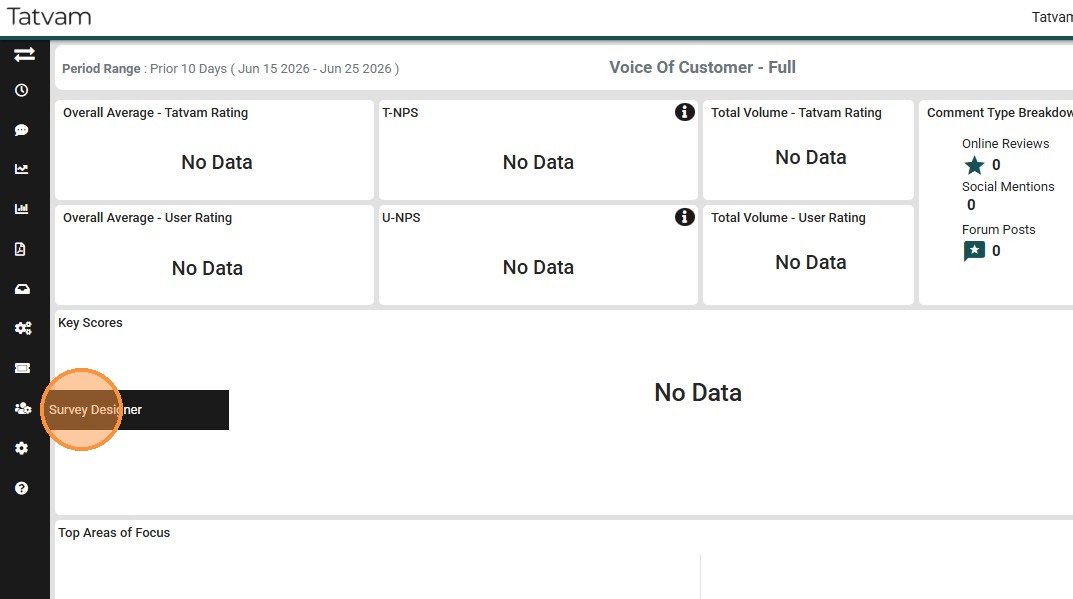
3. Click "Survey Designer"
4. Click "Survey Management" menu
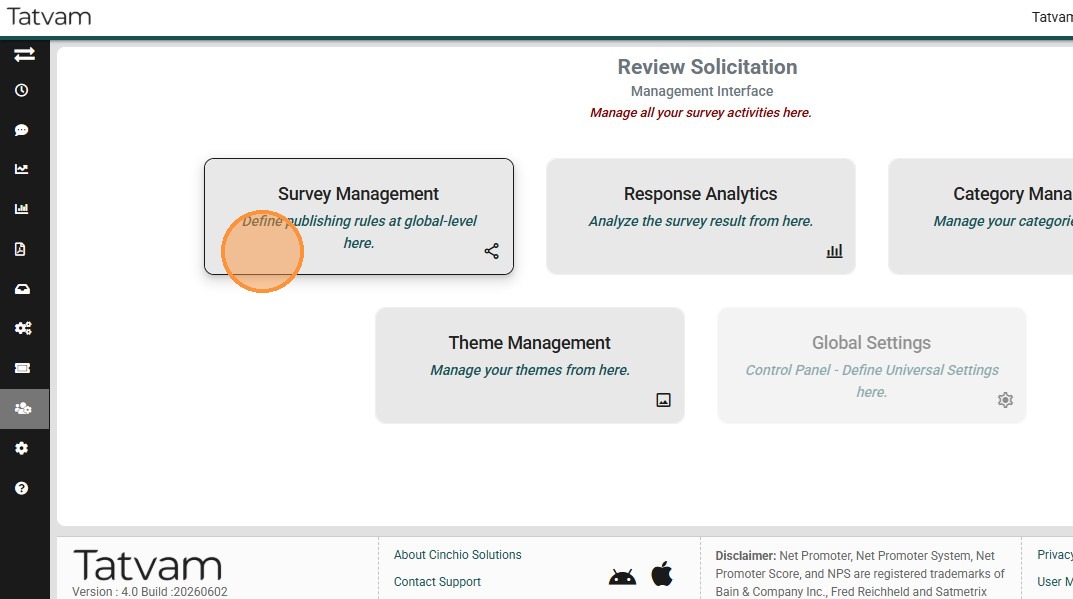
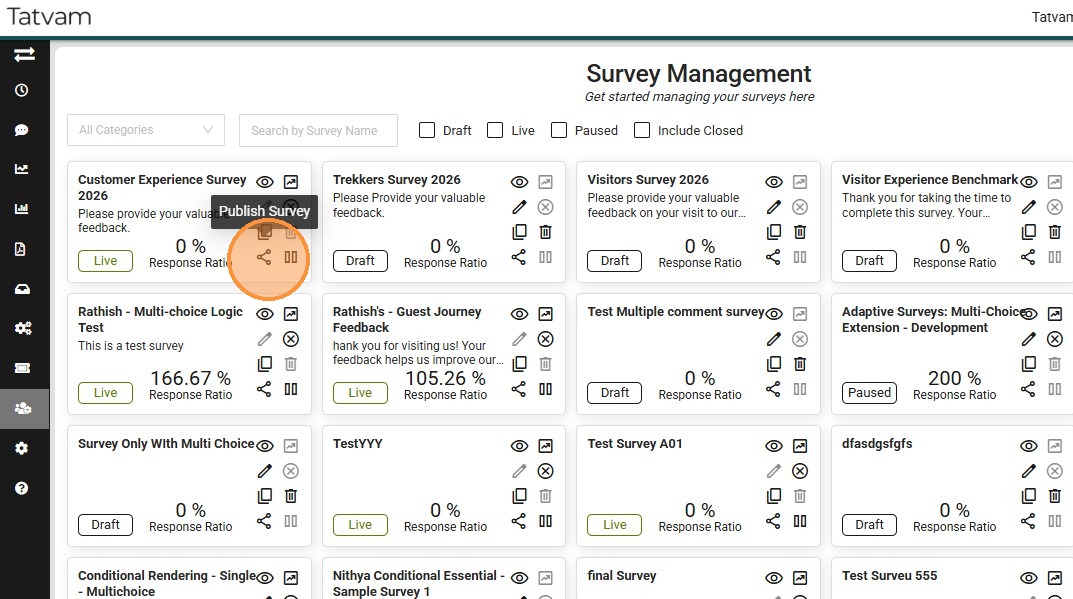
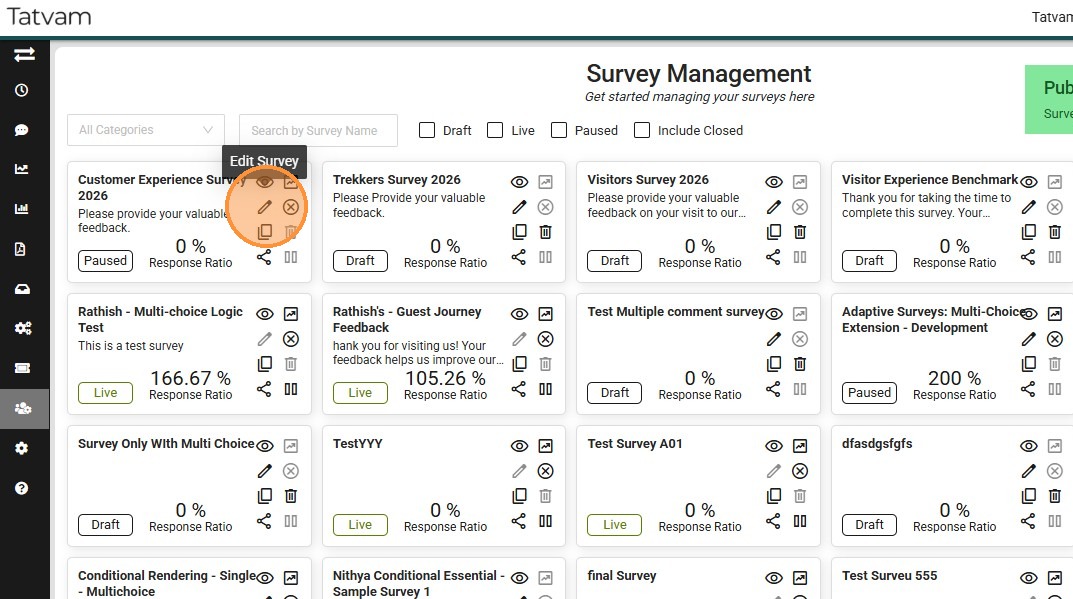
5. Click this icon to open the survey that you prefer to publish
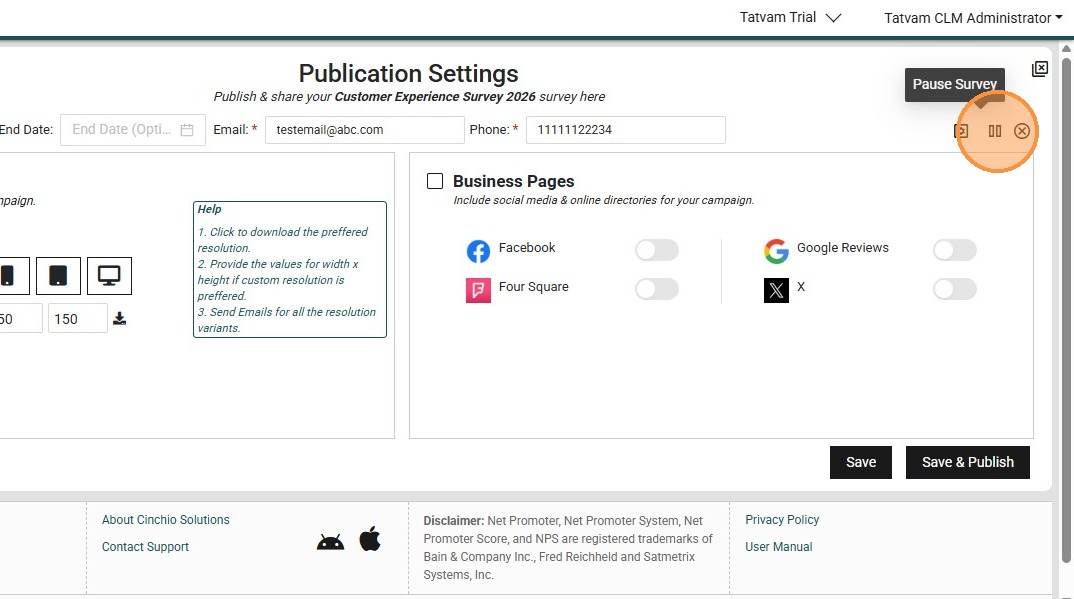
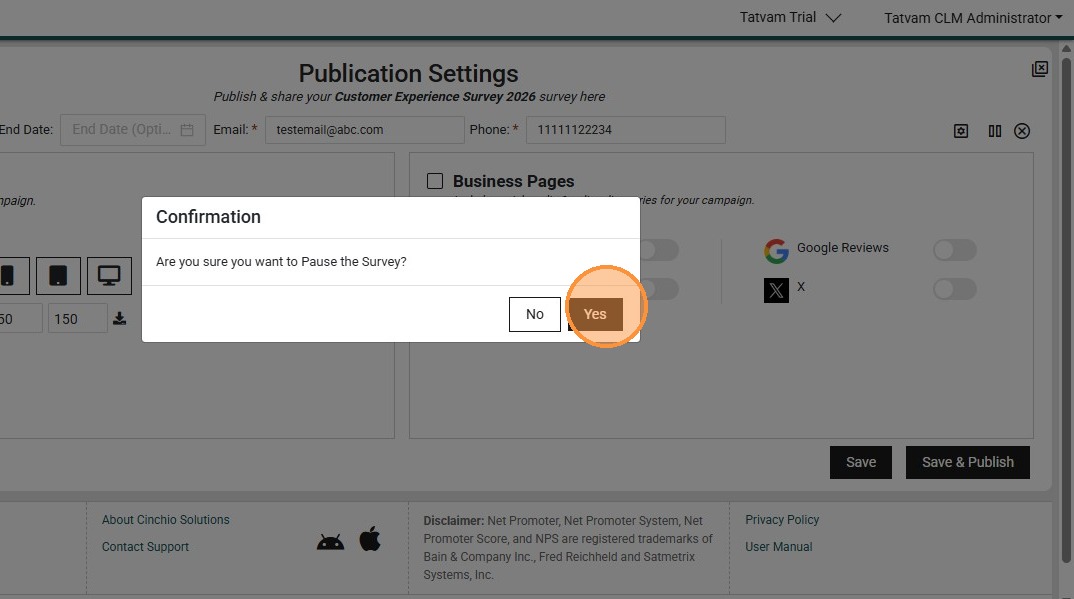
6. Click "Pause" as you need to put the survey back to draft mode to proceed with edit
7. Click "Yes"
8. Click "edit"
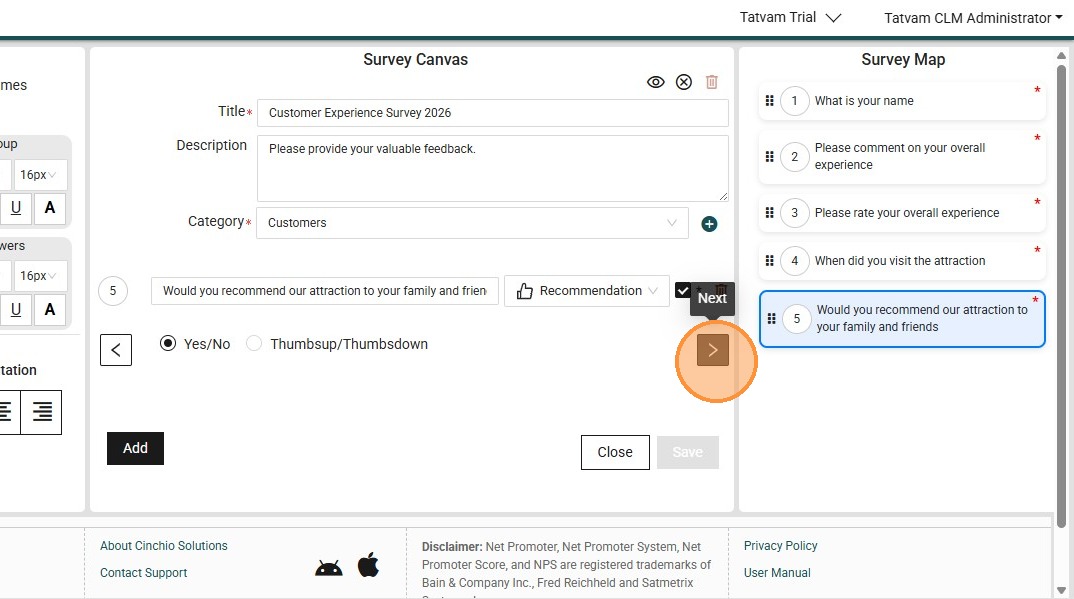
9. Click this button to add another question.
10. Click the "Enter your question" field.
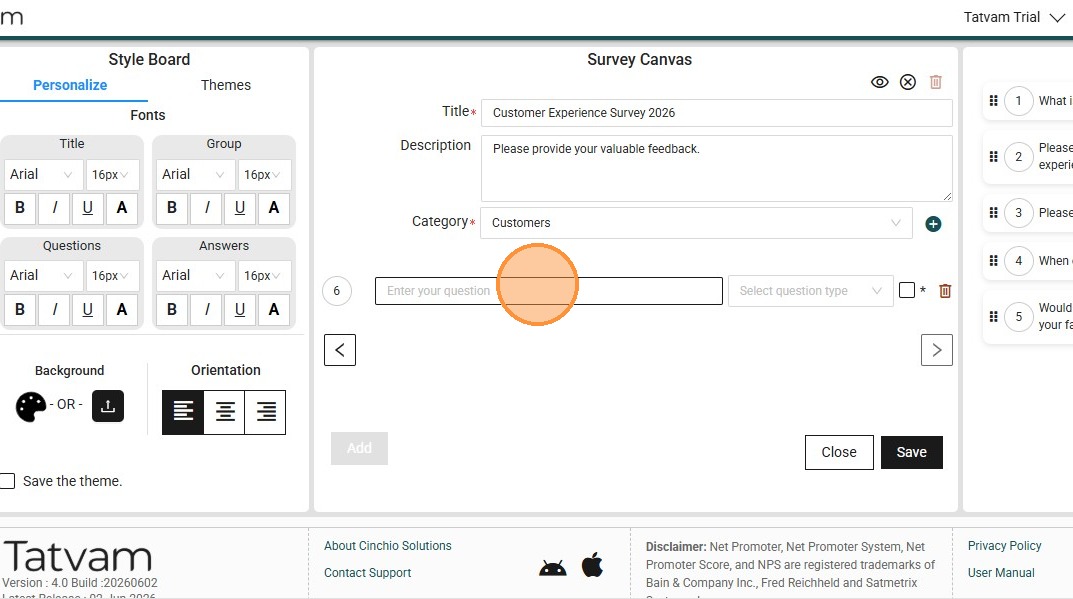
11. Type your preferred question - "Are you a amember of the attraction already"
12. Click this response type field.
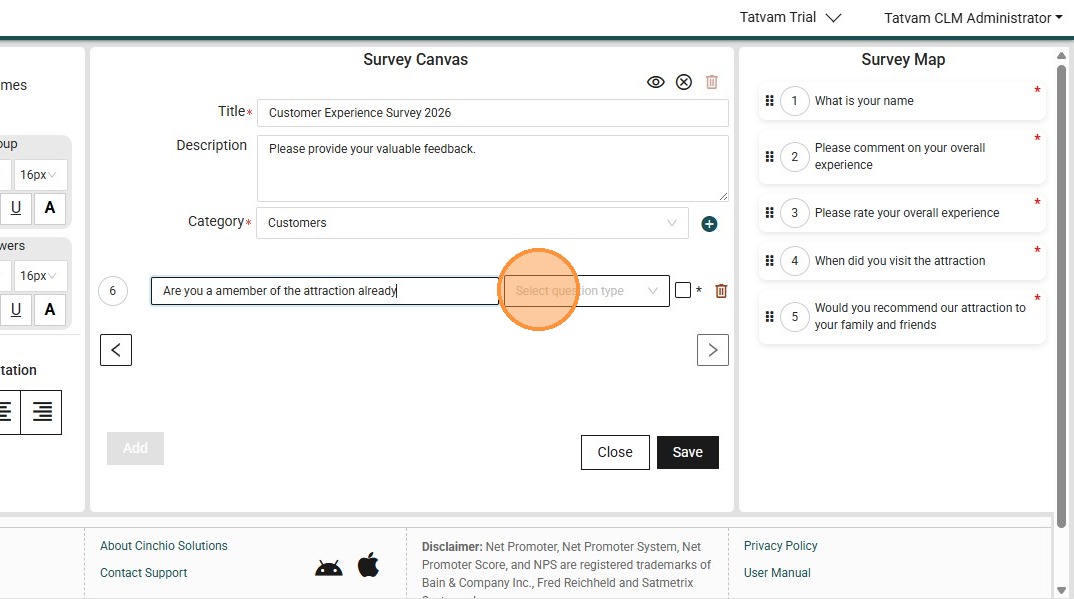
13. Select teh preferred response type.
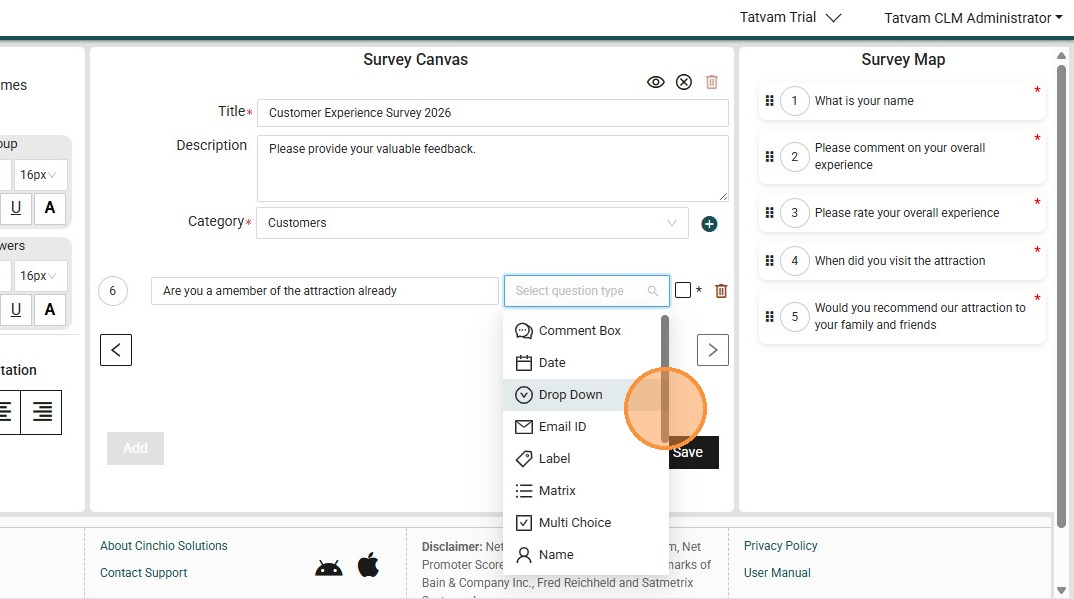
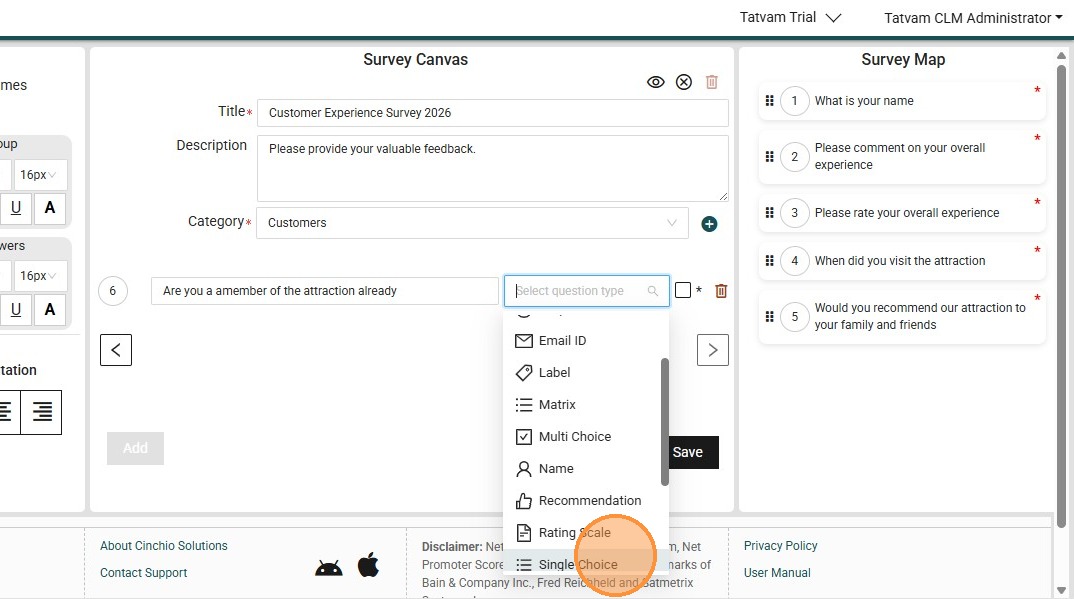
14. Click on the response type like "Single Choice"
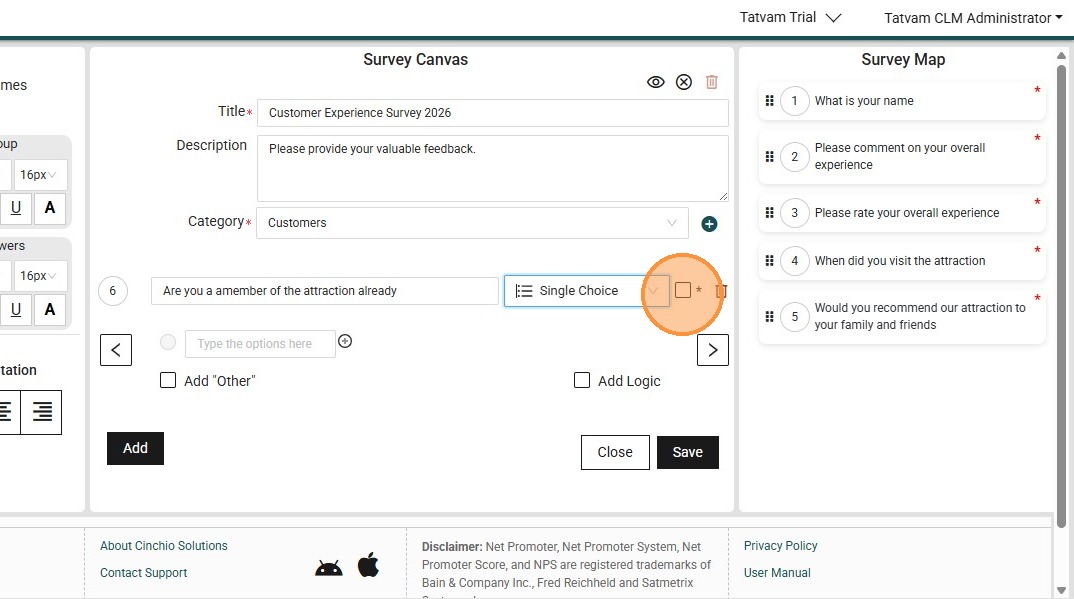
15. Click the "*" field, to mark it as mandatory
16. Click the "Type the options here" field.
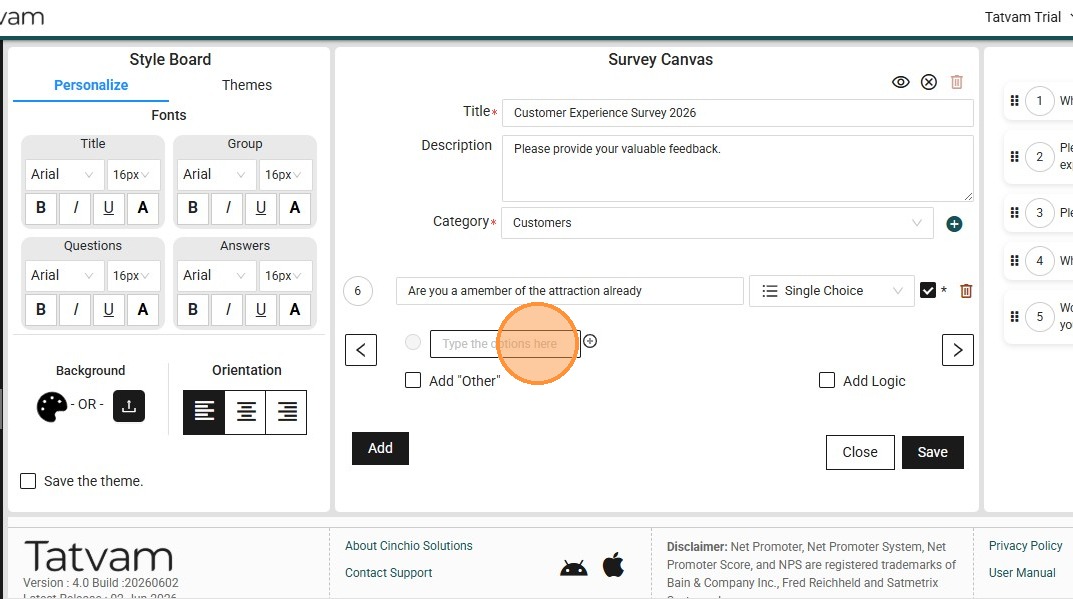
17. Type in the options like "Yes"
18. Click this icon to add another option
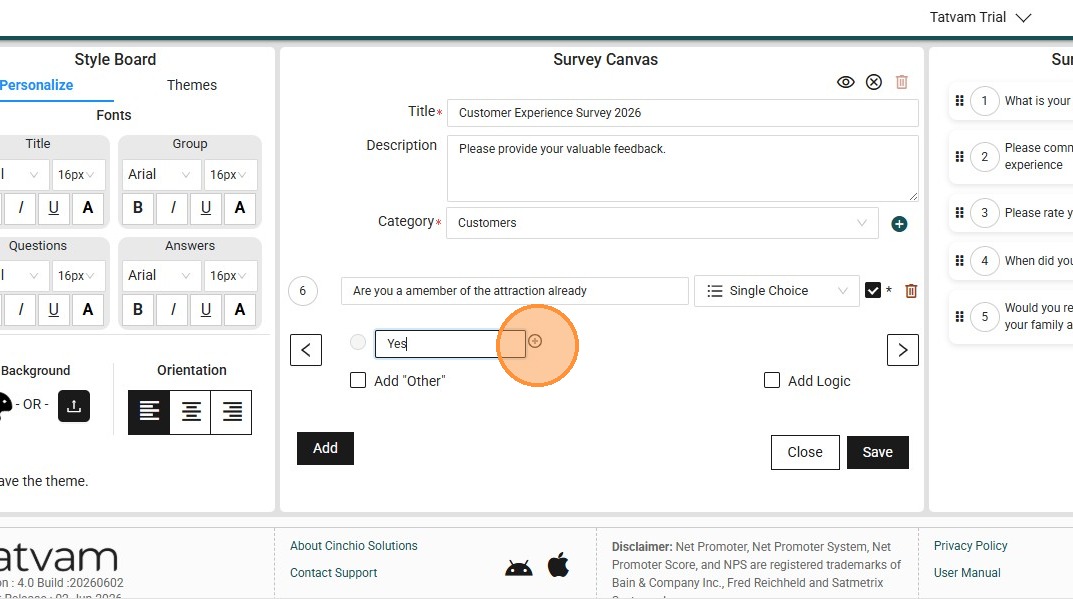
19. Click the "Type the options here" field.
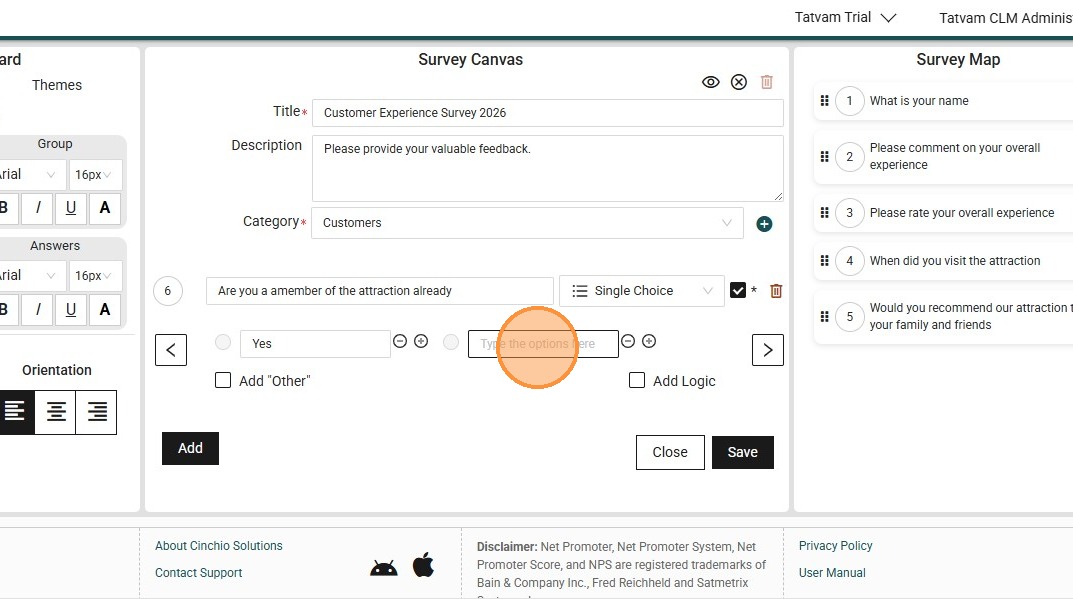
20. Type another option like "No"
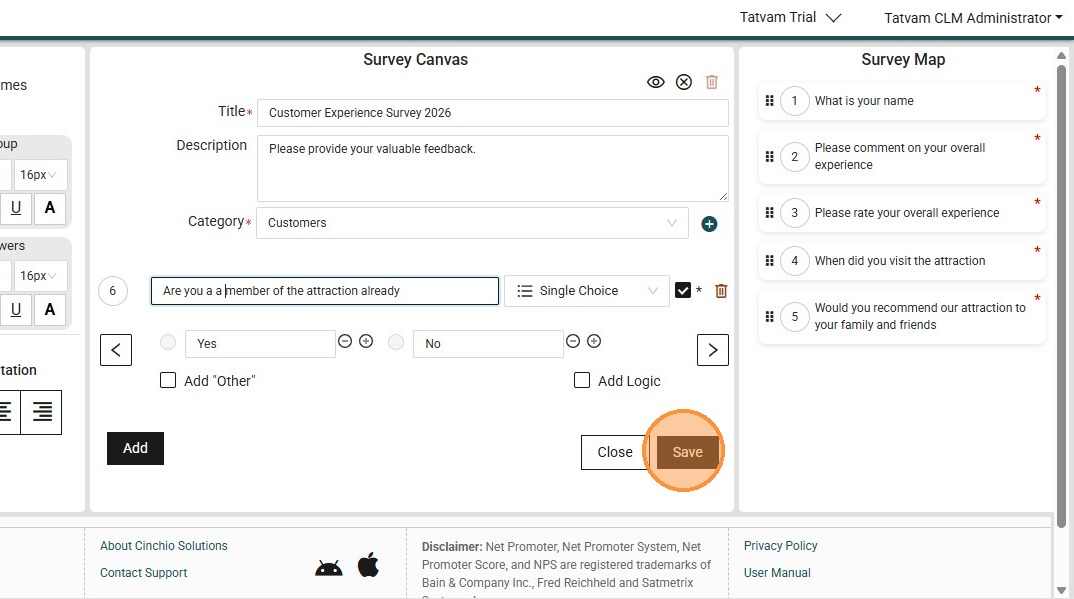
21. Click "Save"
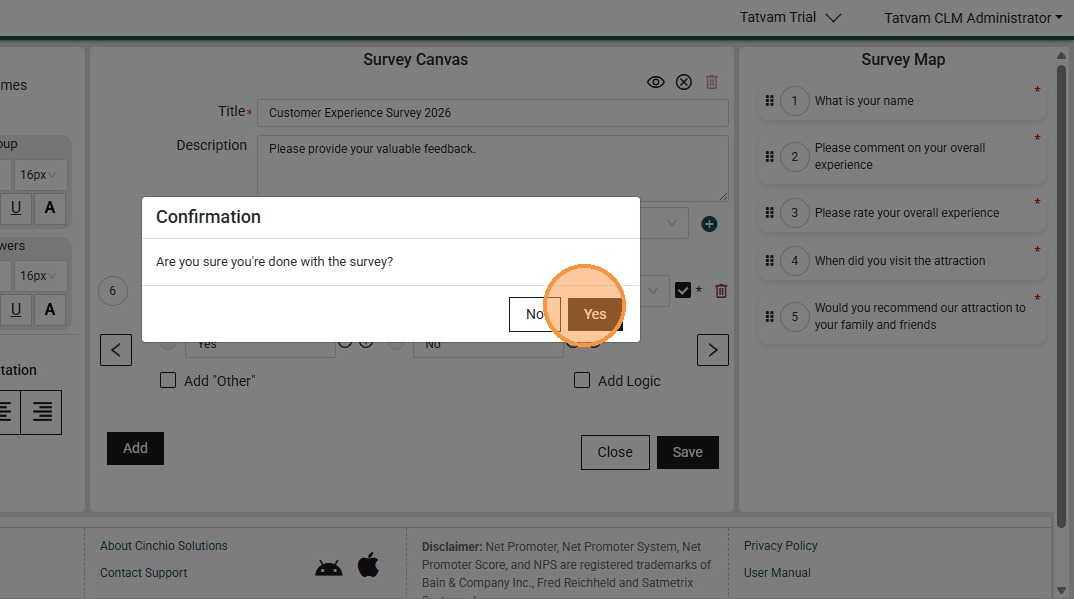
22. Click "Yes"
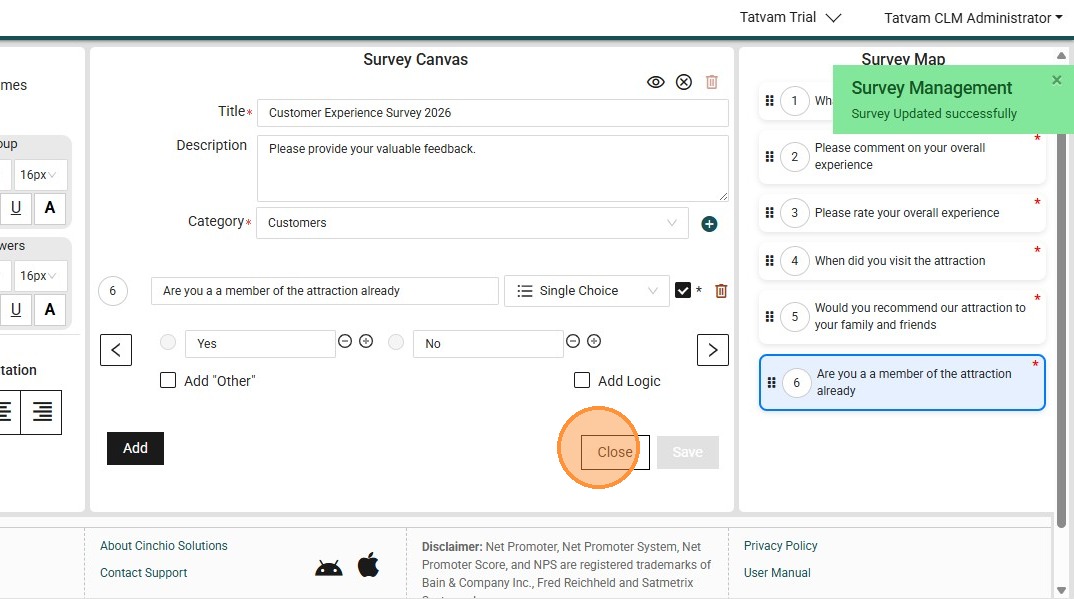
23. Click "Close"
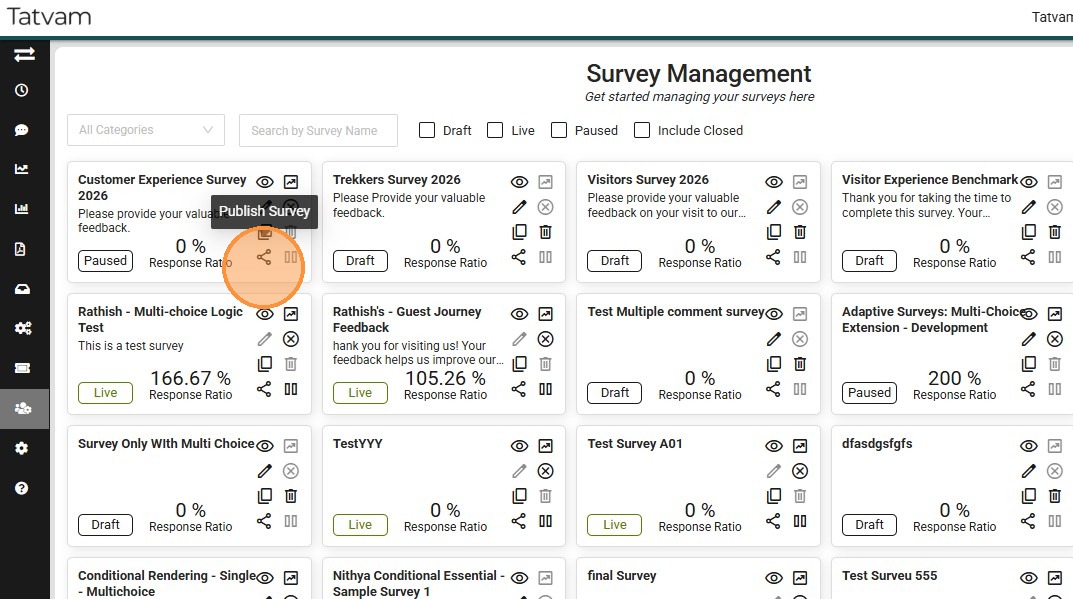
24. Click this icon again to republish and put the survey back to live
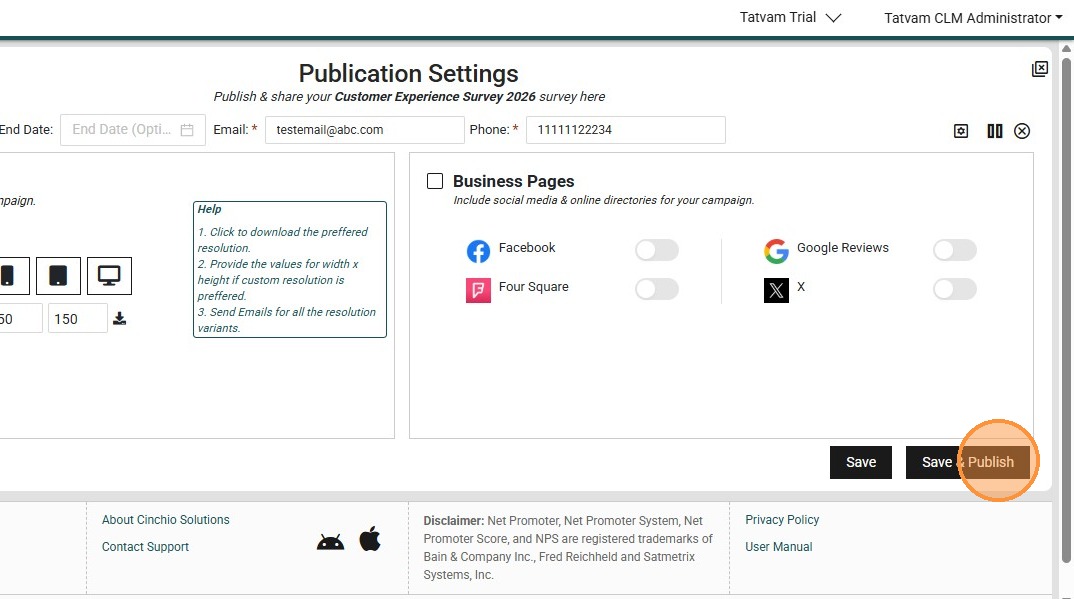
25. Click "Save & Publish"
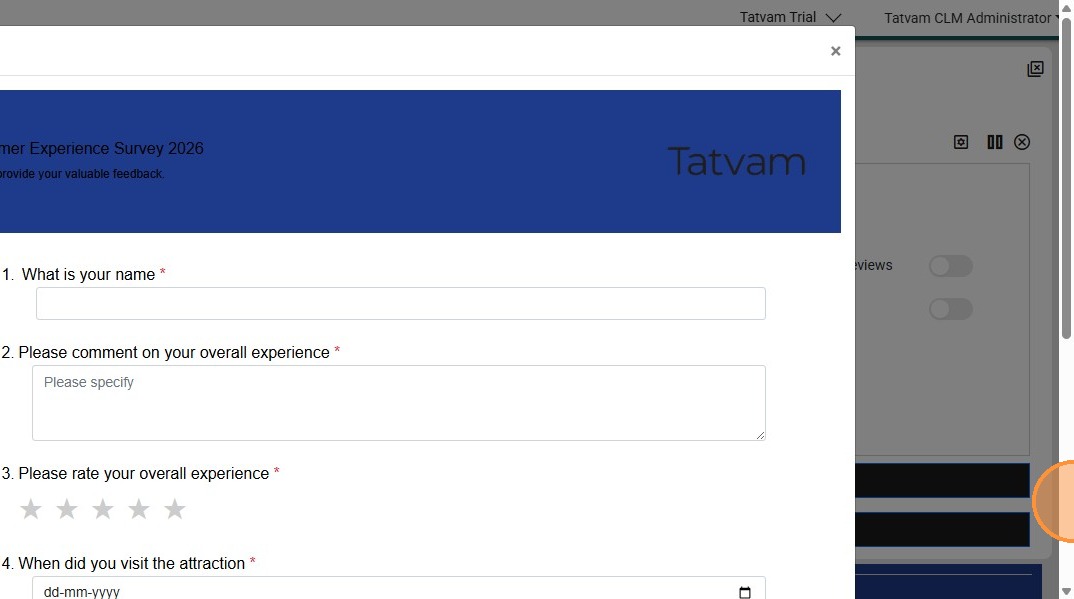
26. Preview the survey to see the changes
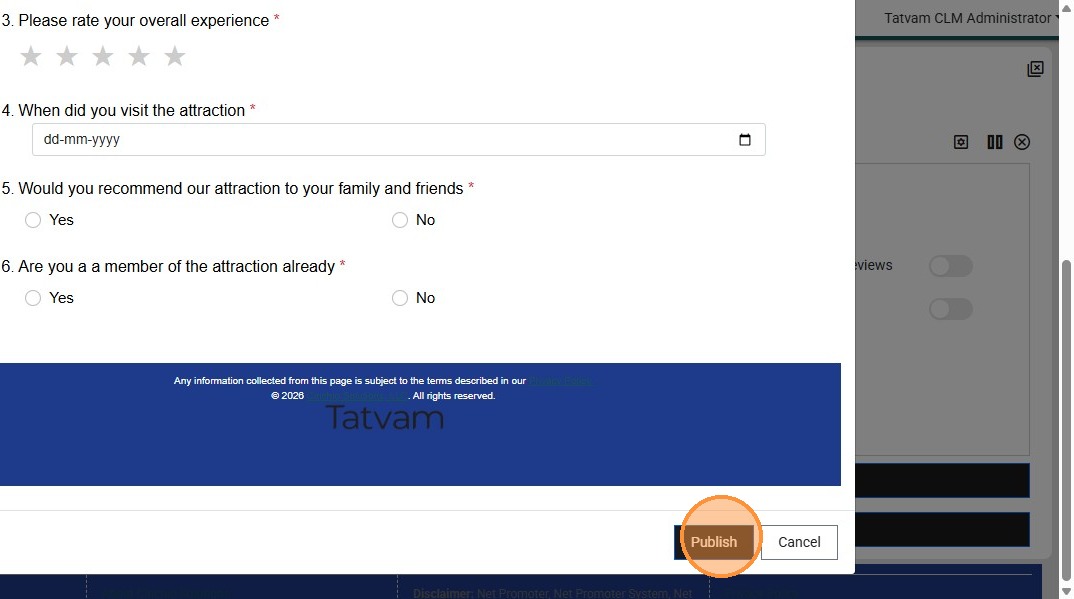
27. Click "Publish"