This guide provides instructions on how to manage user access by deactivating specific accounts within Tatvam. Follow these steps to update account statuses efficiently and ensure your user list remains accurate.
1. Navigate to https://live.tatvamanalytics.com/
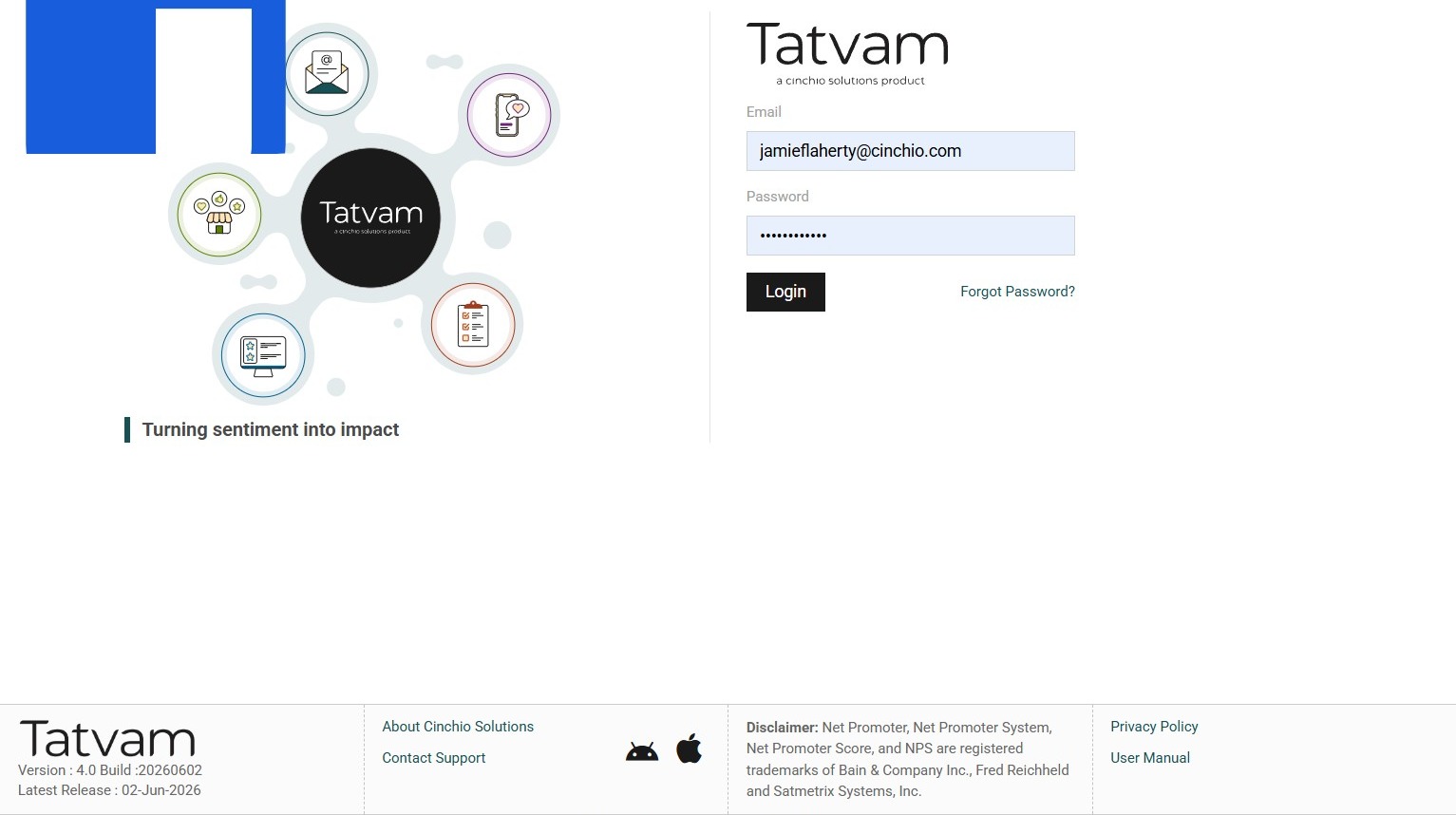
2. Enter your email address
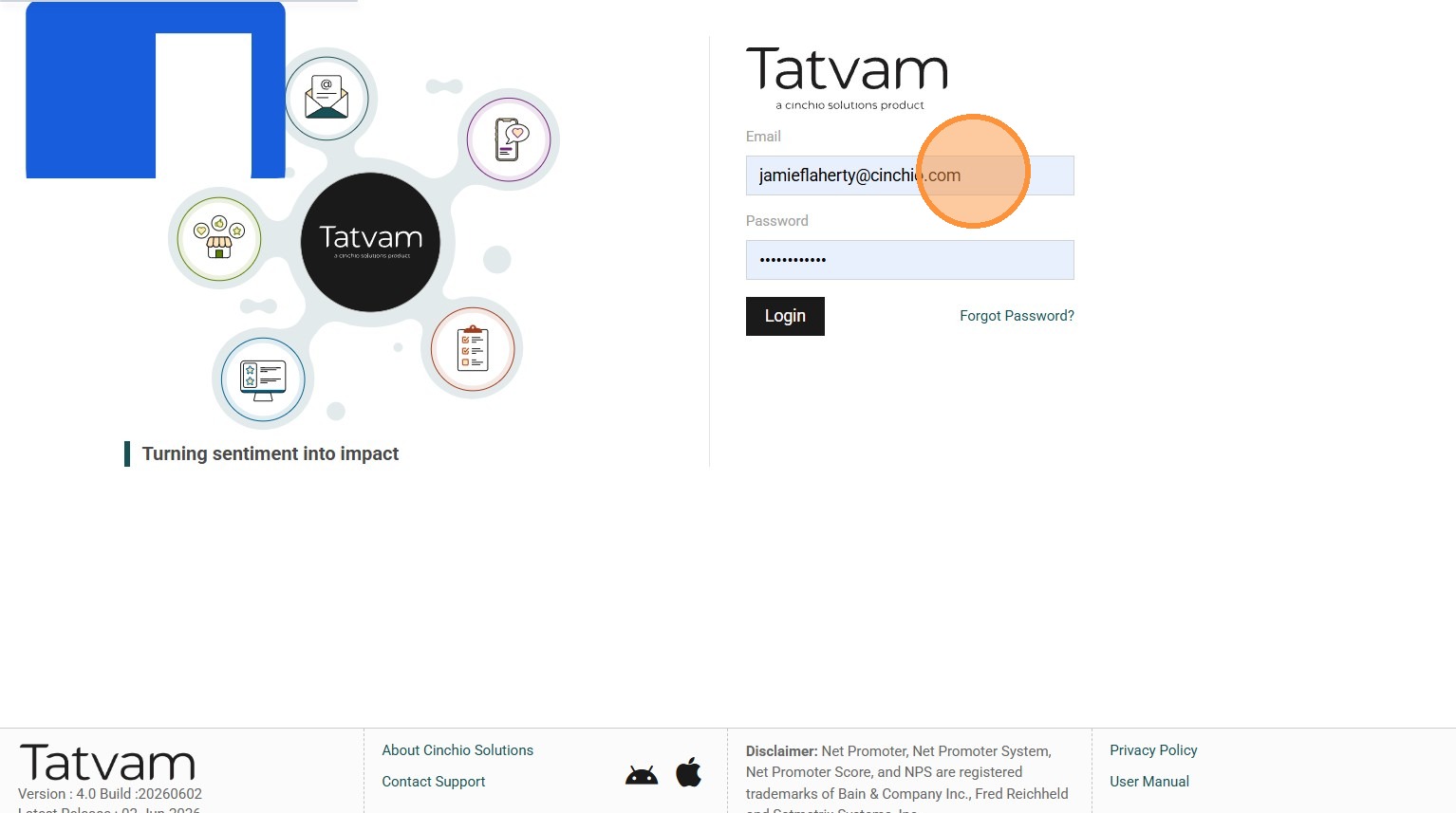
3. Enter your password
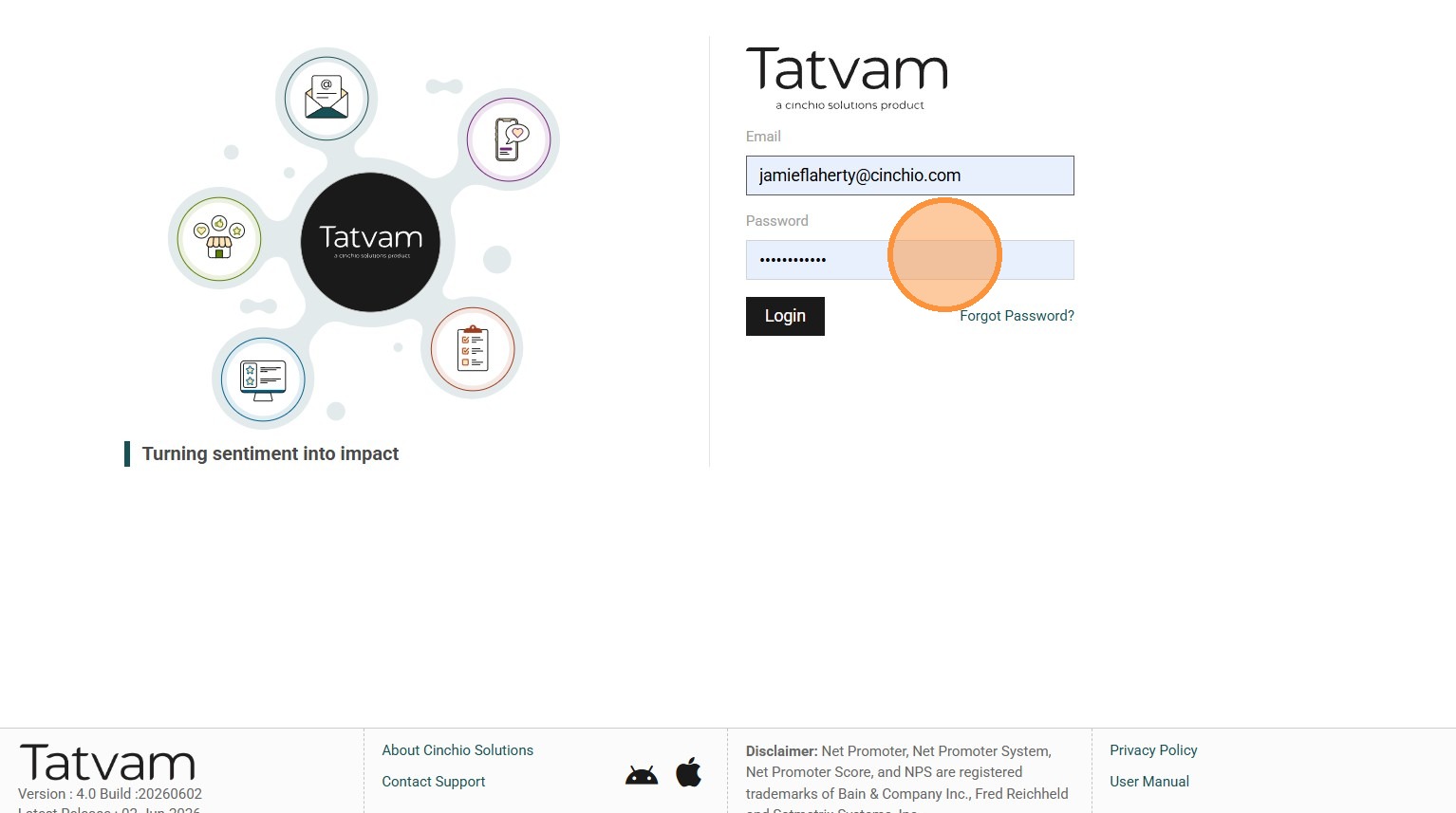
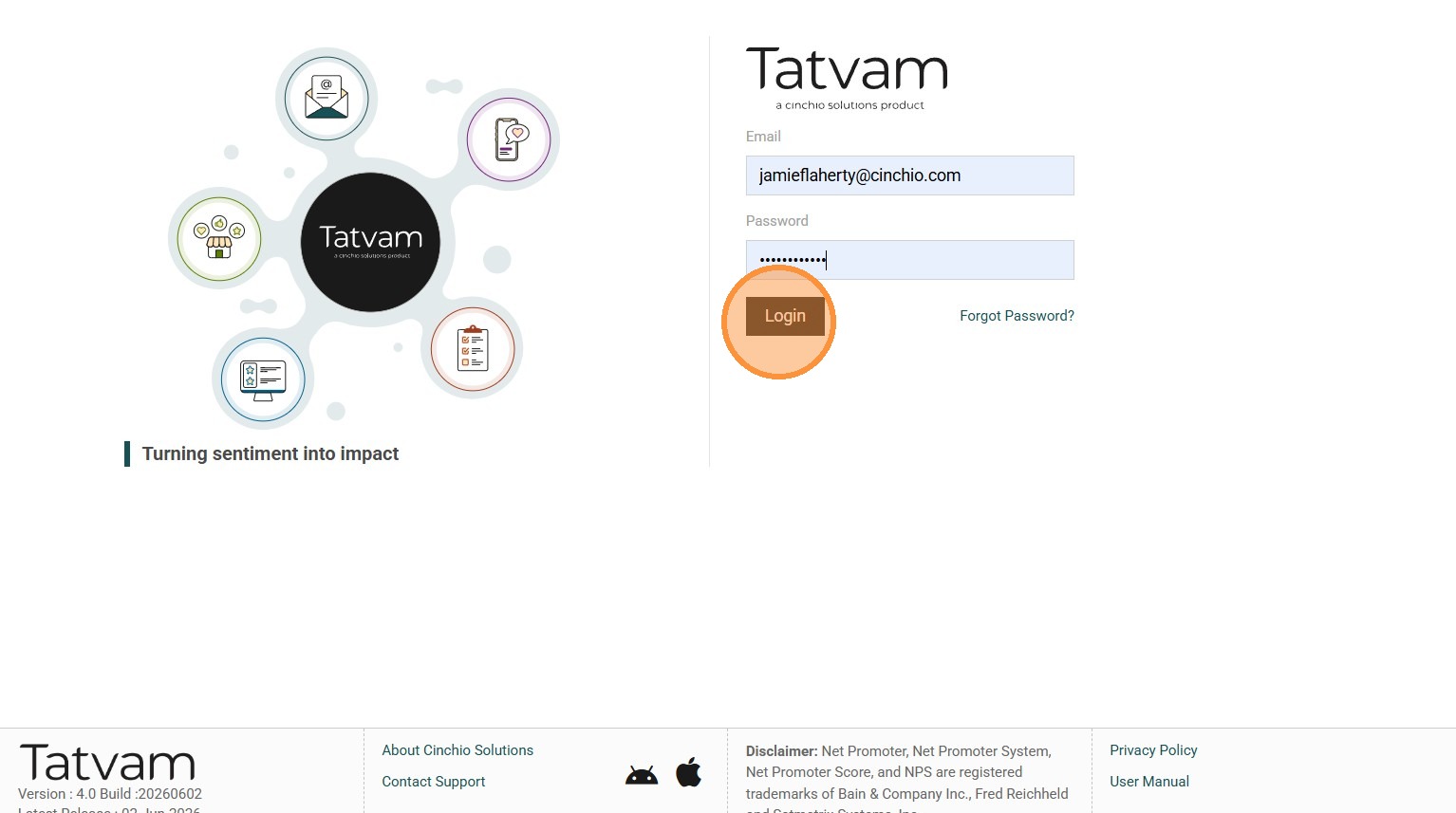
4. Click "Login"
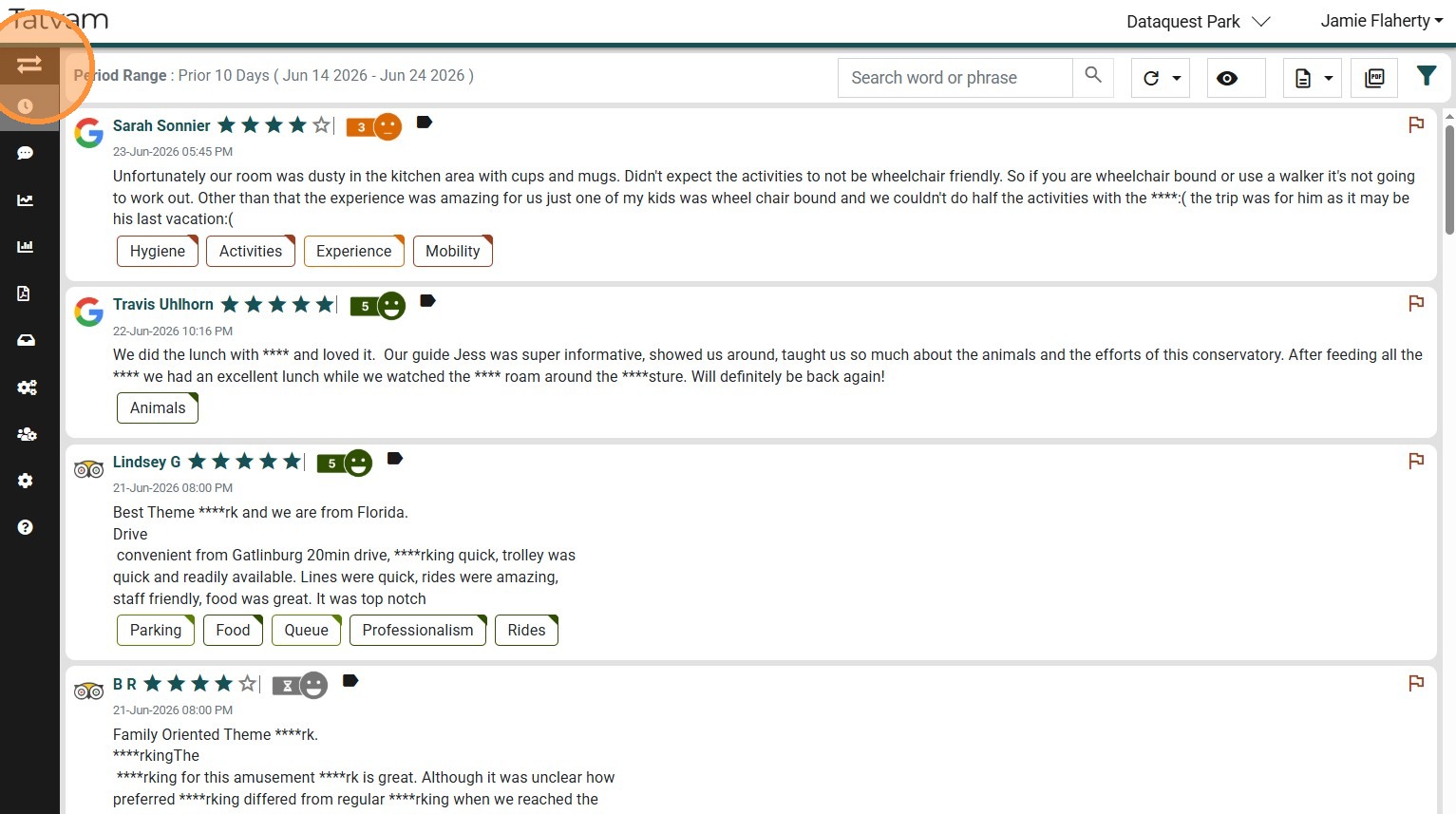
5. Click here to expand the side navigation menu
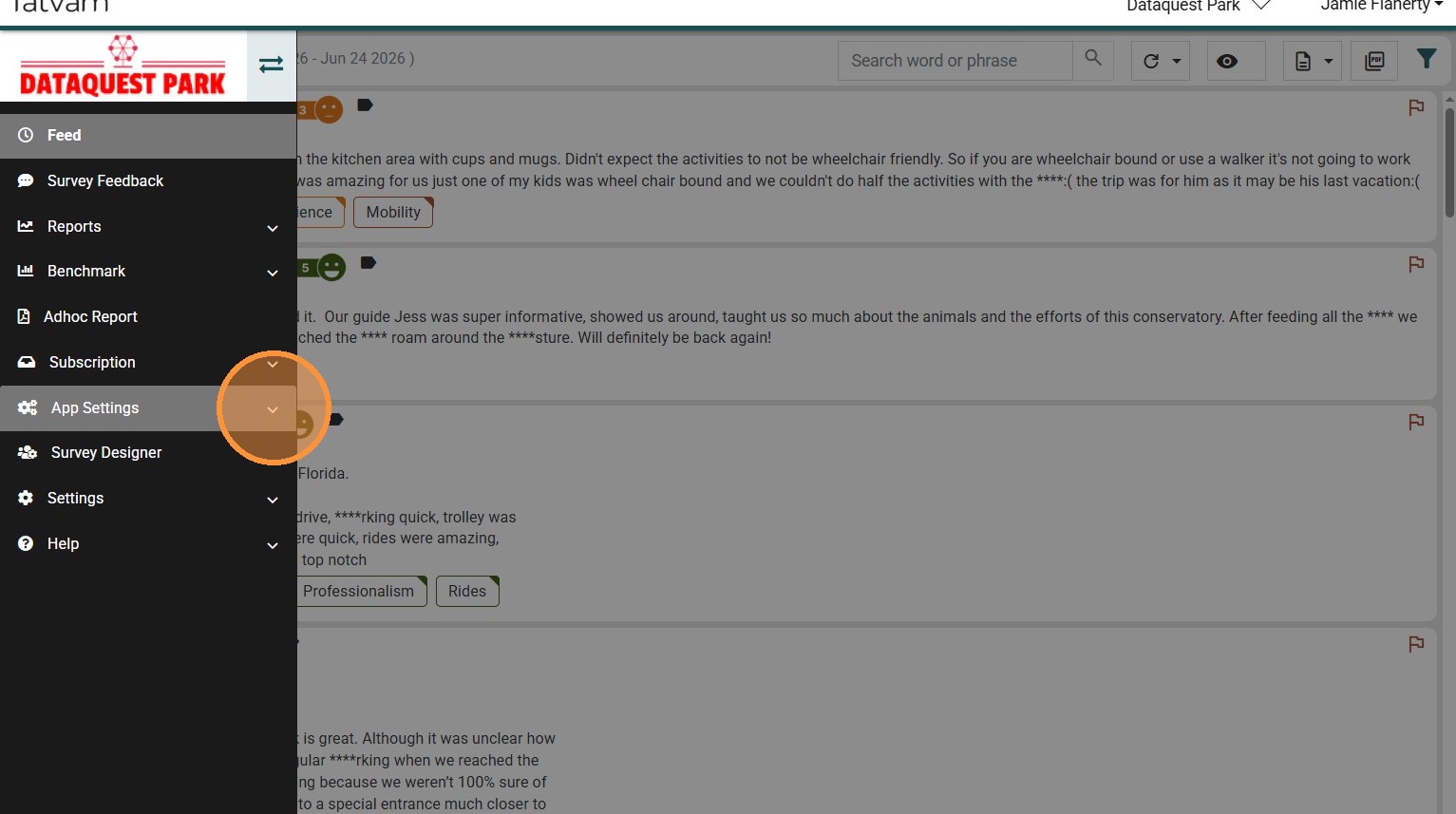
6. Click "App Settings"
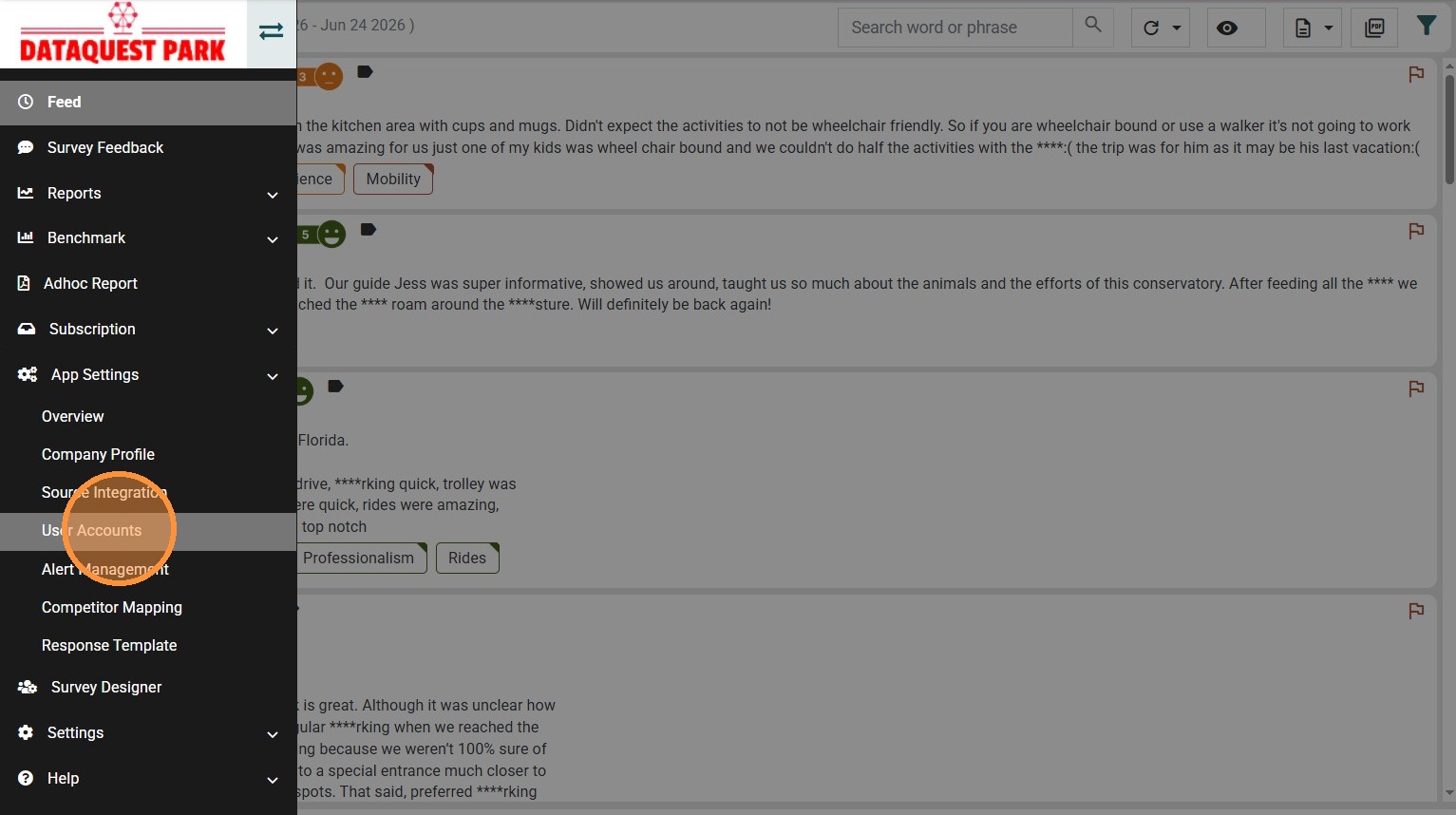
7. Click "User Accounts"
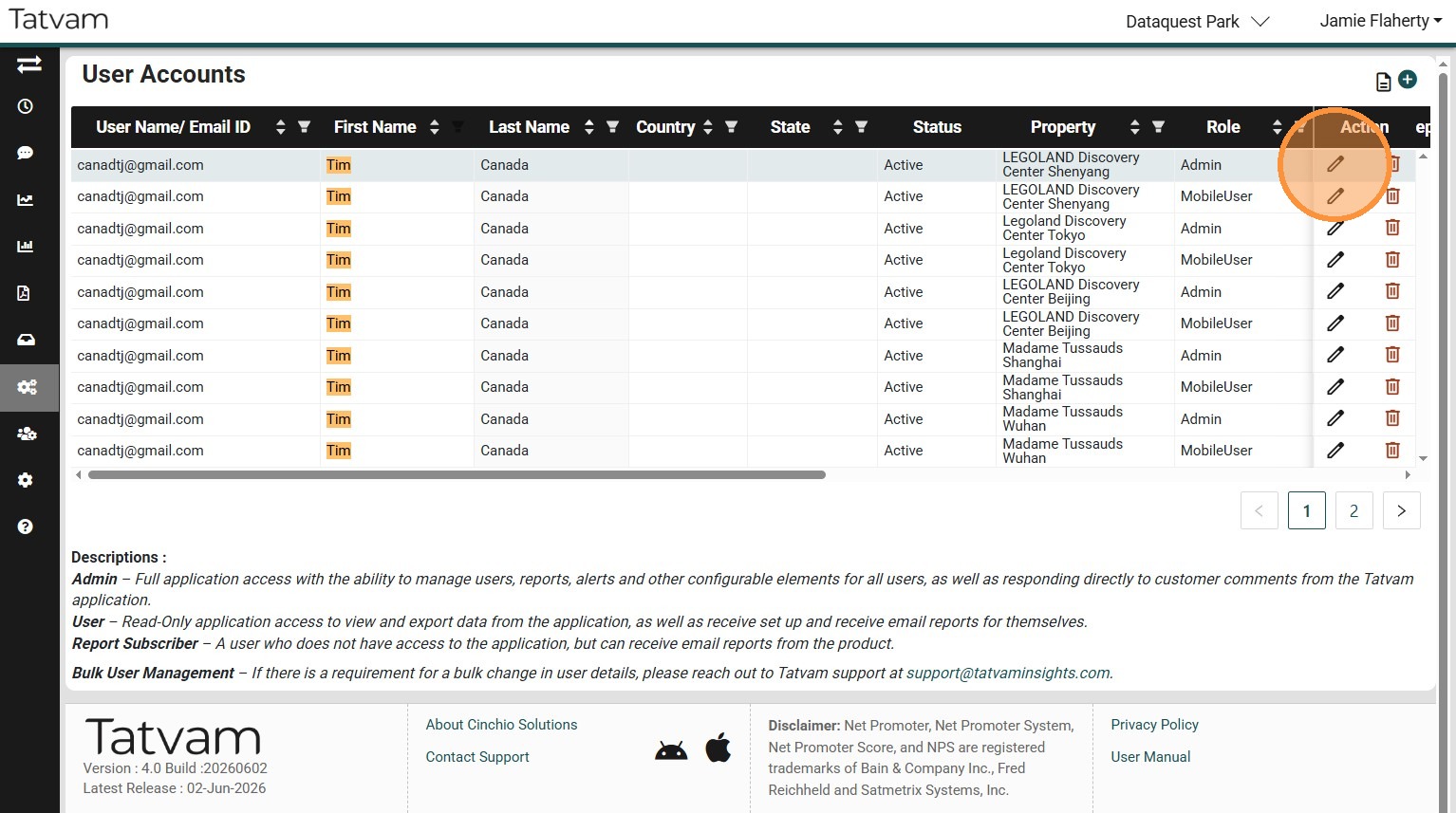
8. Locate the person you wish to deactivate
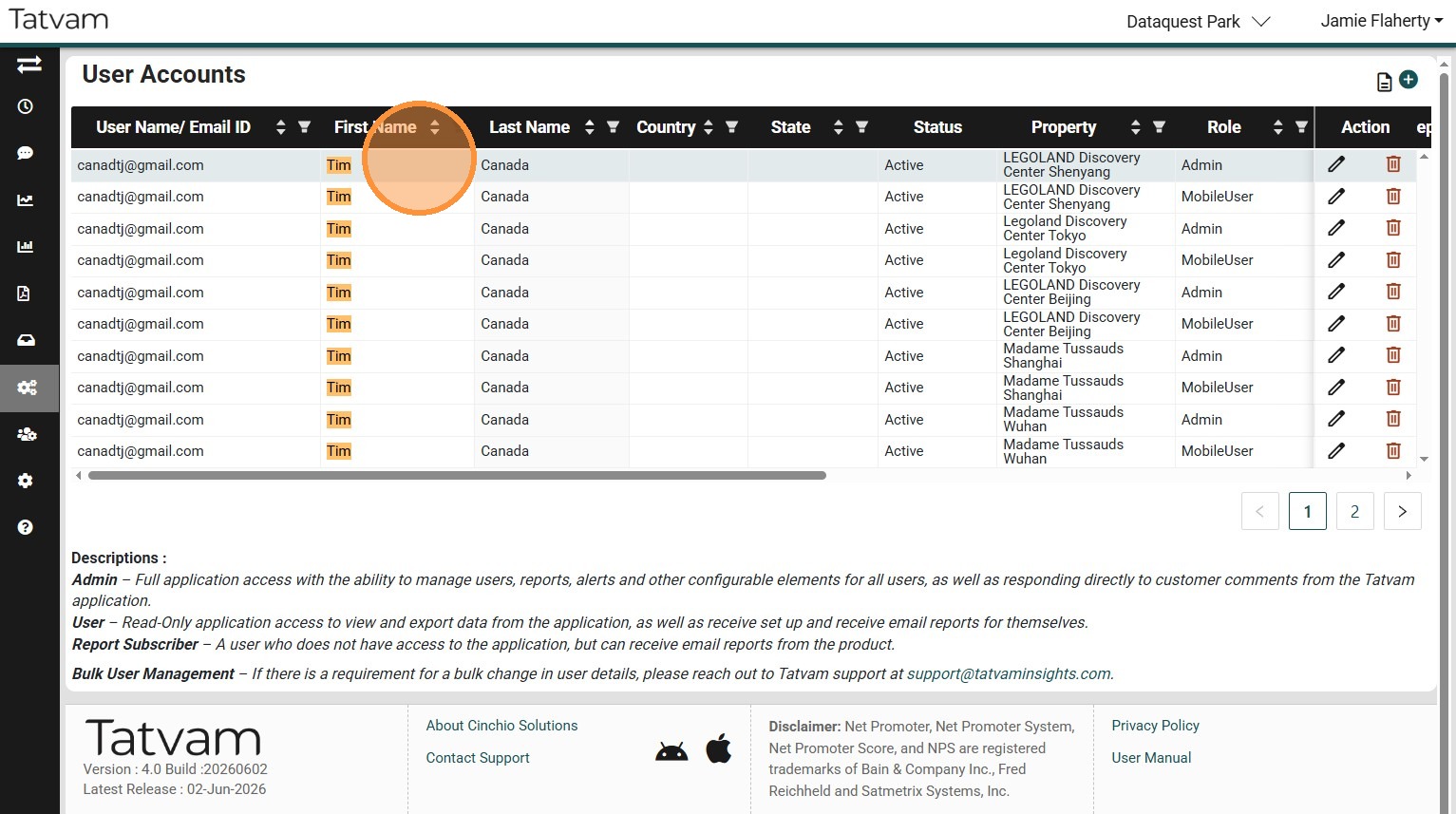
9. Click "edit" on the corresponding row
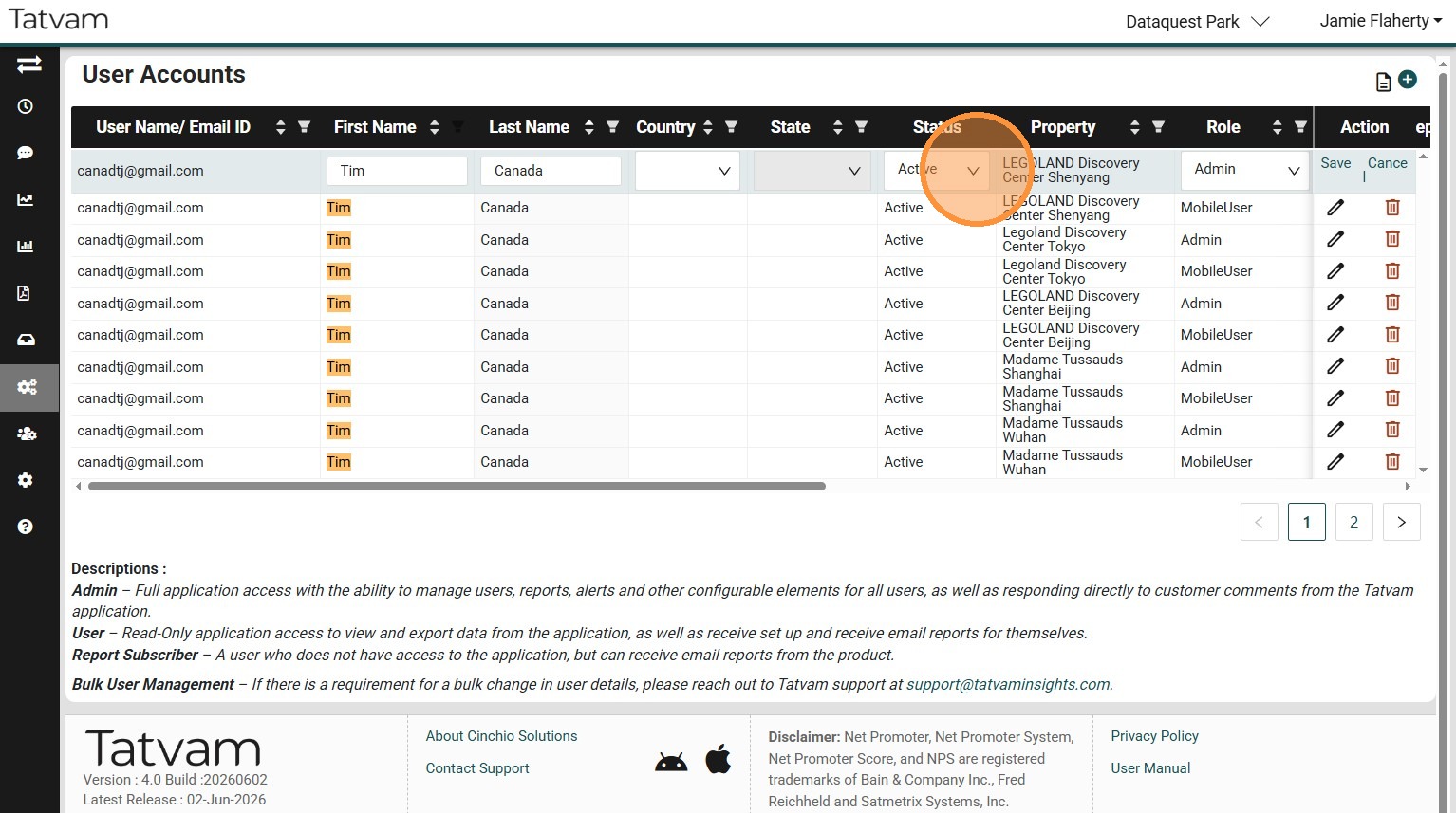
10. Click the Status where it says "Active"
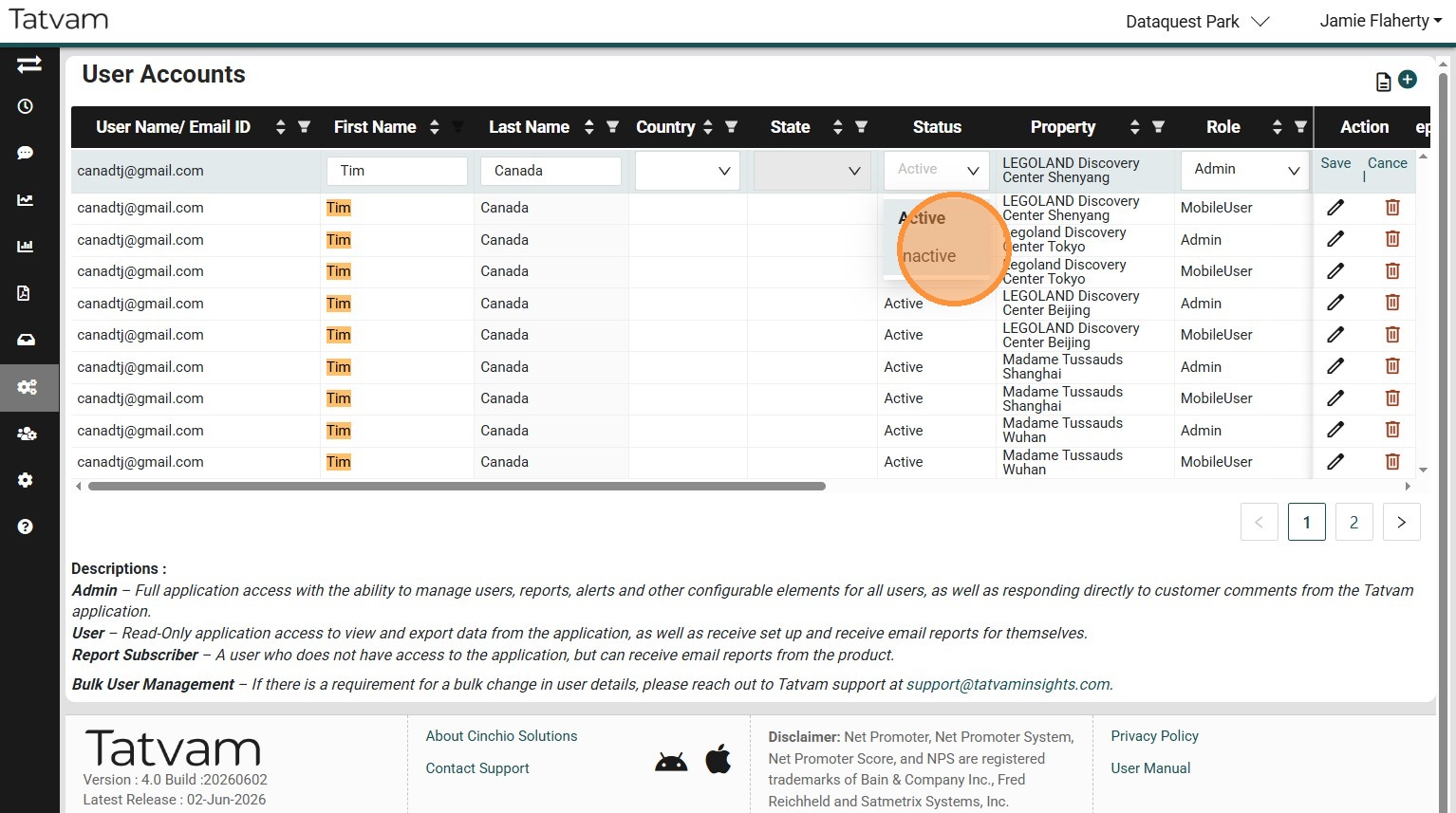
11. Select "Inactive"
12. Click "Save"
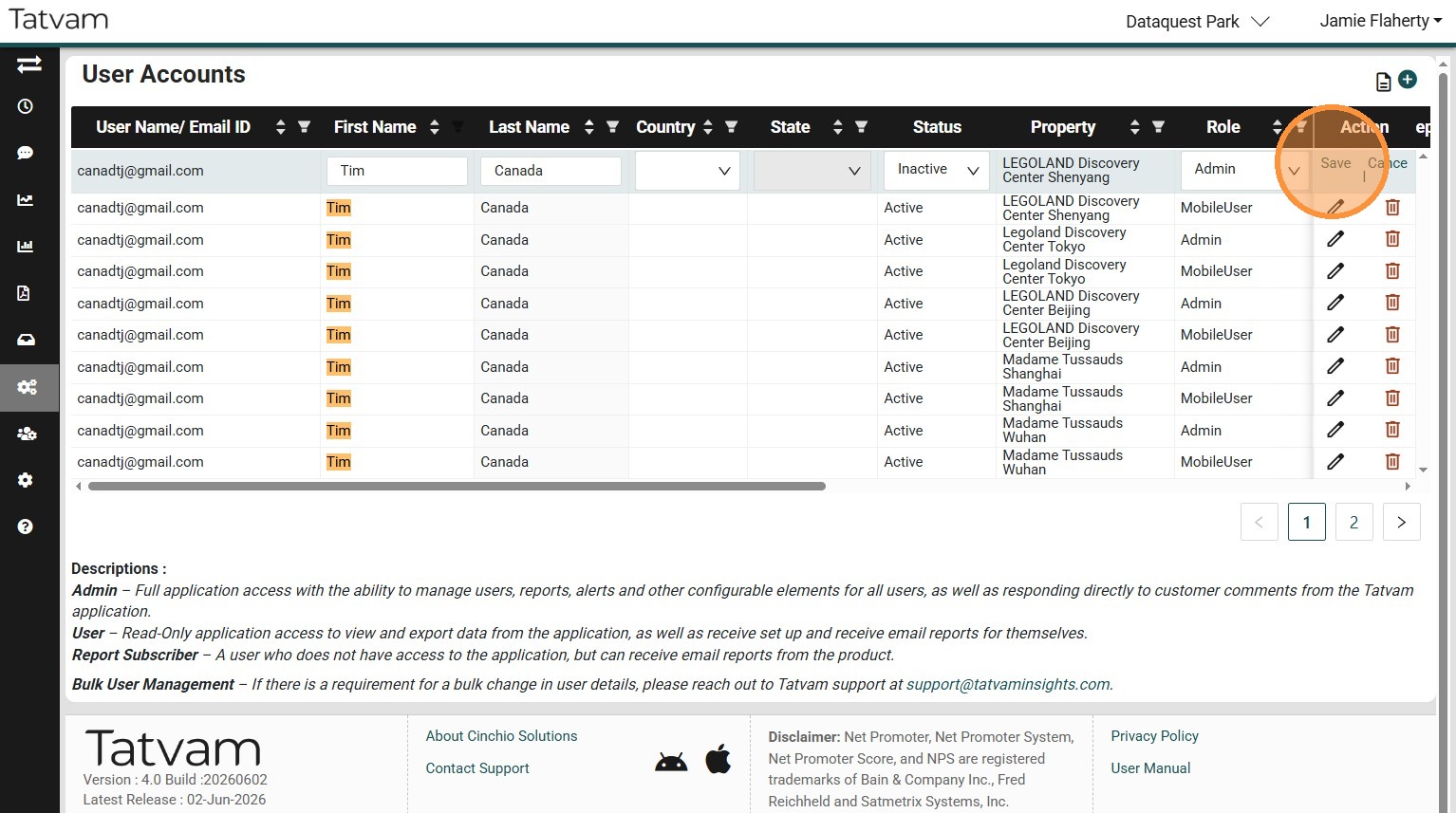
13. You Did It!