Learn the process for adding and configuring a new user profile within your system. This guide covers account authentication and setting essential user permissions for seamless administrative management.
1. Navigate to "https://live.tatvamanalytics.com/"
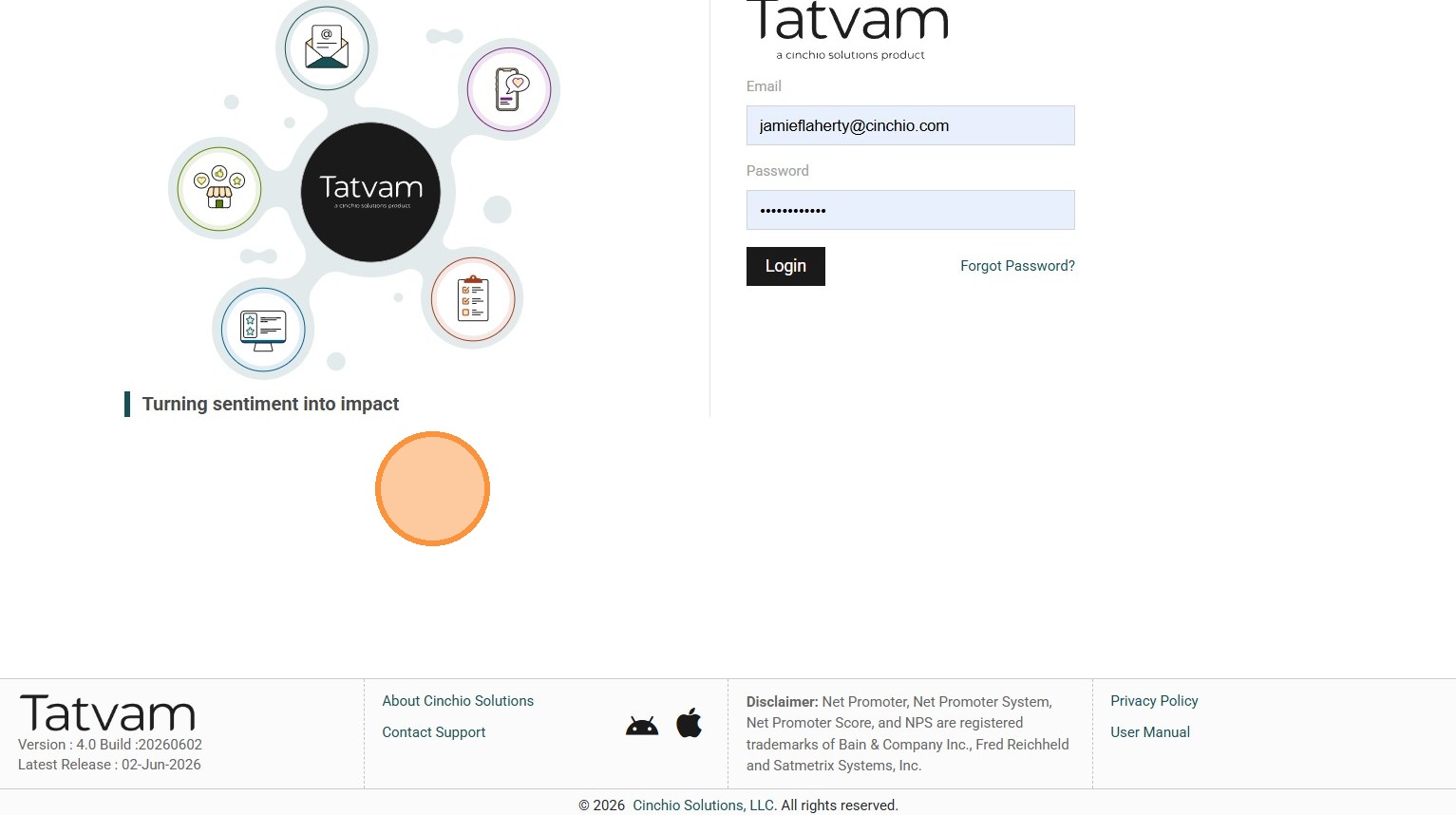
2. Enter your "Email Address" and "Password"
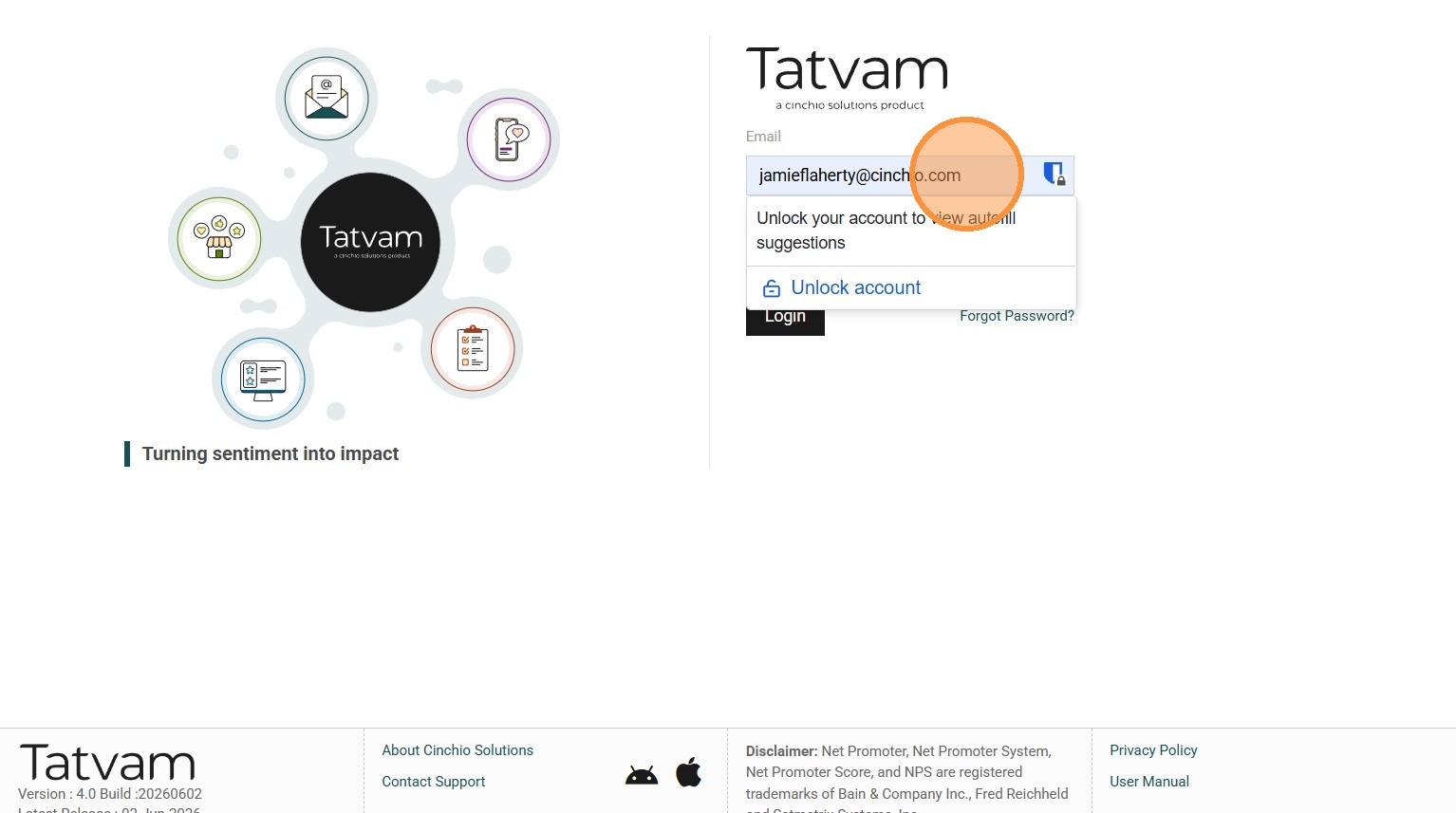
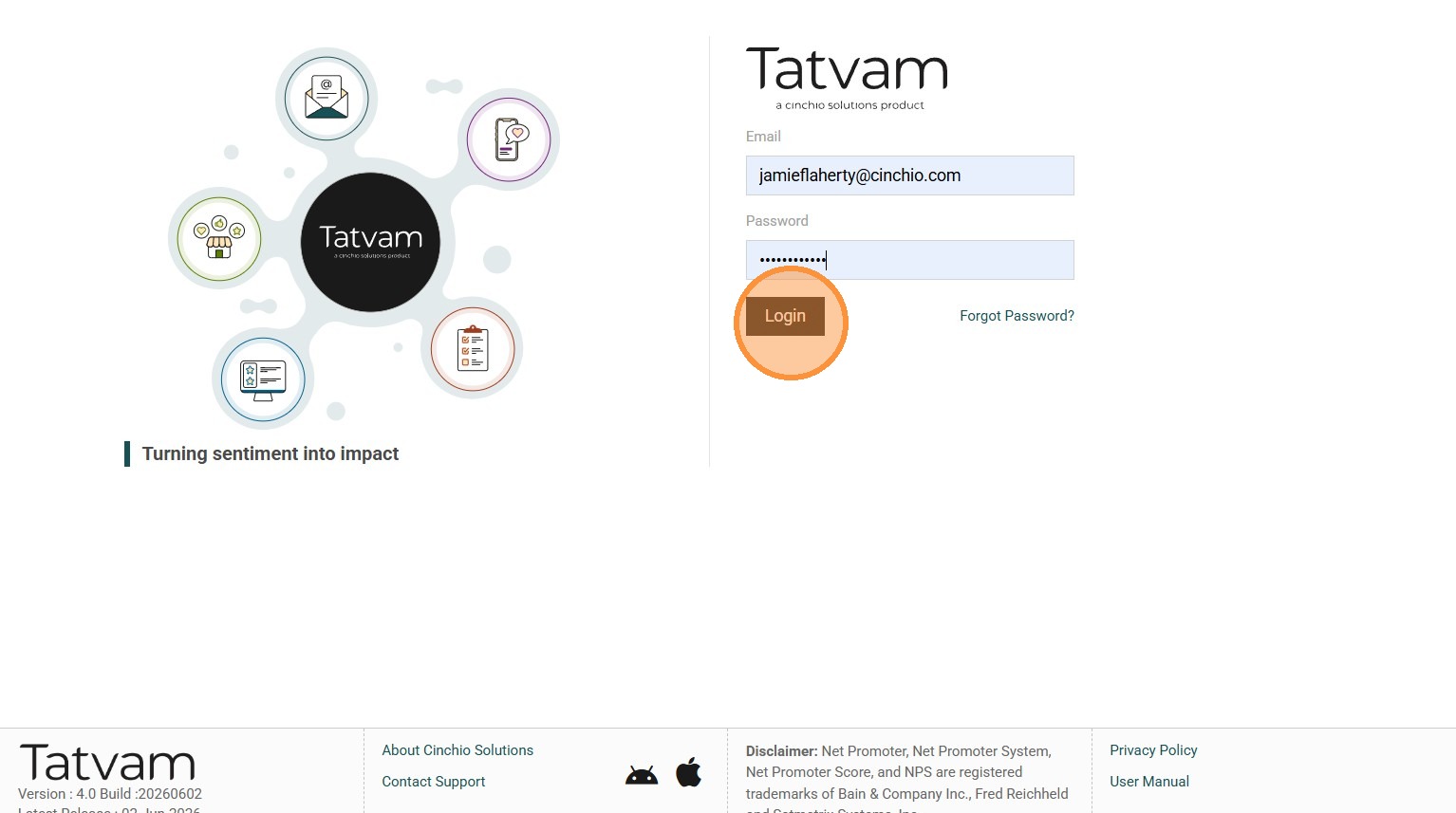
3. Click "Login"
4. Click "App Settings" (It looks like 3 machine gears)
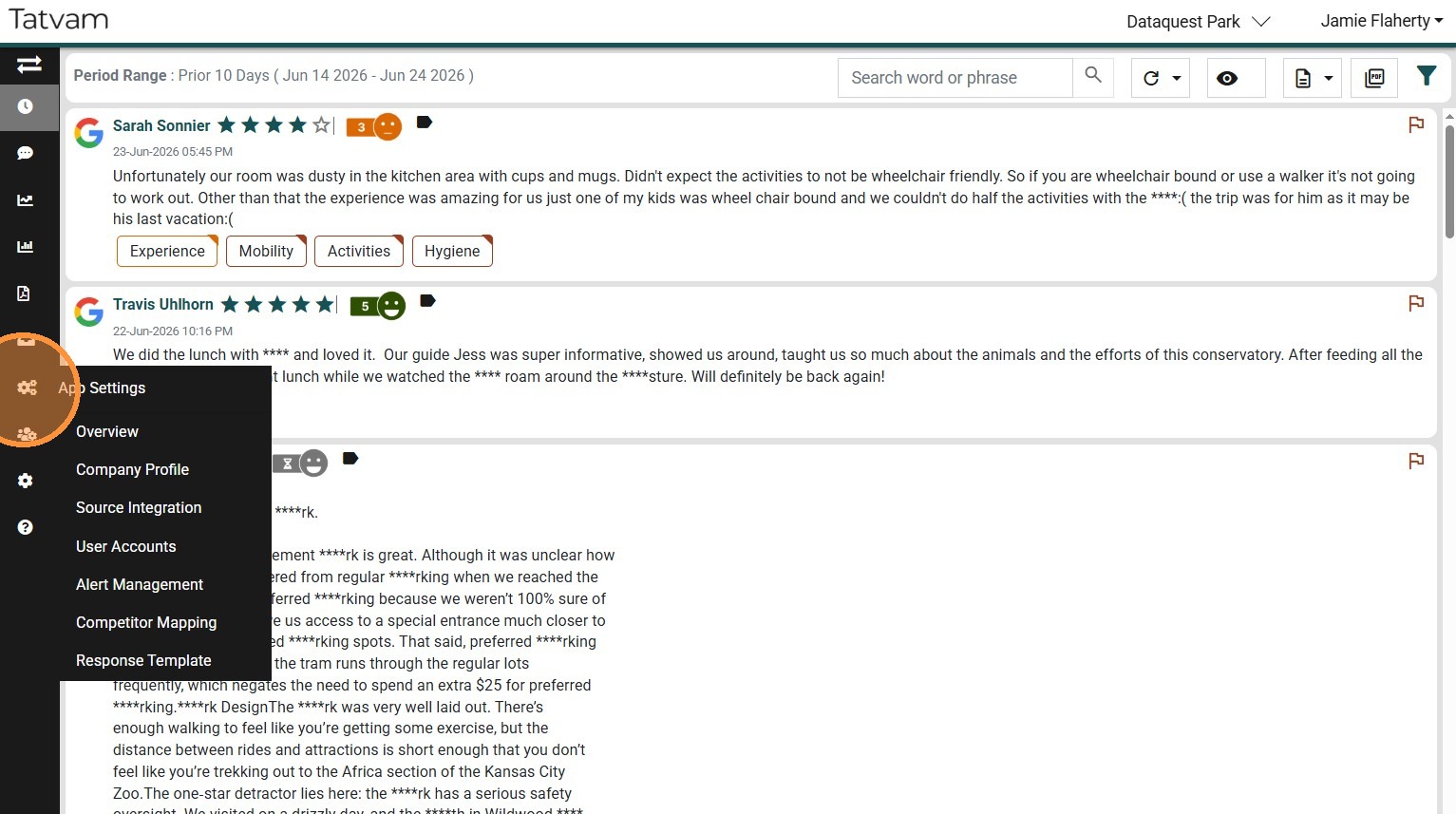
5. Click "User Accounts"
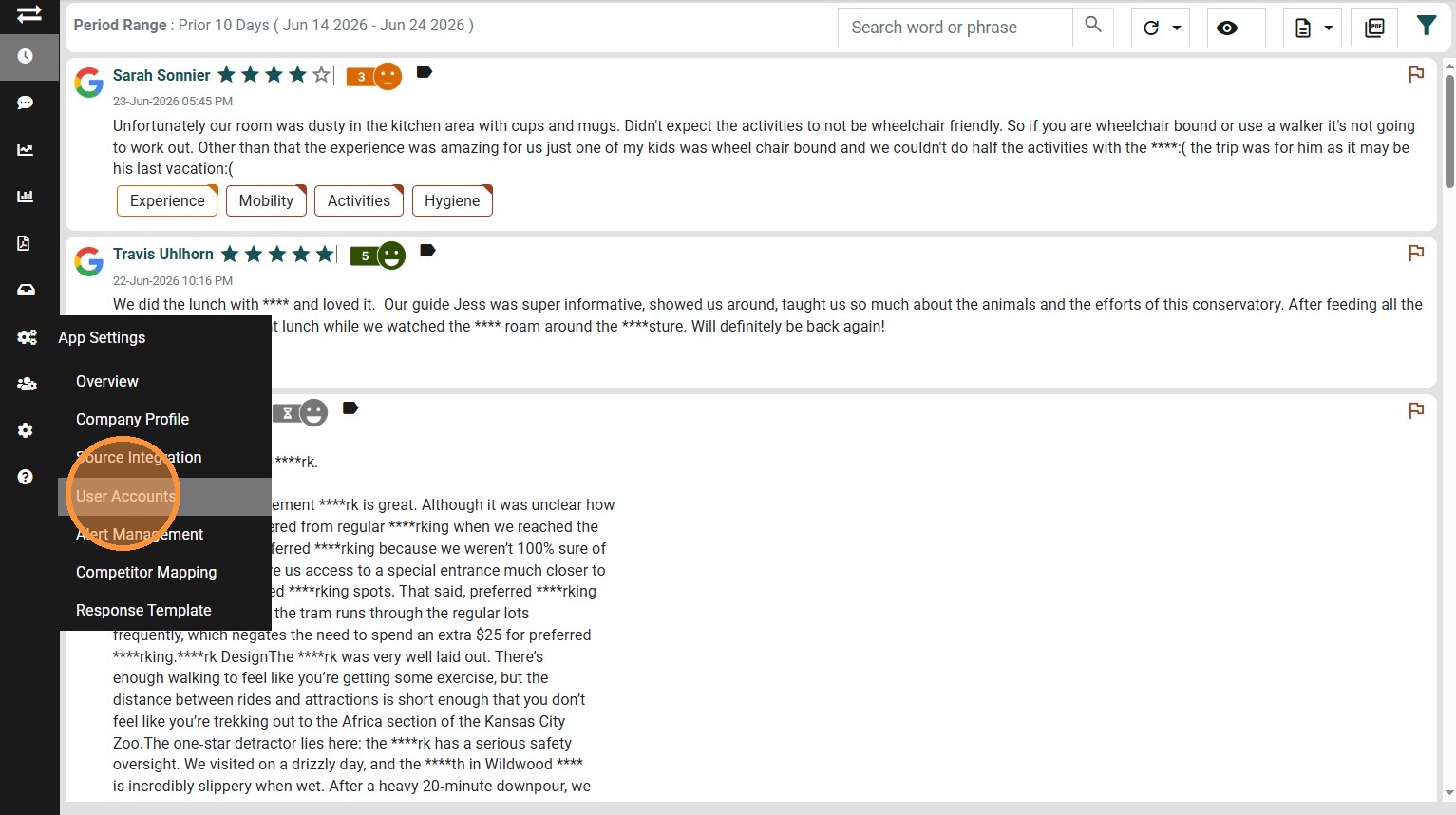
6. Click the "Add Circle" in the upper right
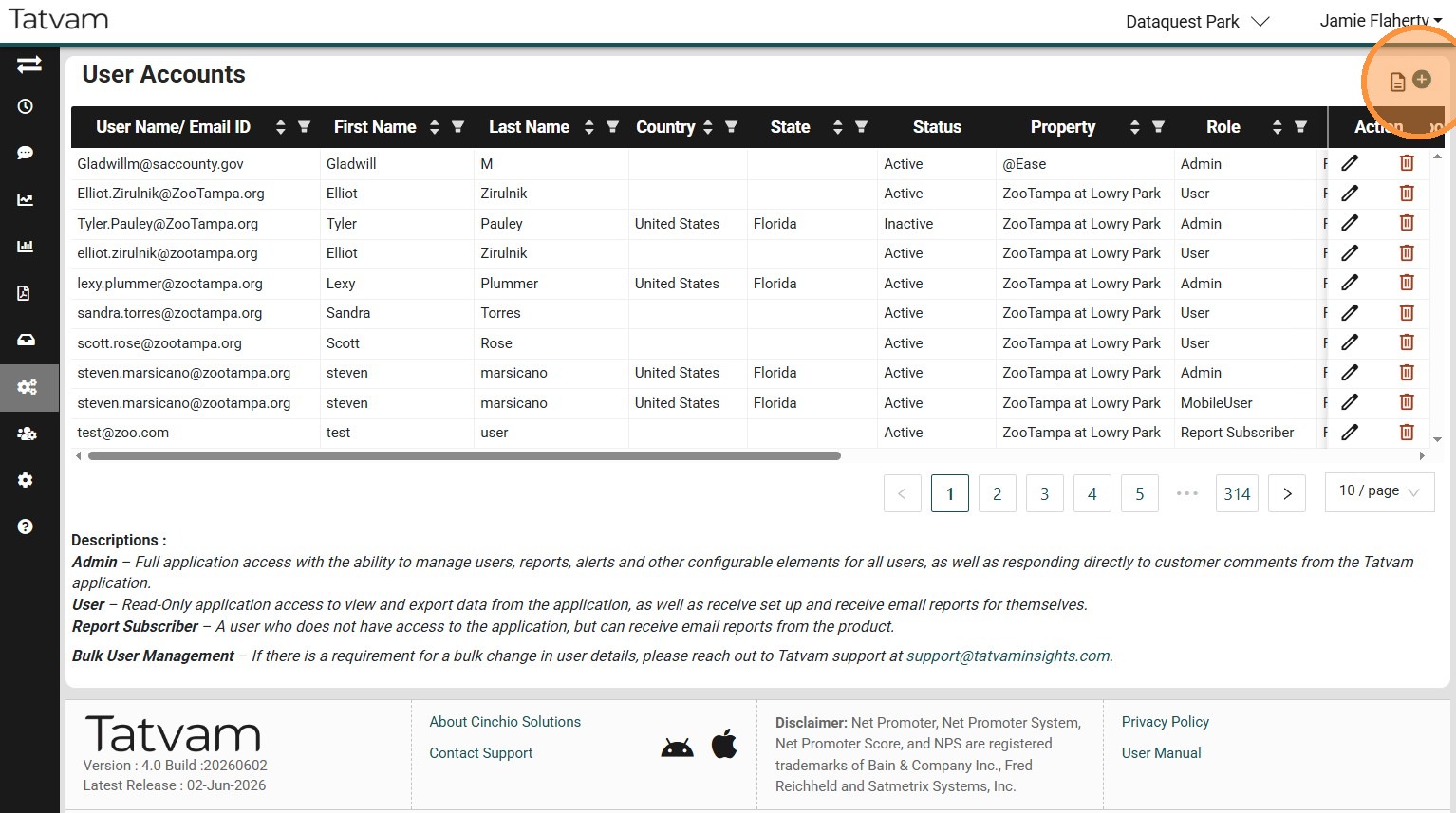
7. Enter the new users "Email, First Name, Last Name, Country, and State"
8. Set Status to "Active"
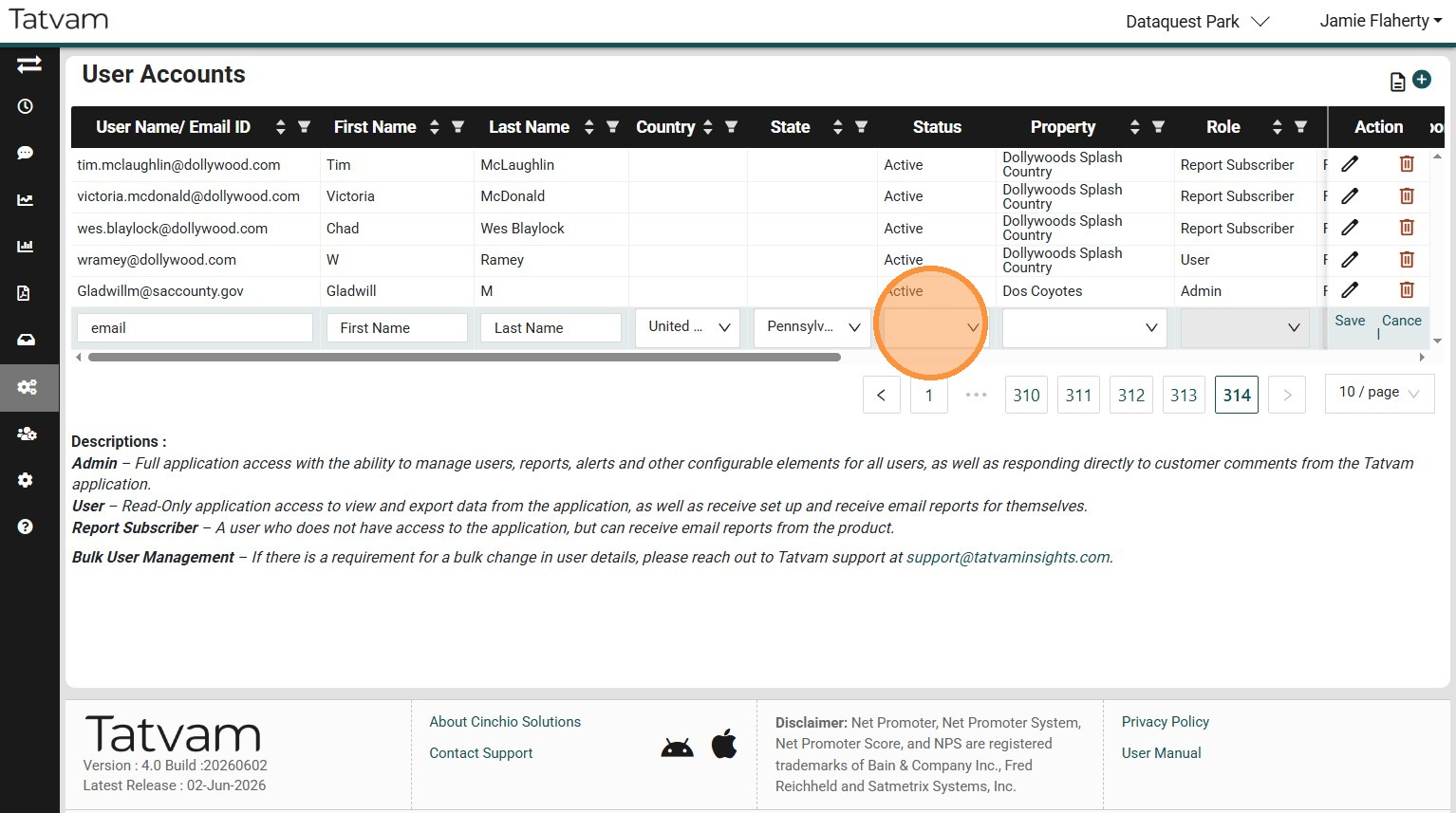
9. Select the Property they are employed at.
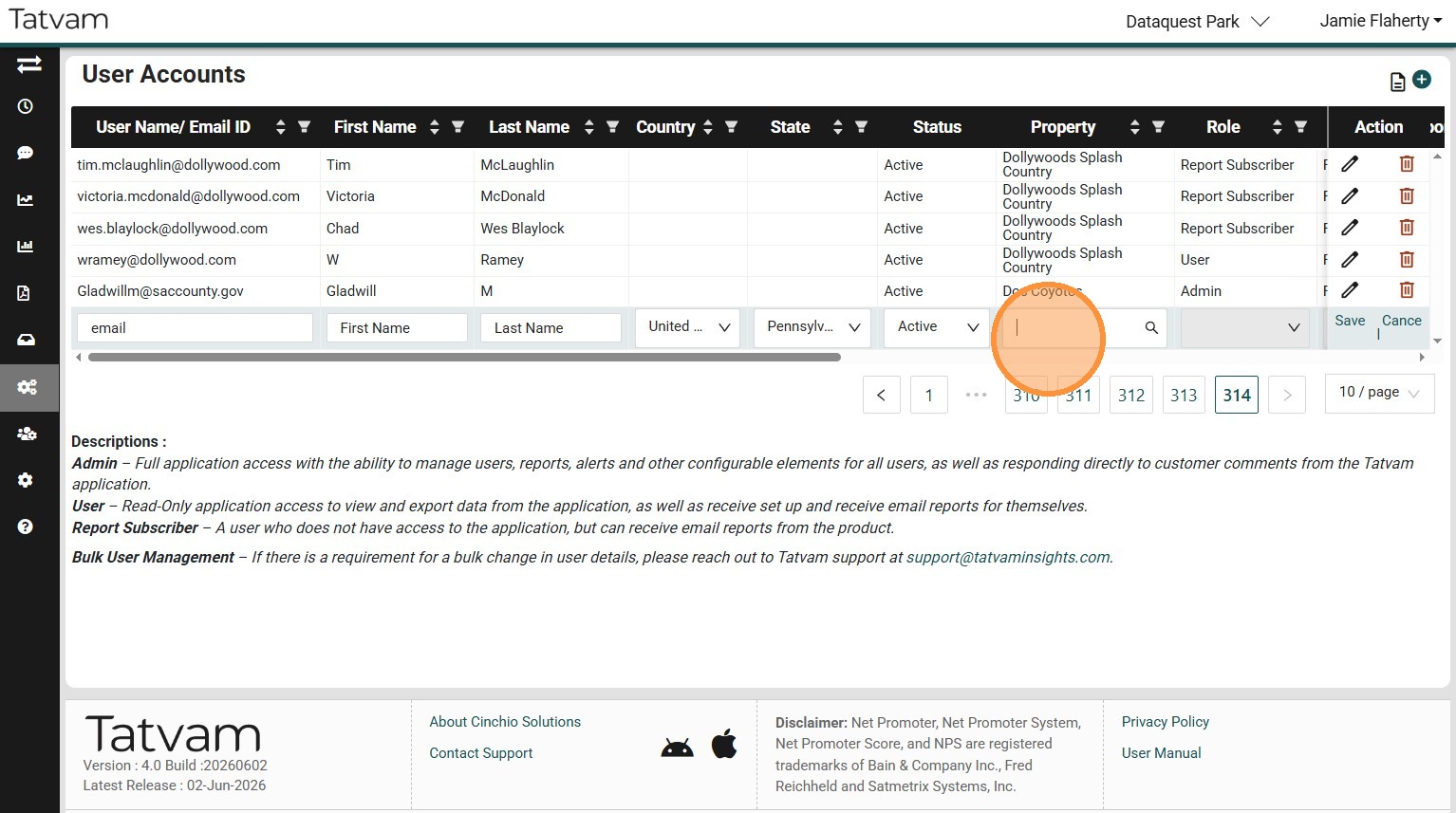
10. Select their "Role". (See description of roles in bottom half of screen)
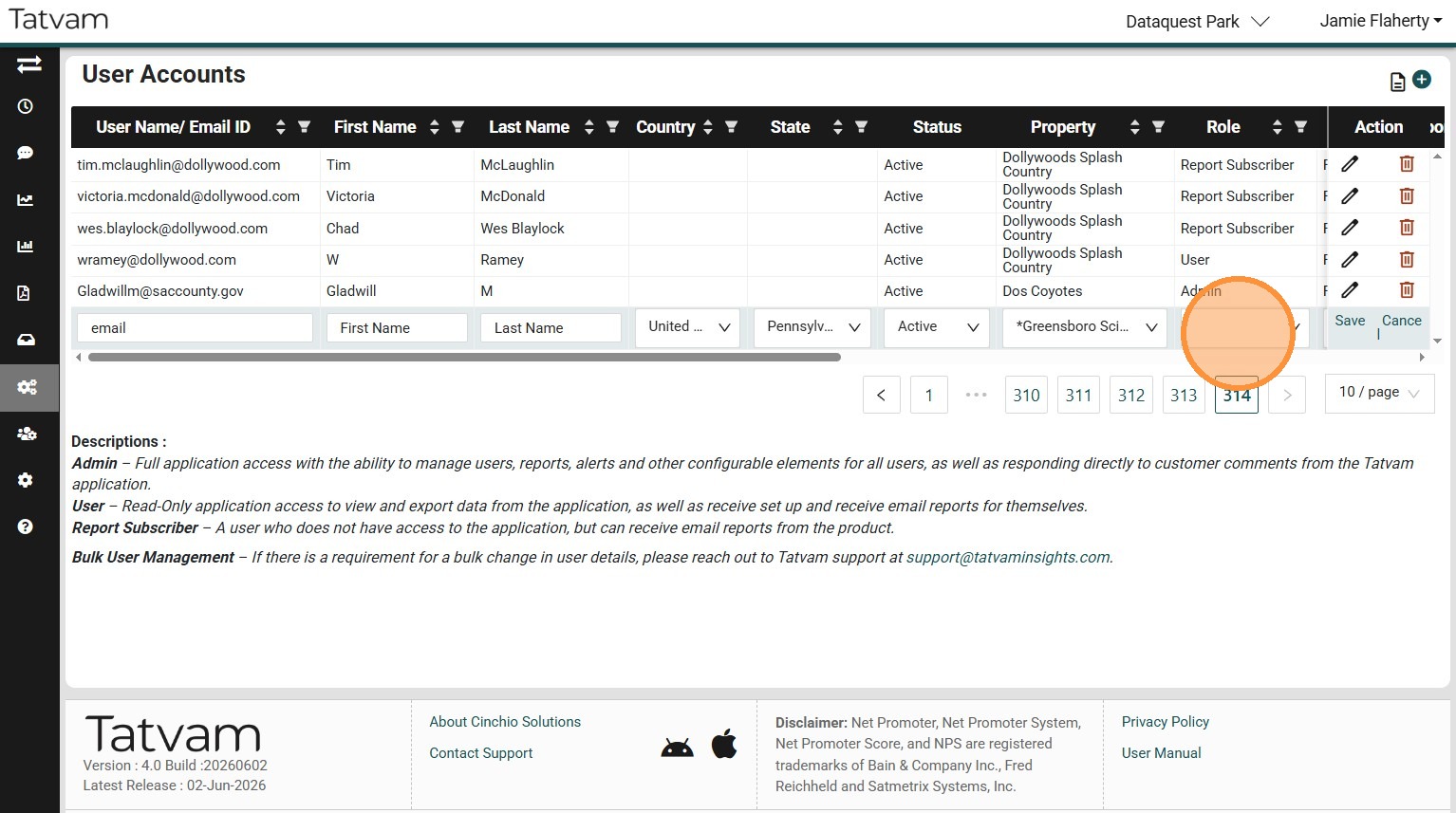
11. Click "Save"
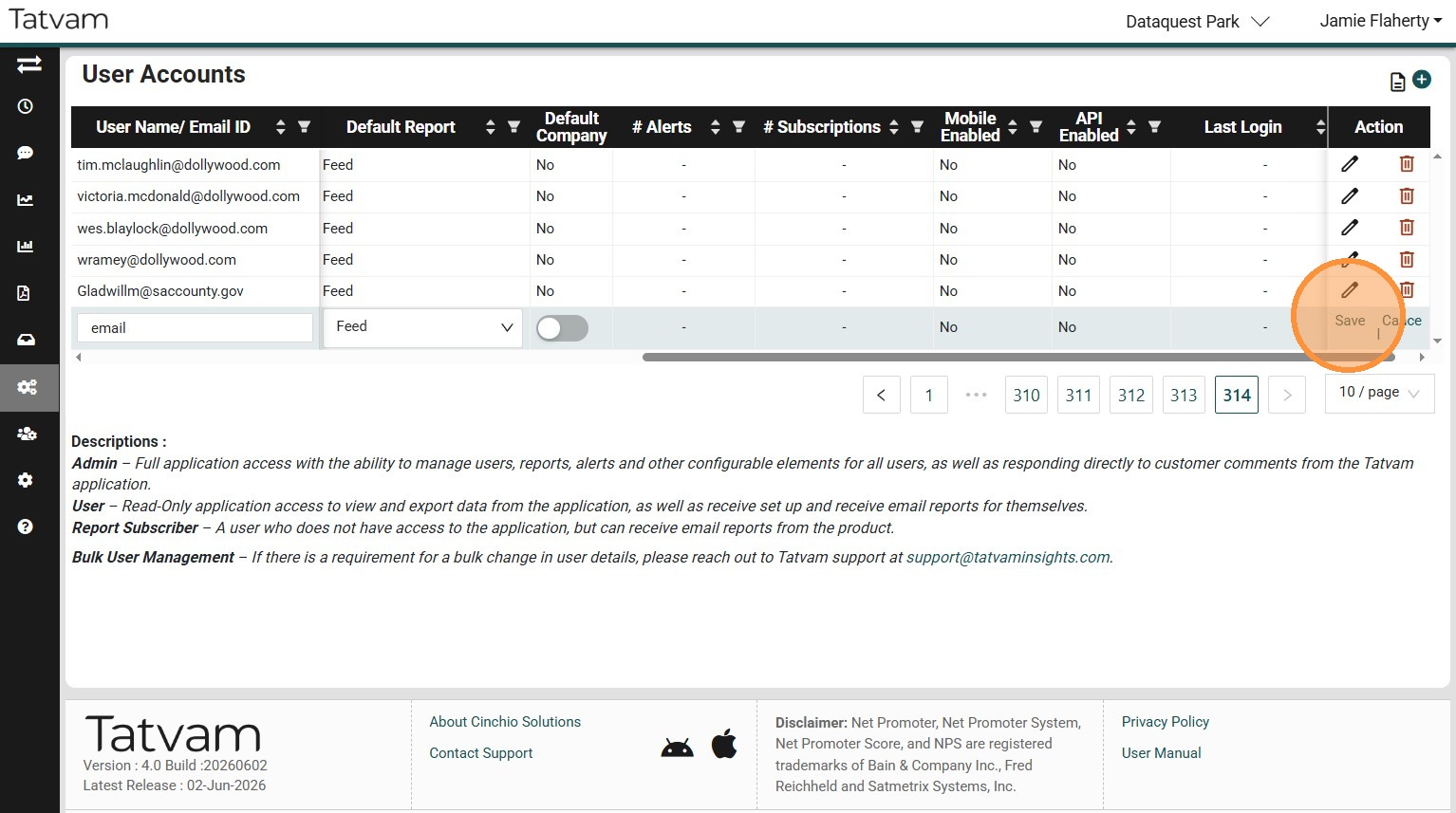
12. This will trigger a welcome email being sent to the new user with a link to login and their login credentials.
13. YOU DID IT!