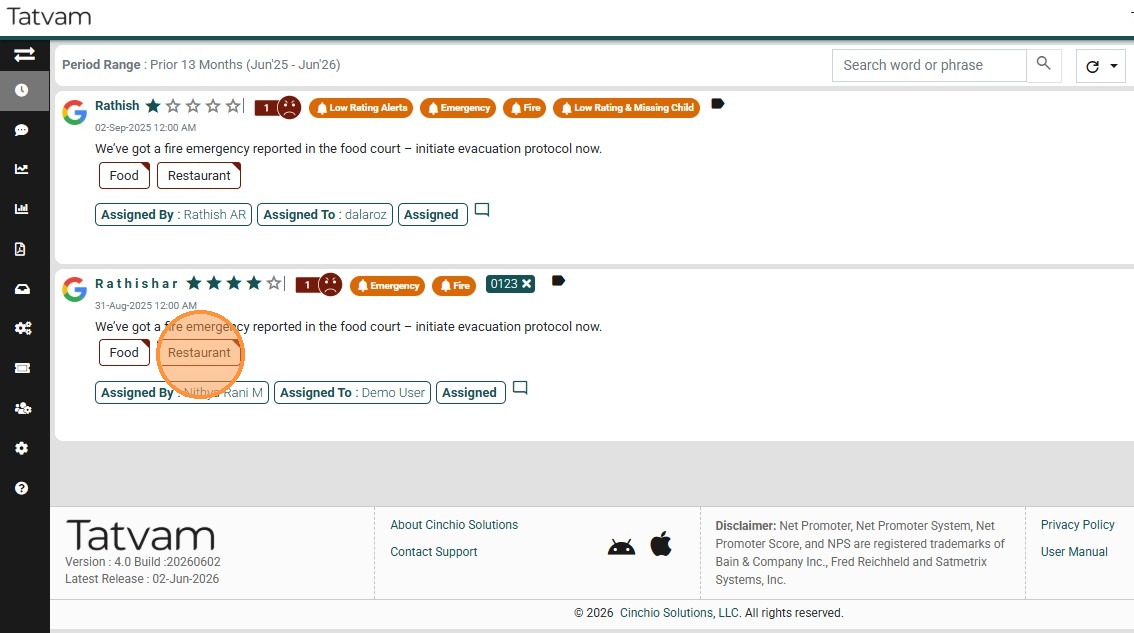
This guide demonstrates how to filter the reviews and data in the instance by a specific classifier.
1. Navigate to https://live.tatvamanalytics.com/login
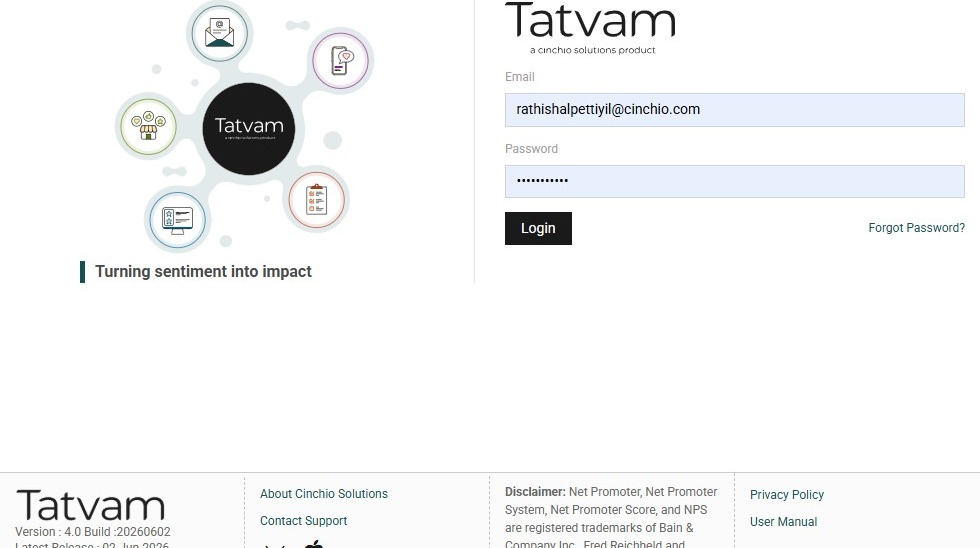
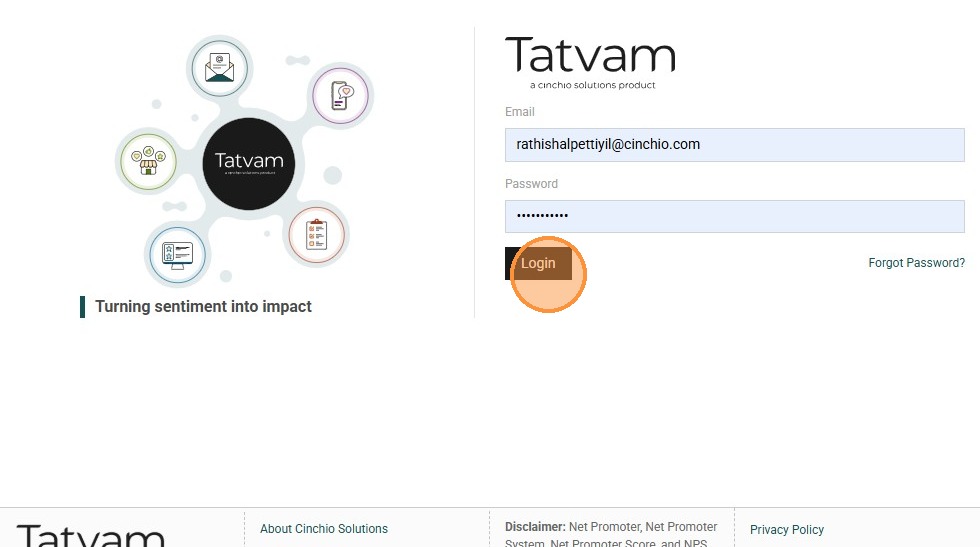
2. Click "Login"
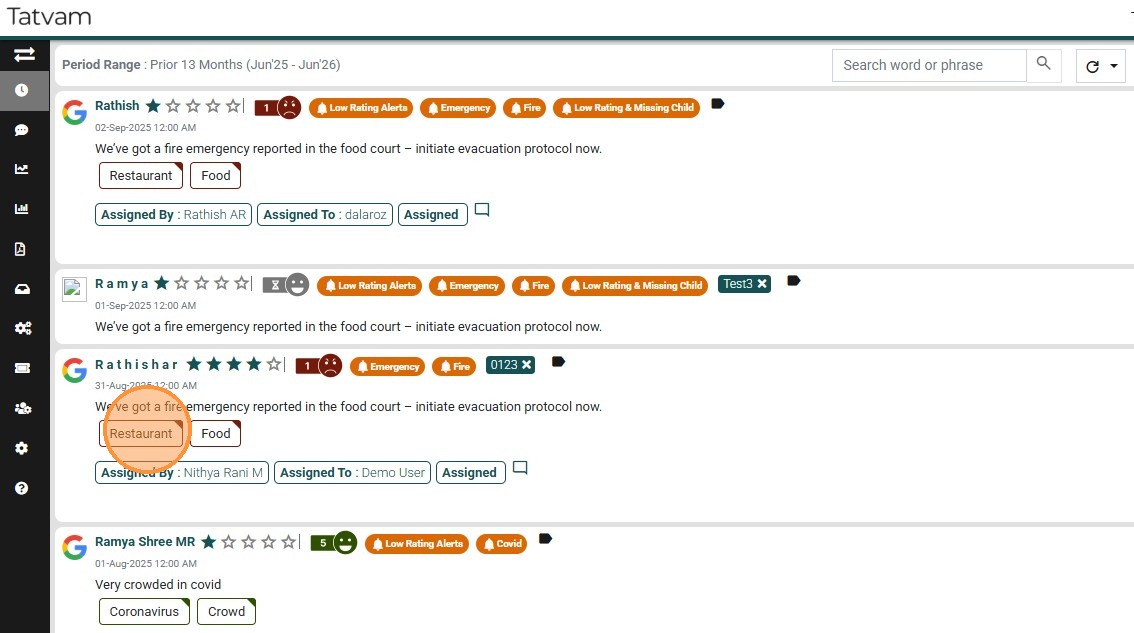
3. Open "Feeds" page, and note one of the classifier like "restaurants" here
4. Click "Filter" icon
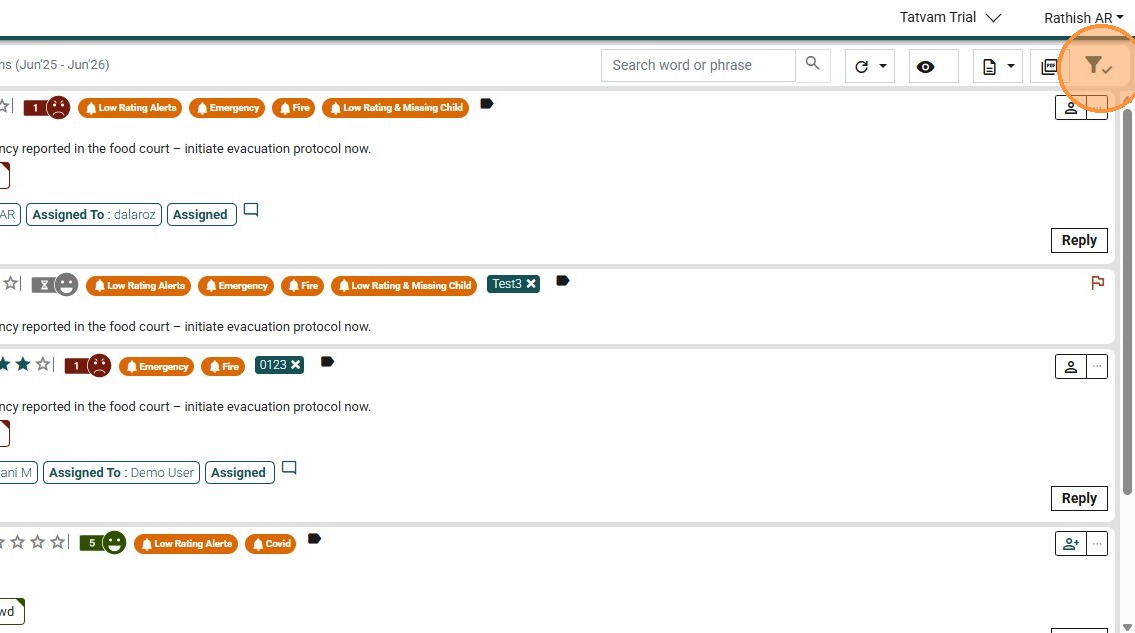
5. It opens the filter panel
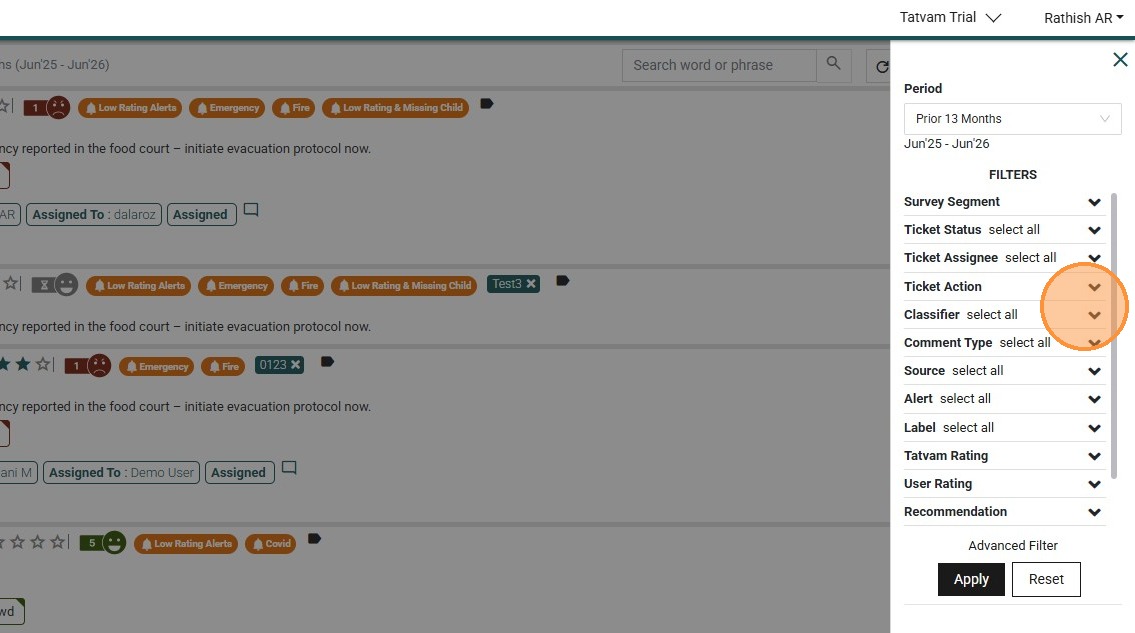
6. Click this classifier section.
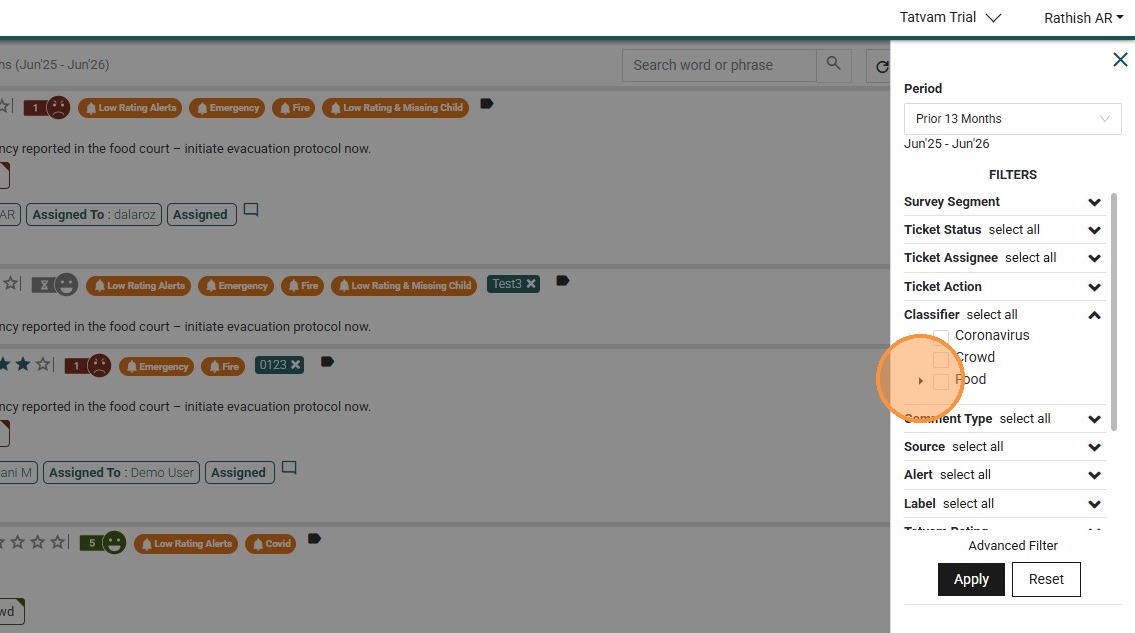
7. Click "Restaurant" classifier and "Apply"
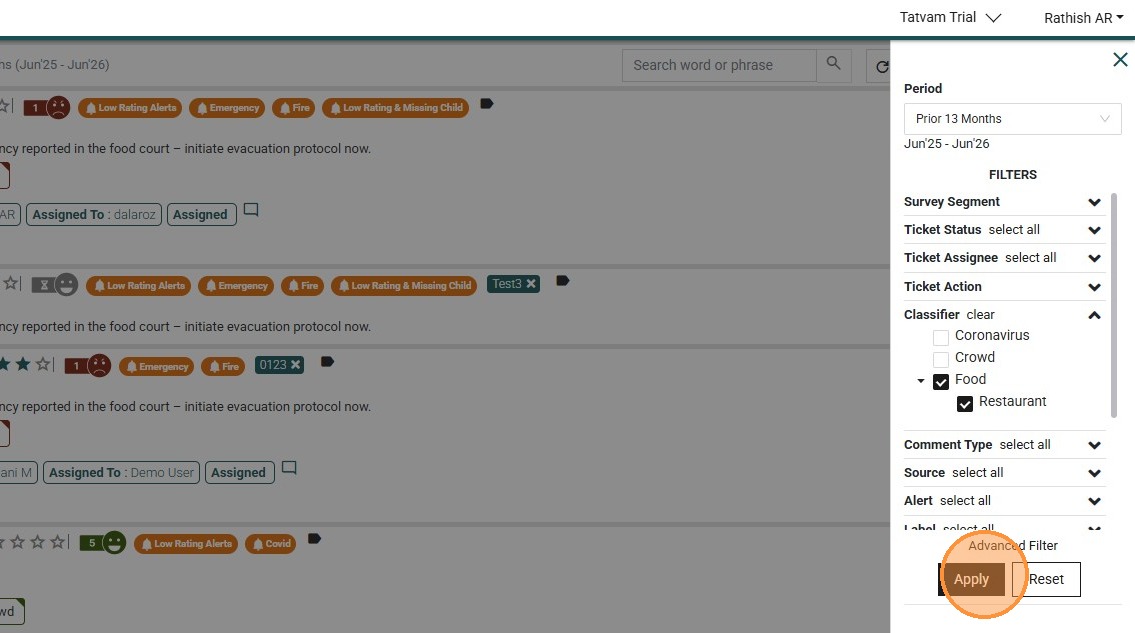
8. You can see the Feeds filtered for "Restaurant" classifier