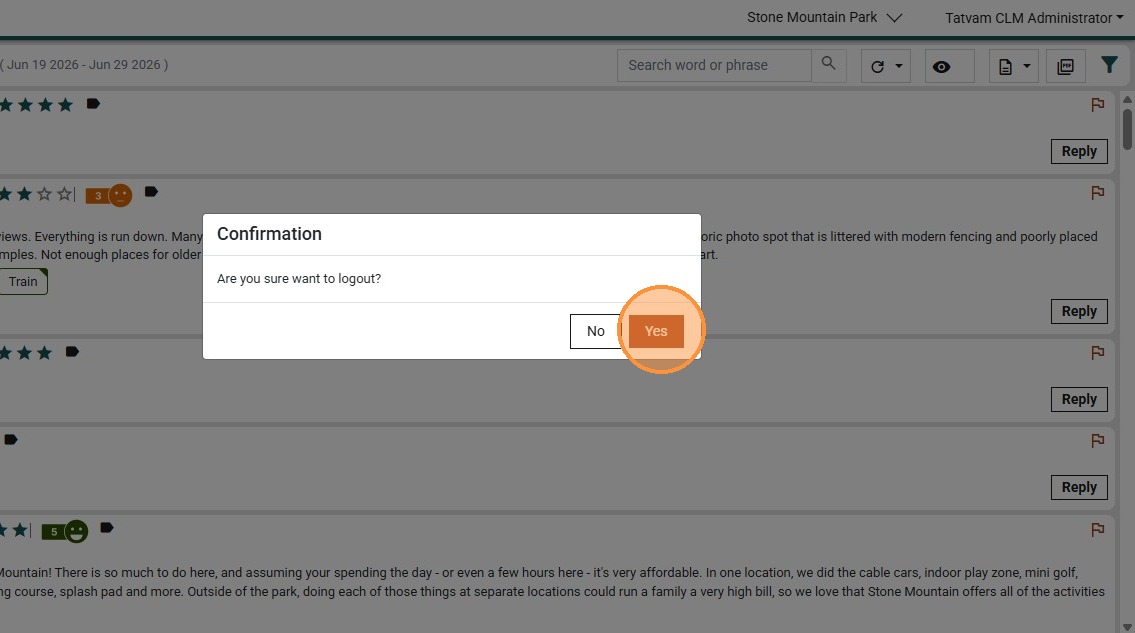
This guide will help you switch between properties that you have access to.
1. Navigate to https://live.tatvamanalytics.com/login
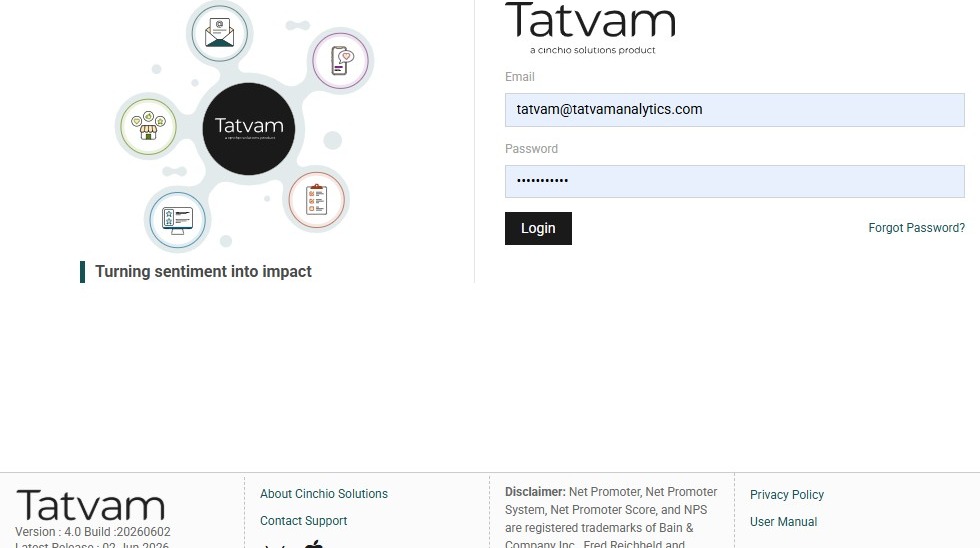
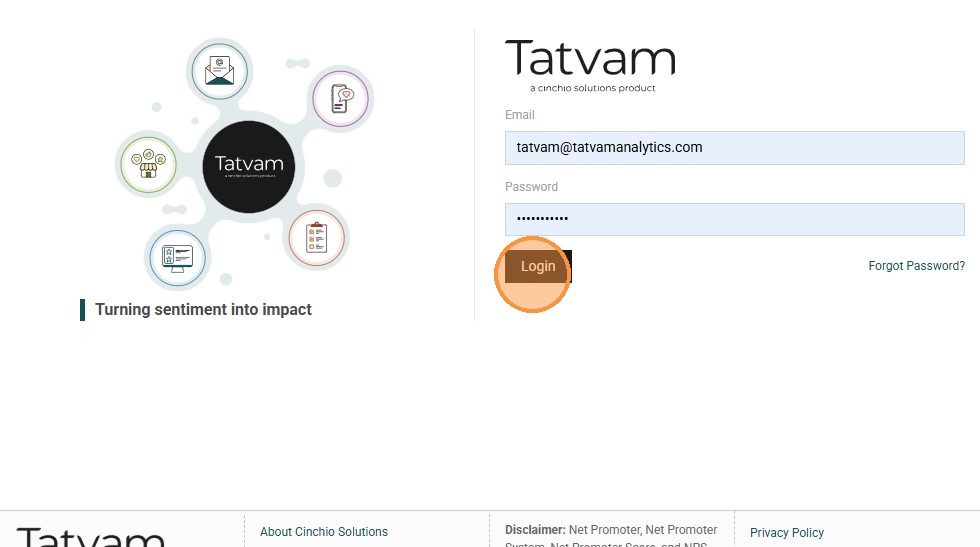
2. Click "Login"
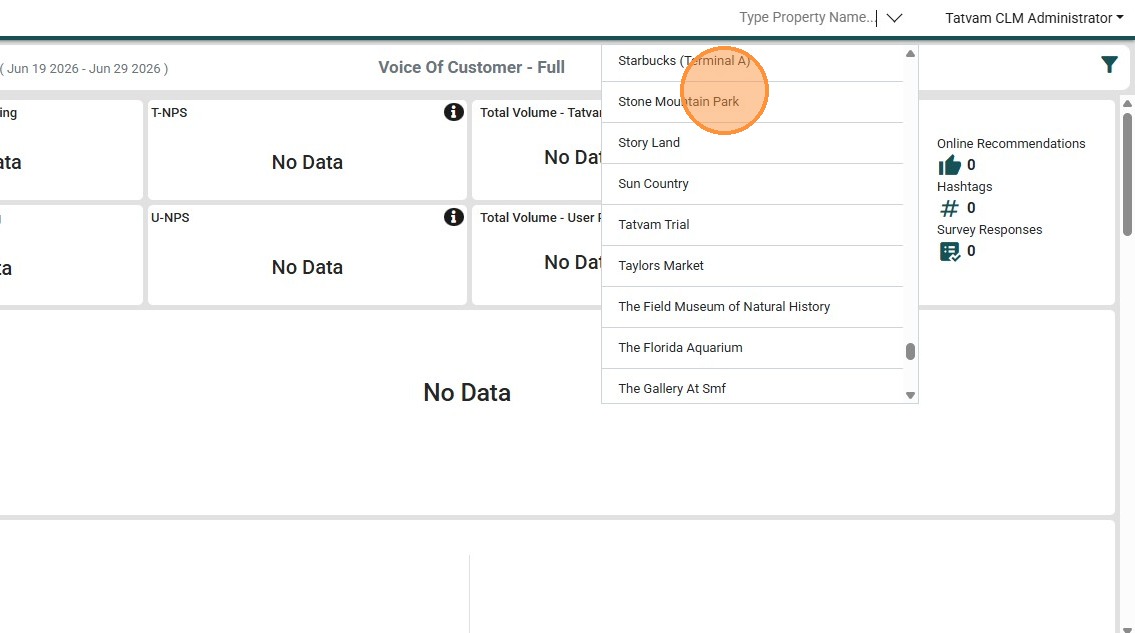
3. Click the "Property " dropdown.
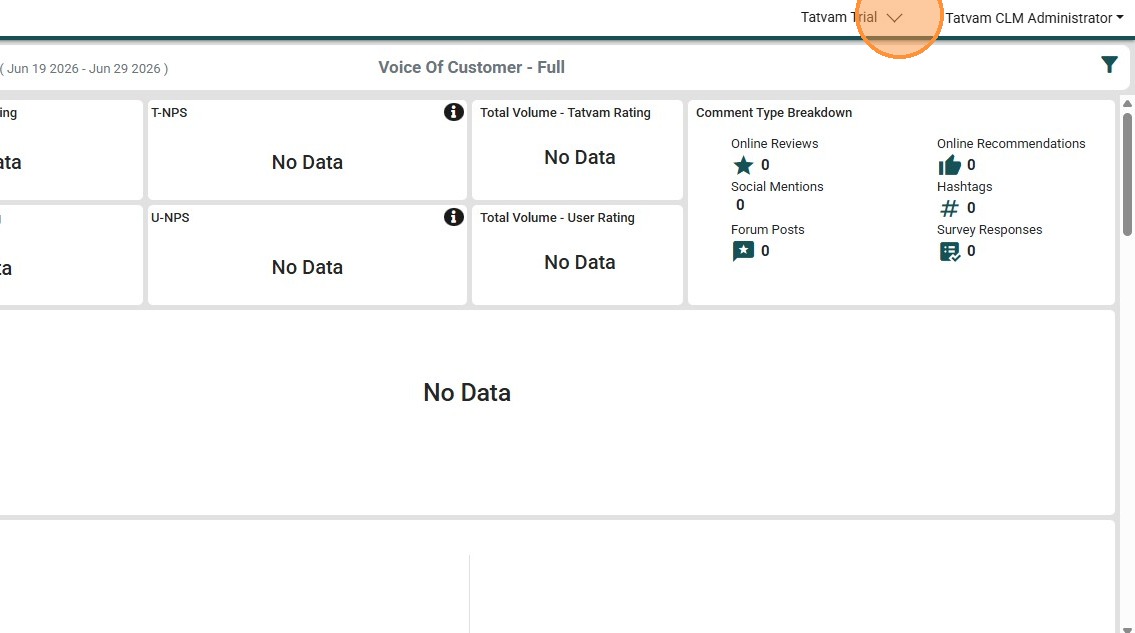
4. Click on the preferred property
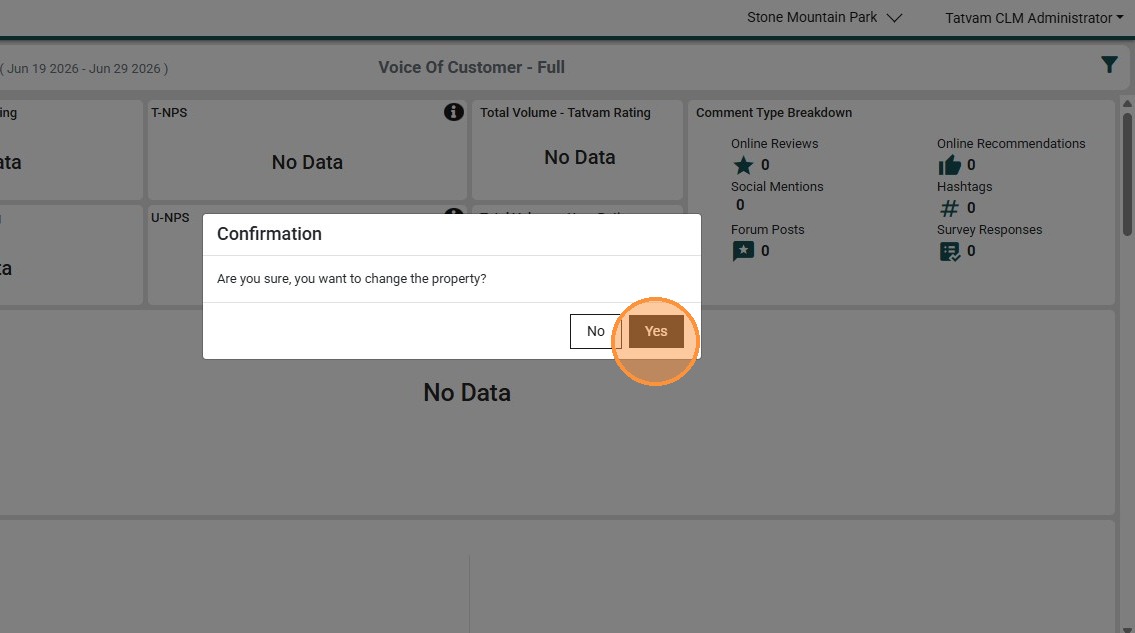
5. Click "Yes"
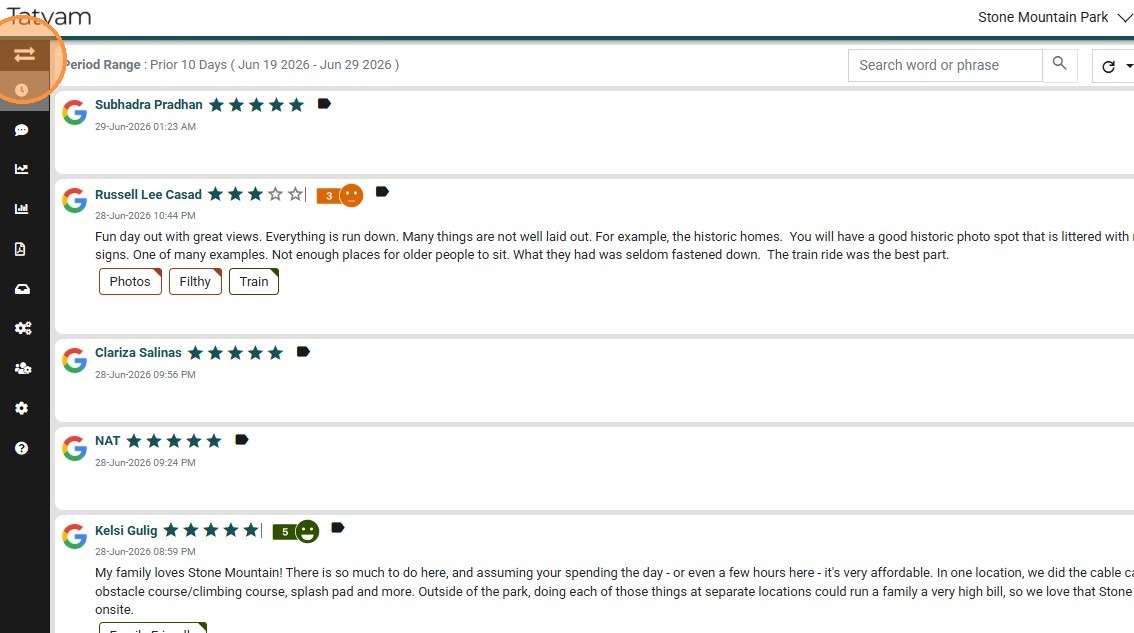
6. Click the menu.
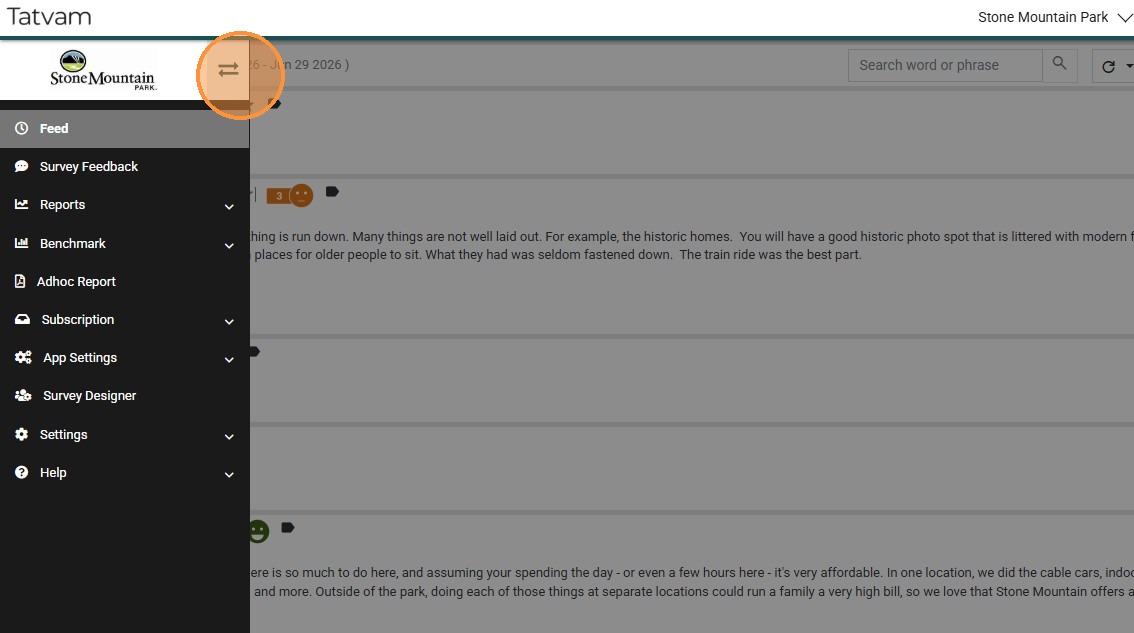
7. You will see the logo of the switched property
8. Click "Profile"
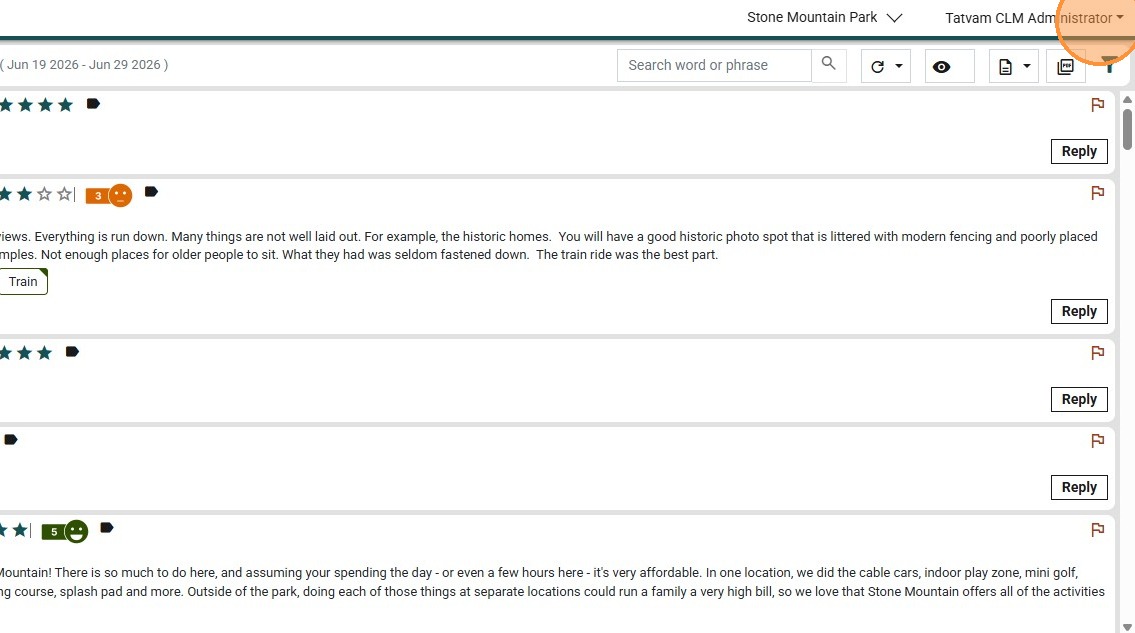
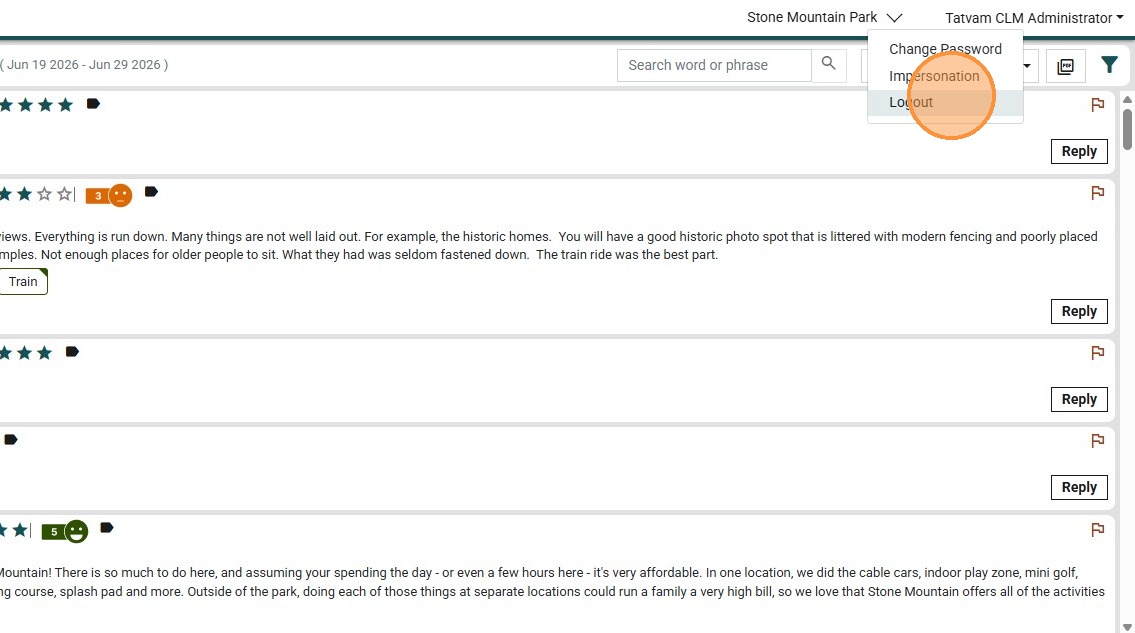
9. Click "Logout"
10. Click "Yes"