This guide walks you through the process of securely updating
your account password.
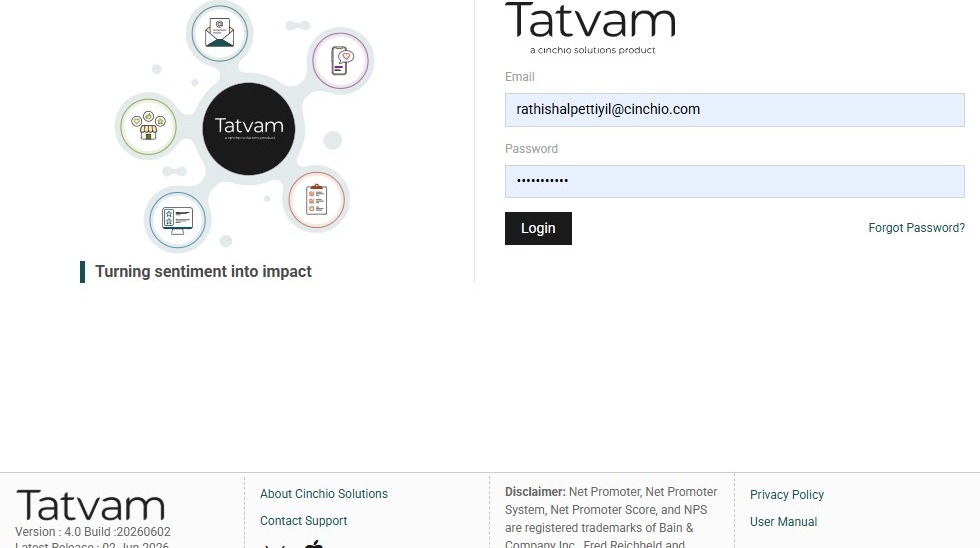
1. Navigate to https://live.tatvamanalytics.com/login
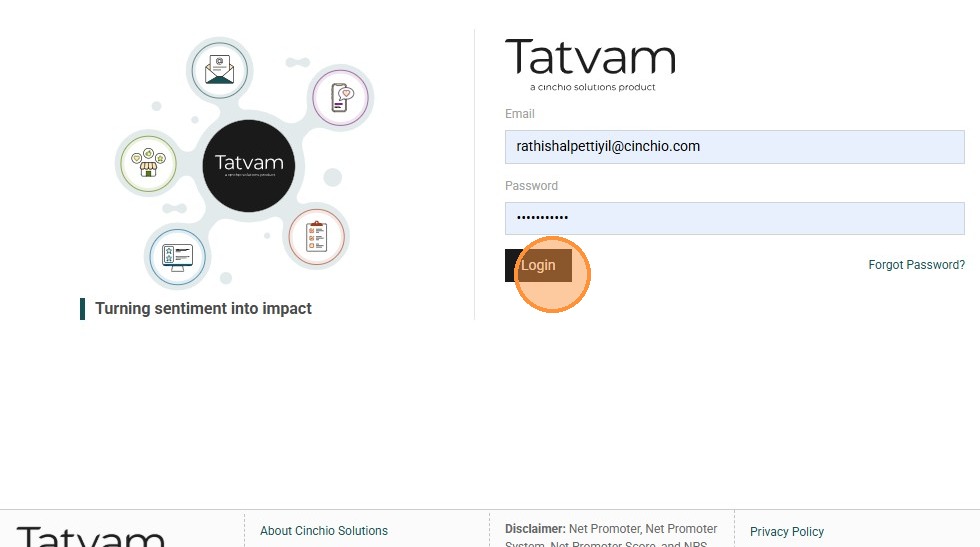
2. Click "Login"
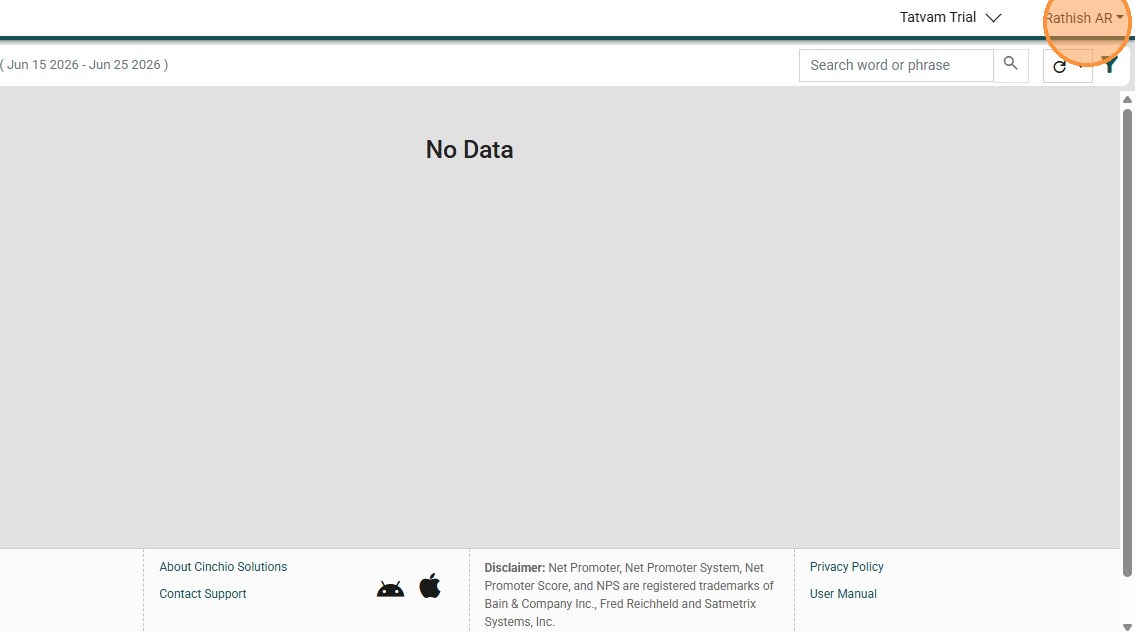
3. Click "Rathish AR"
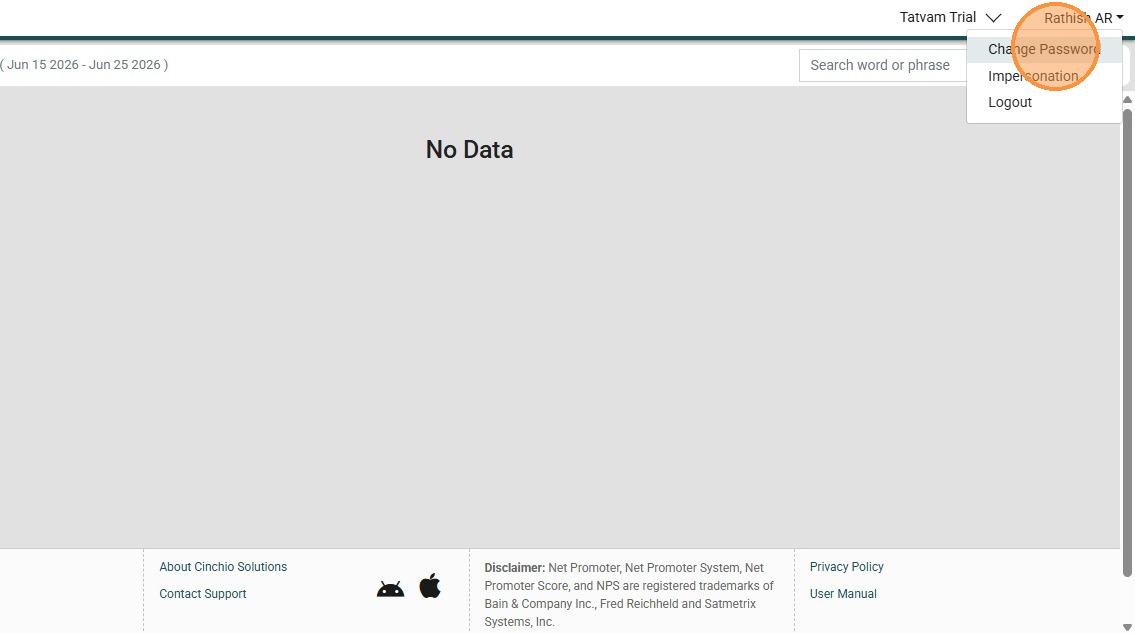
4. Click "Change Password"
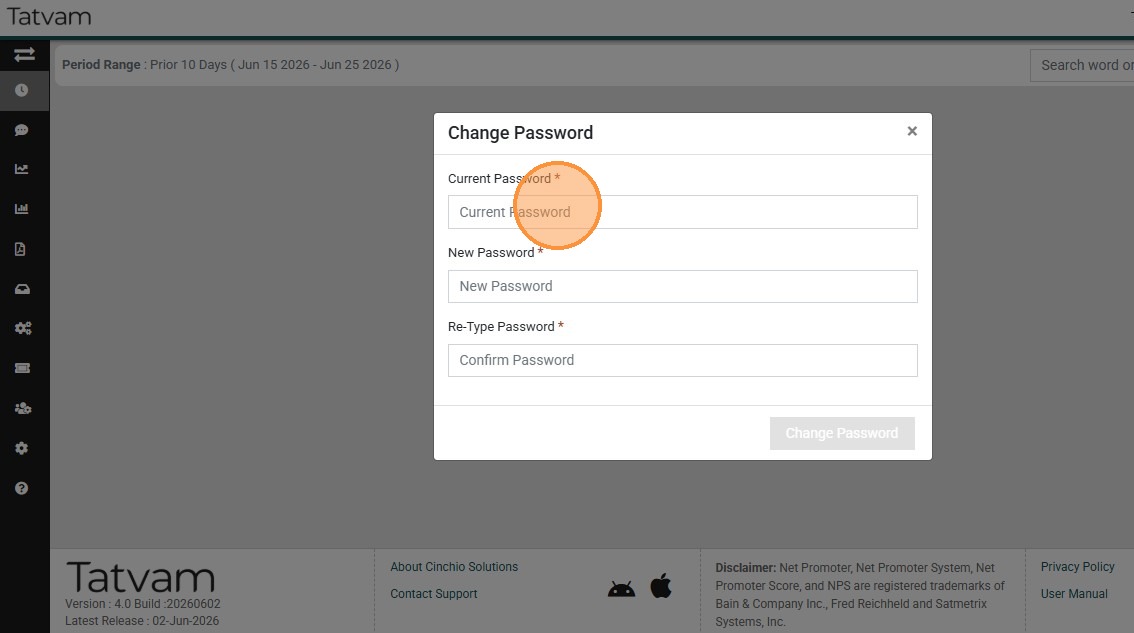
5. Click the "Current Password" field.
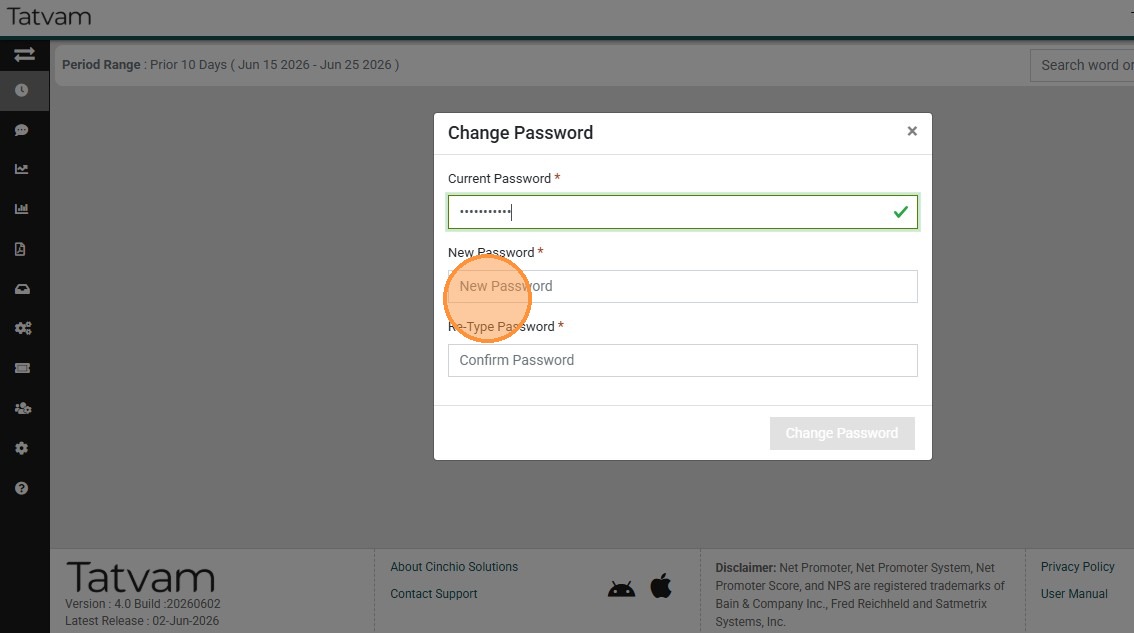
6. Click the "New Password" field.
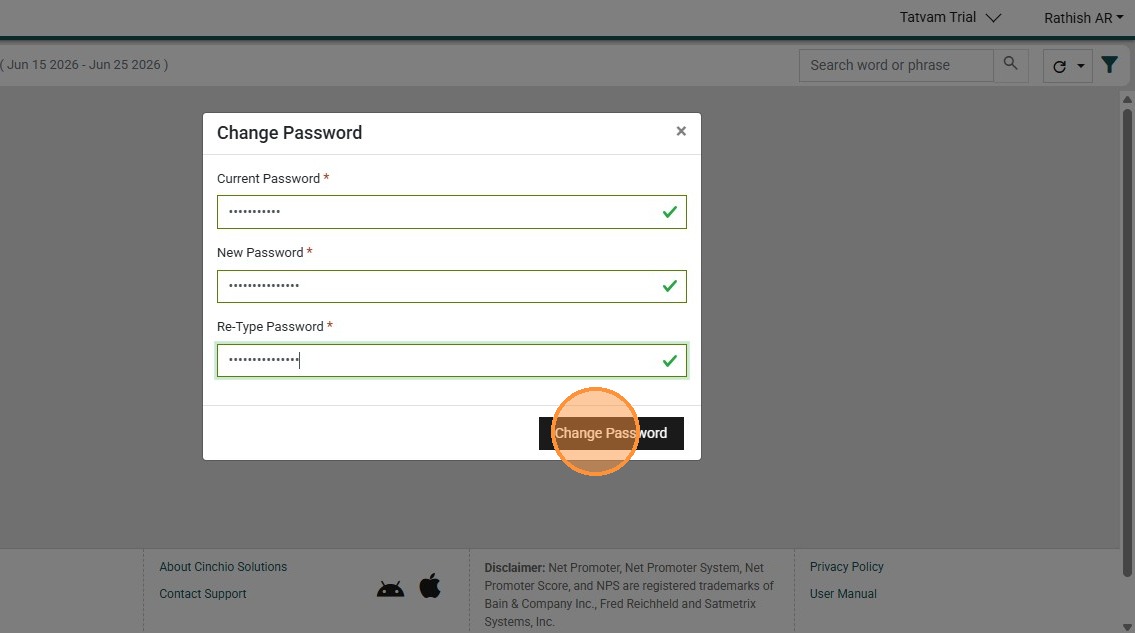
7. Click "Change Password"
8. Click Profile
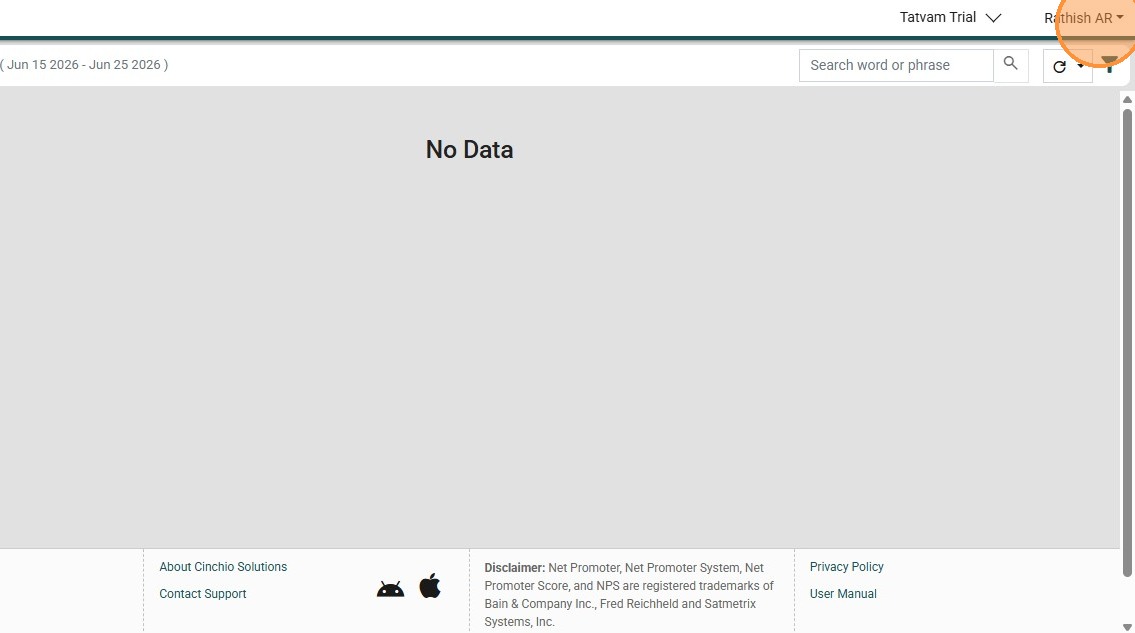
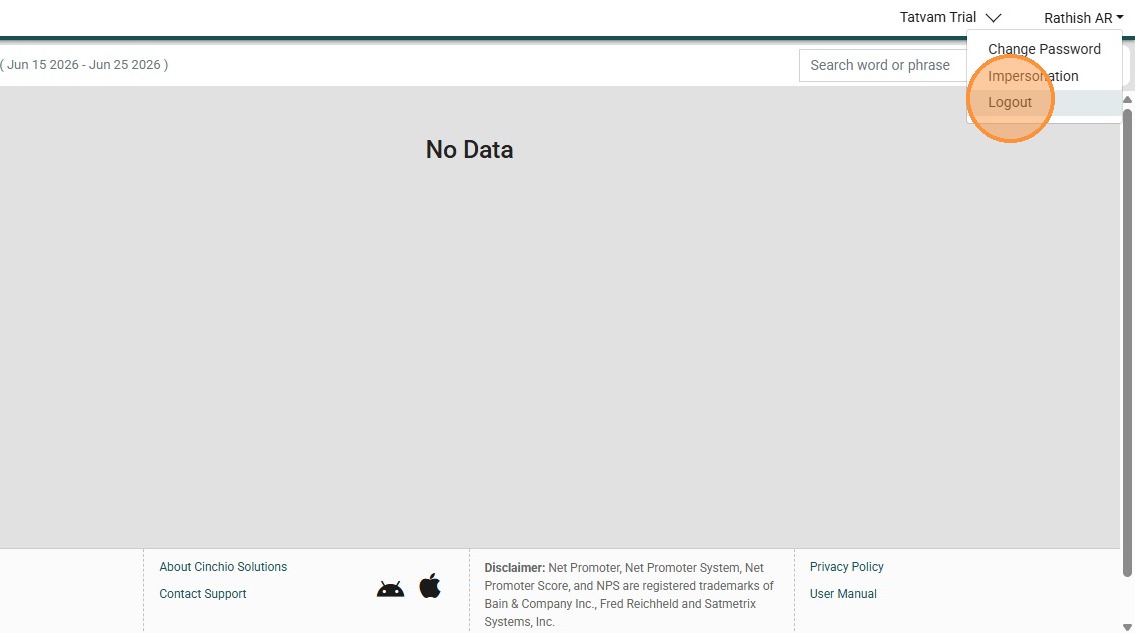
9. Click "Logout"
10. Click "Yes"