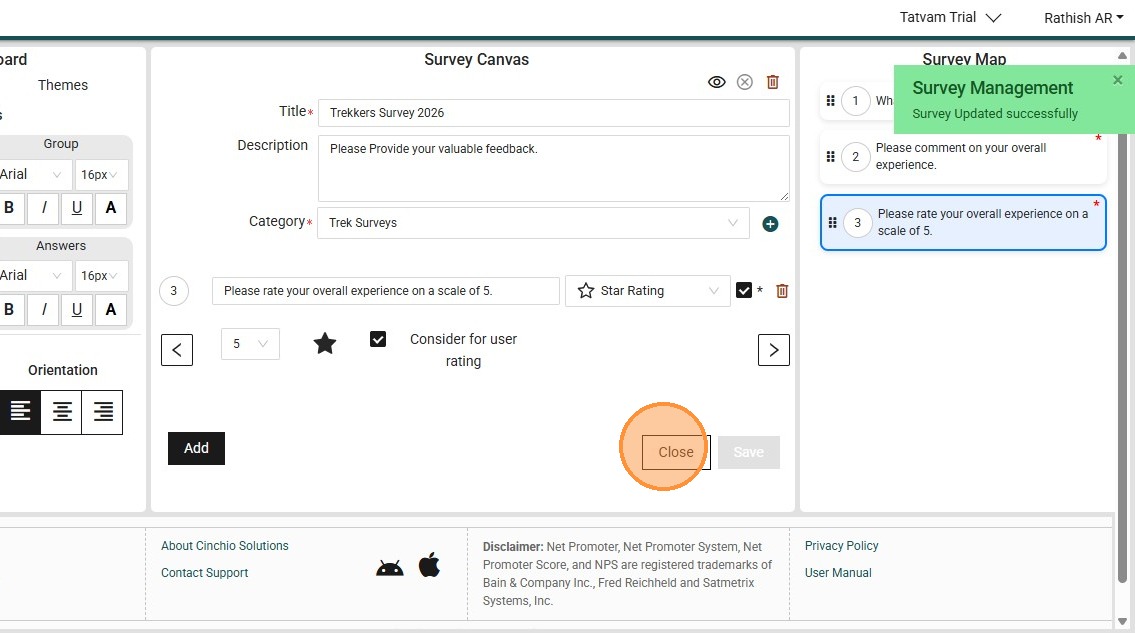
This guide provides a clear walkthrough for editing colors on a Survey.
1. Navigate to https://live.tatvamanalytics.com/login
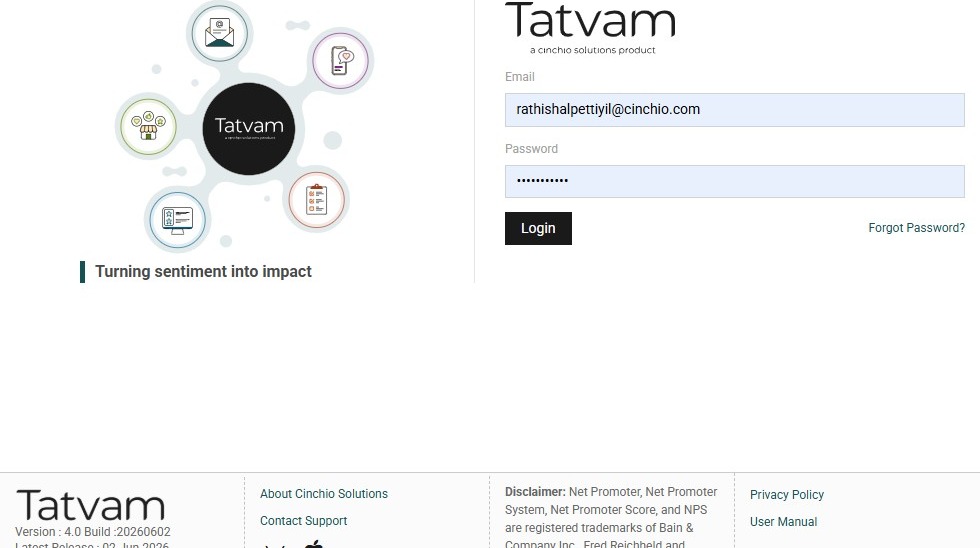
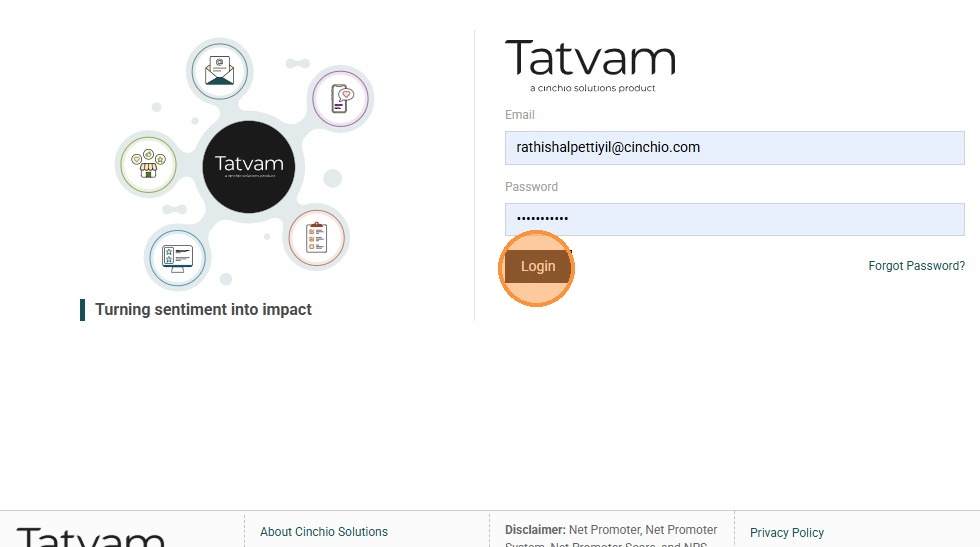
2. Click "Login"
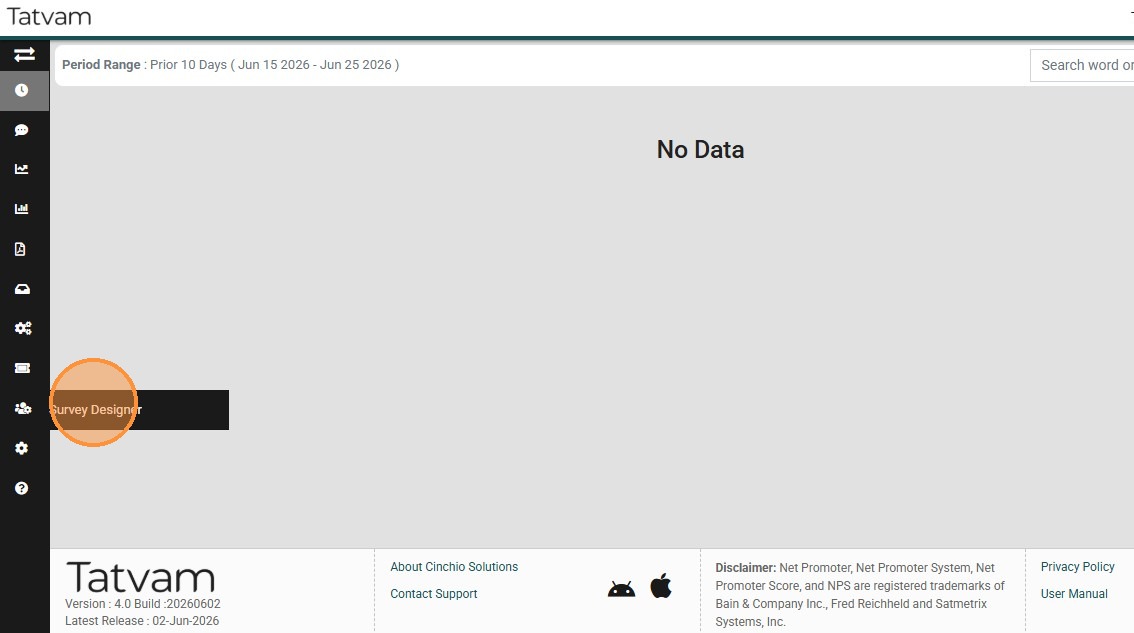
3. Click "Survey Designer"
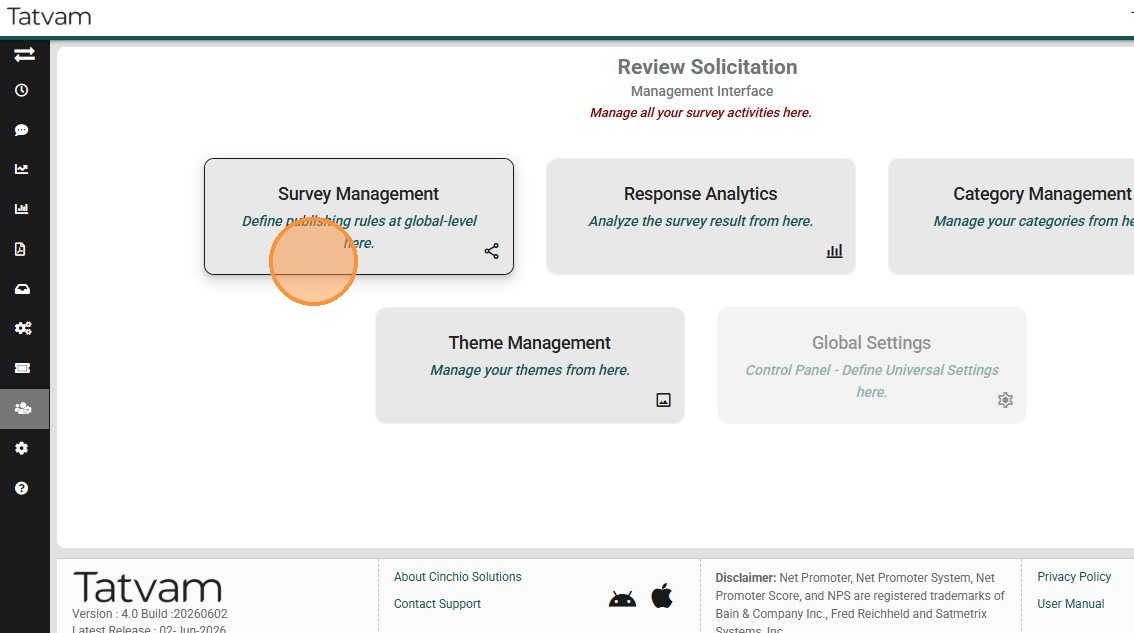
4. Click "Survey Management" menu
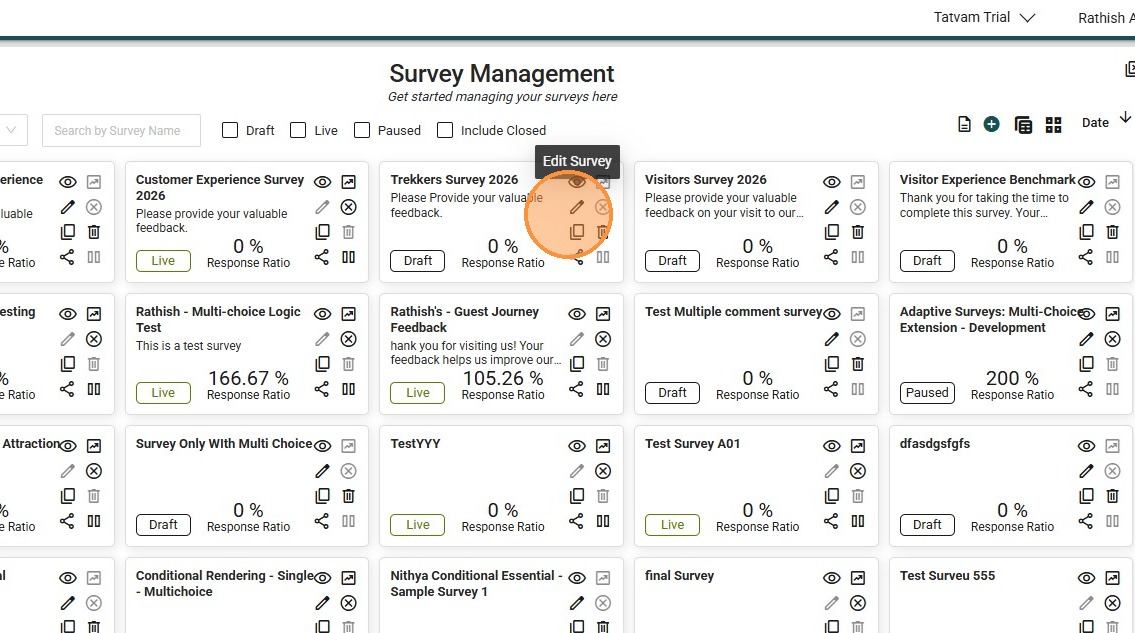
5. Click "edit" icon
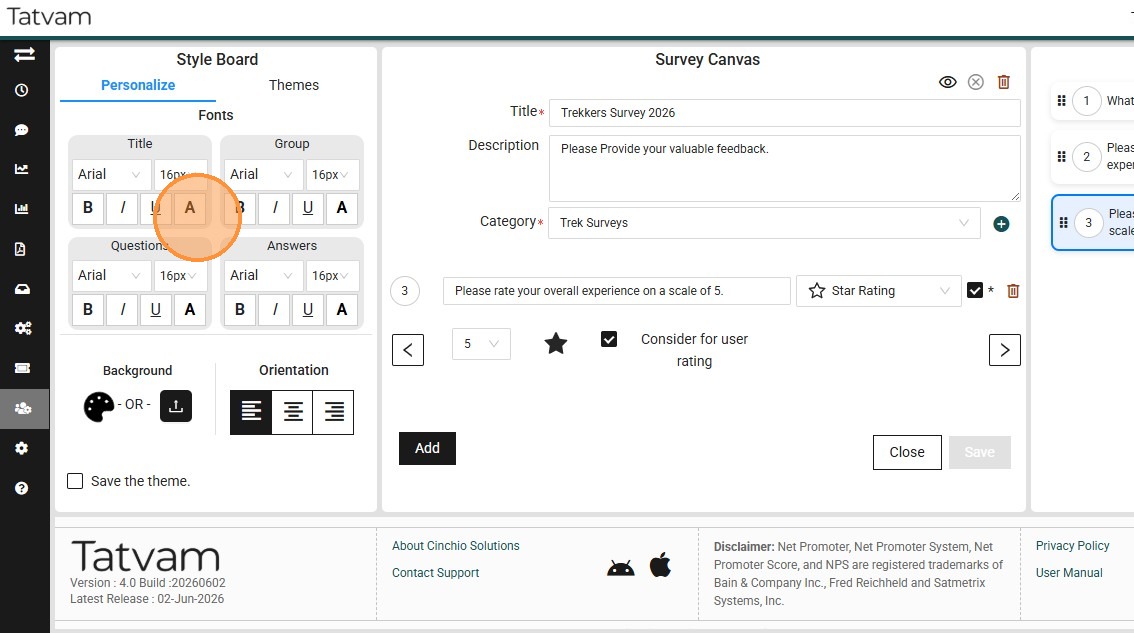
6. Click on "title" font
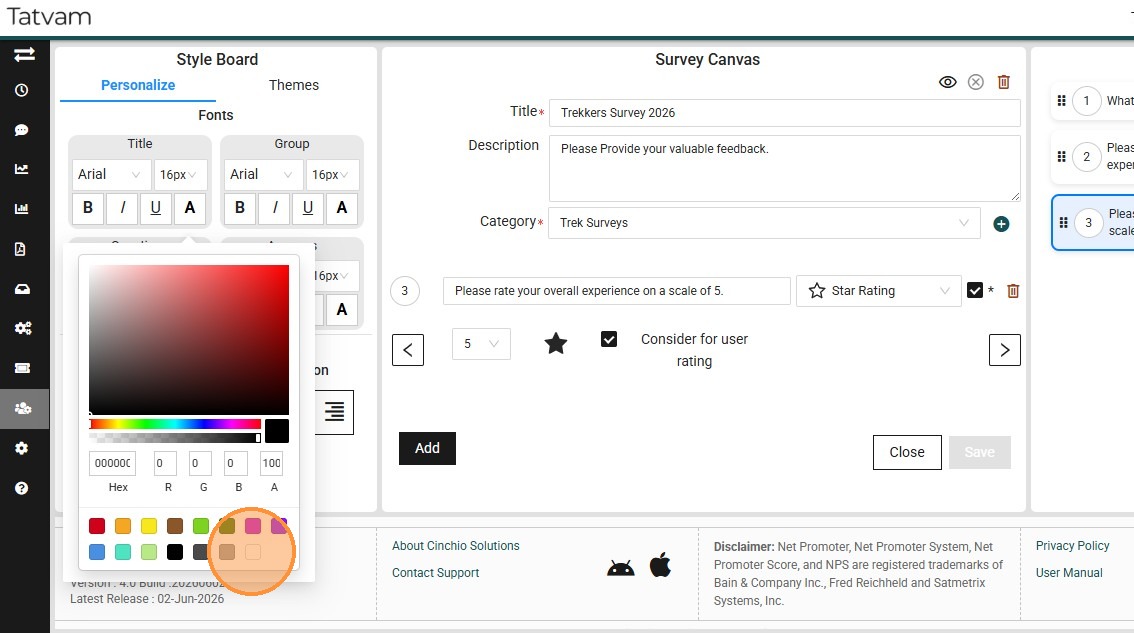
7. Select teh preferred color
8. Click "Questions"
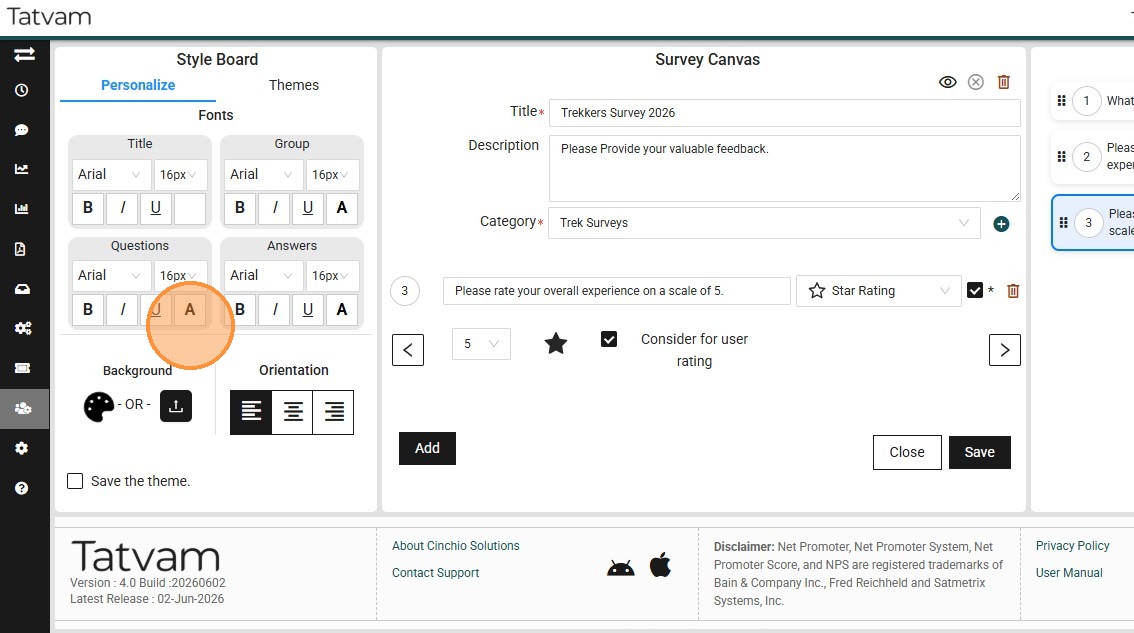
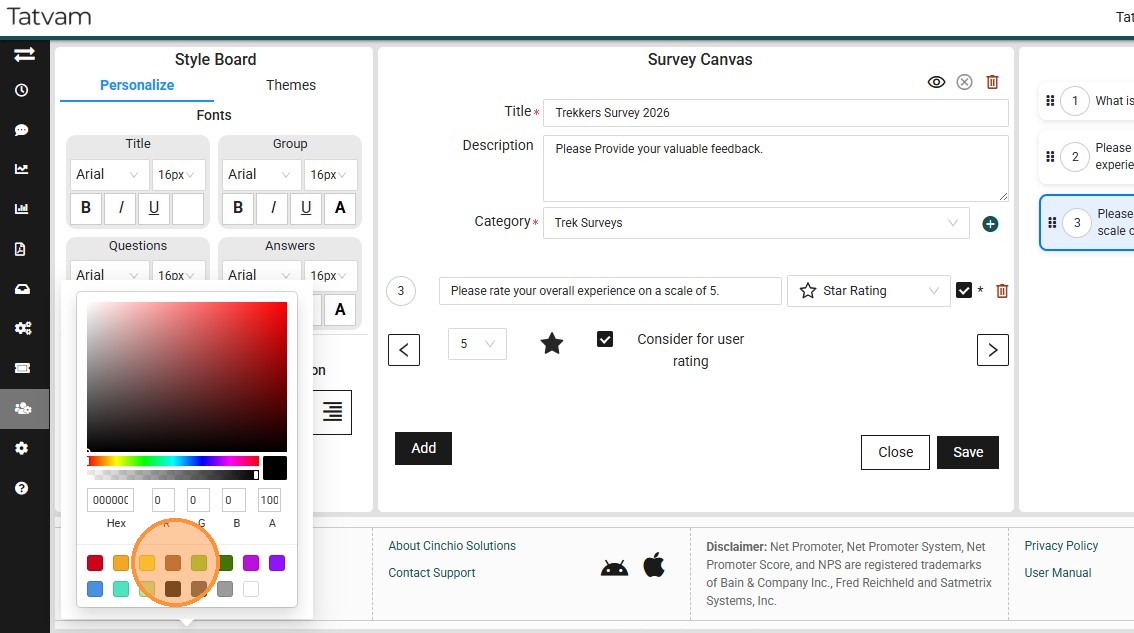
9. Select preferred color
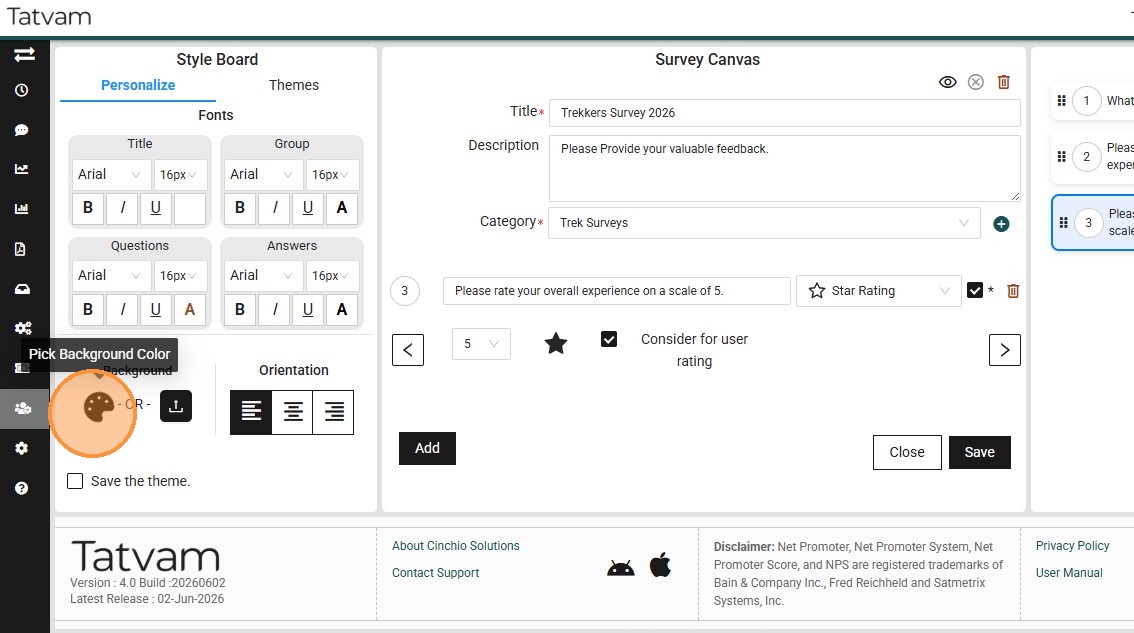
10. Click ythe palette to change the theme colors
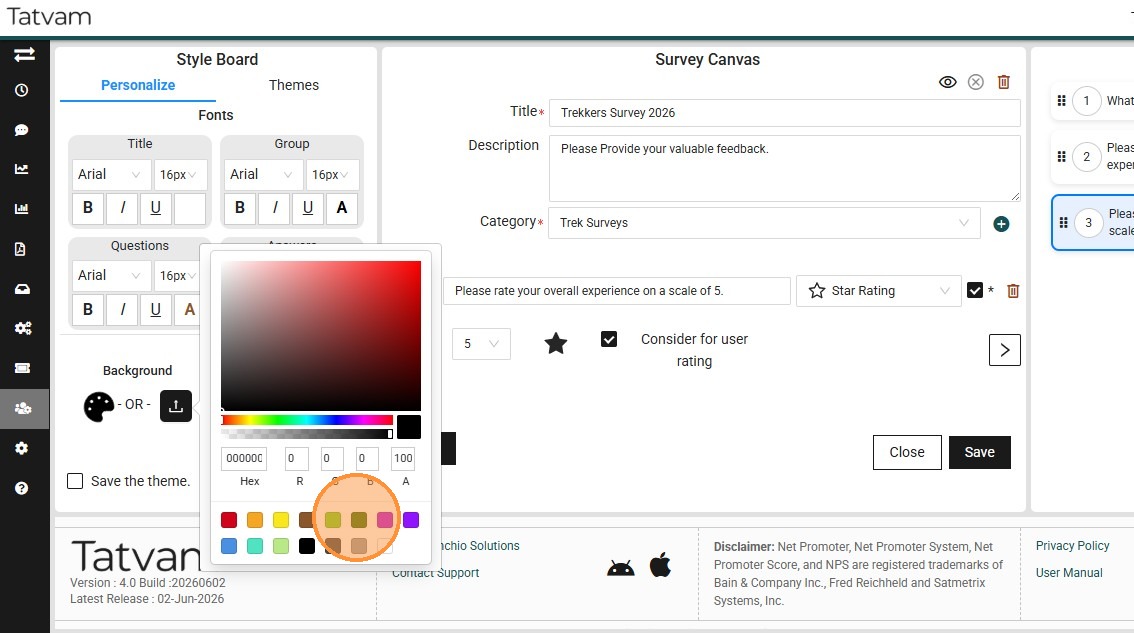
11. Select the preferred color
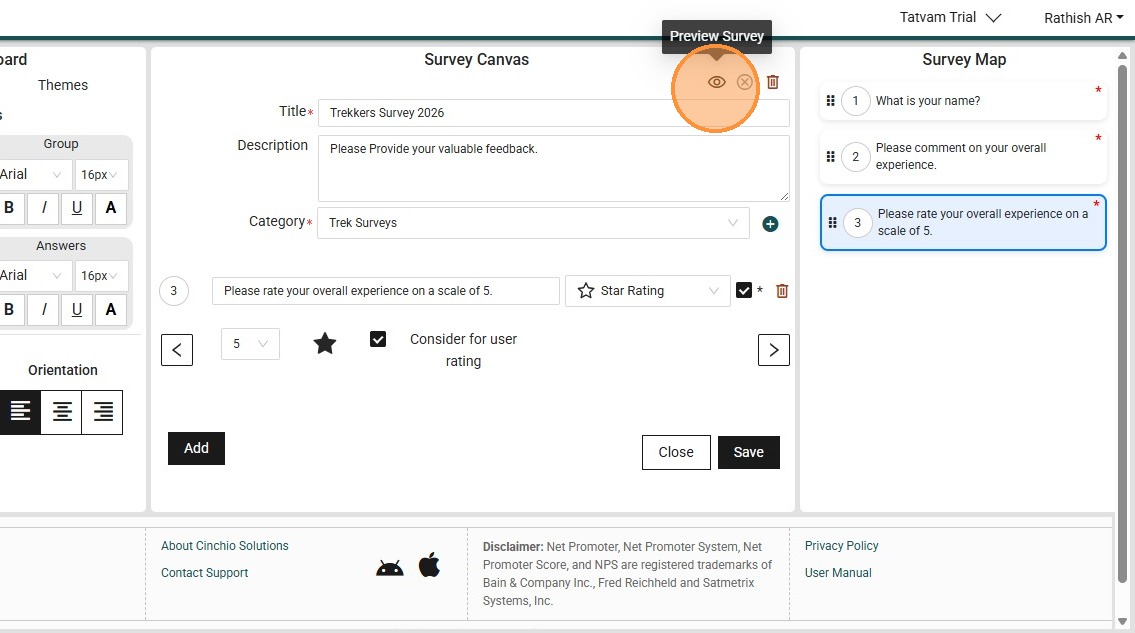
12. Click this icon to preview the changes
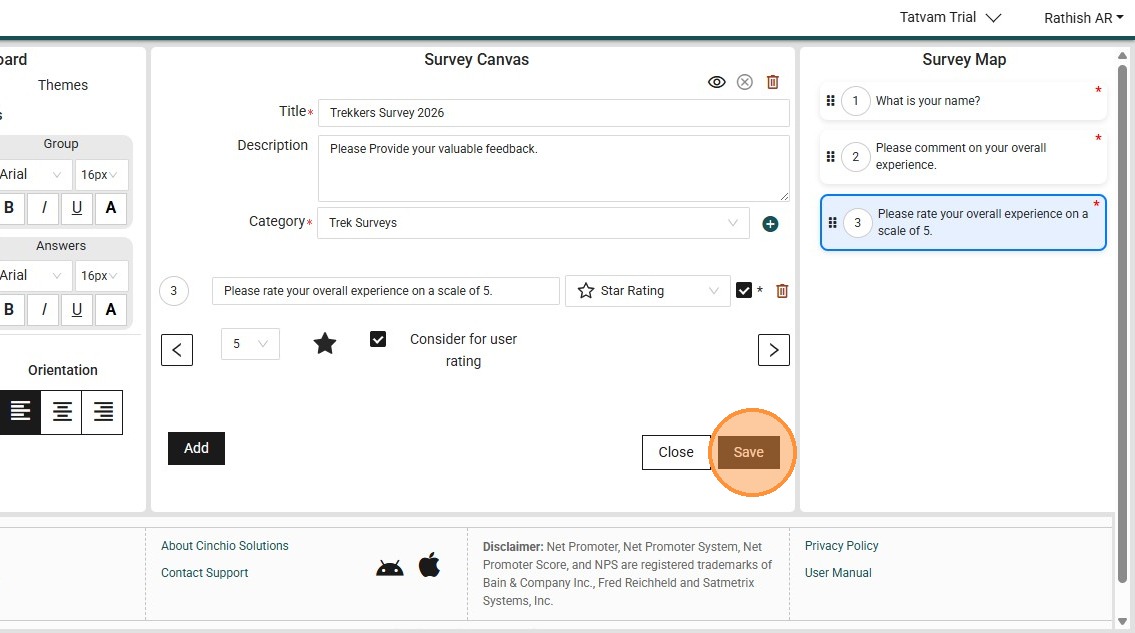
13. Click "Save"
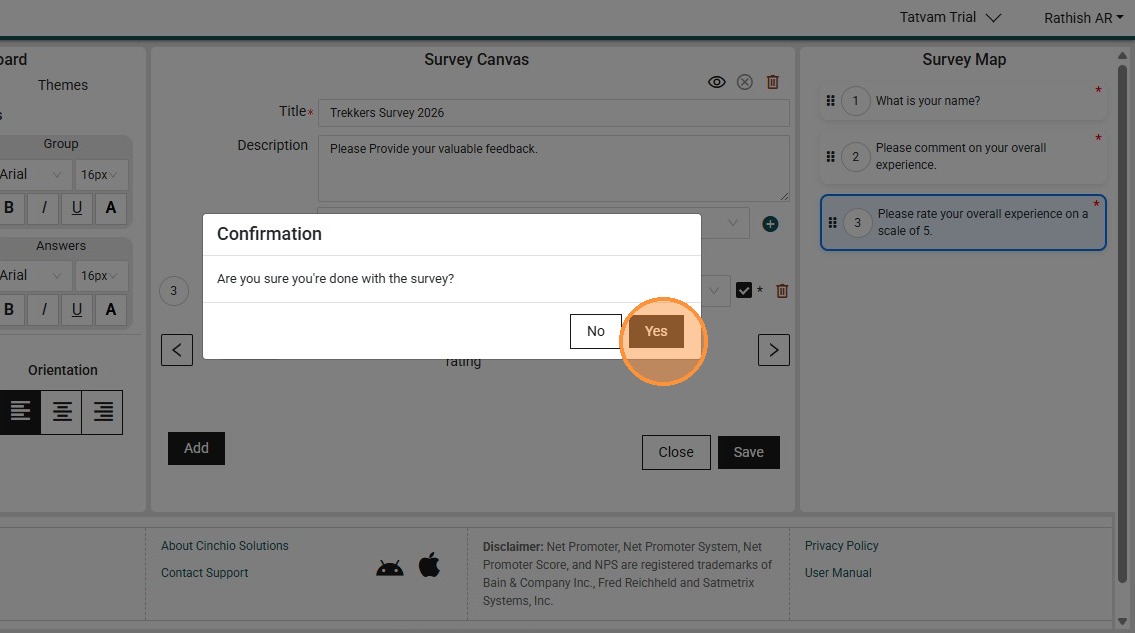
14. Click "Yes"
15. Click "Close"