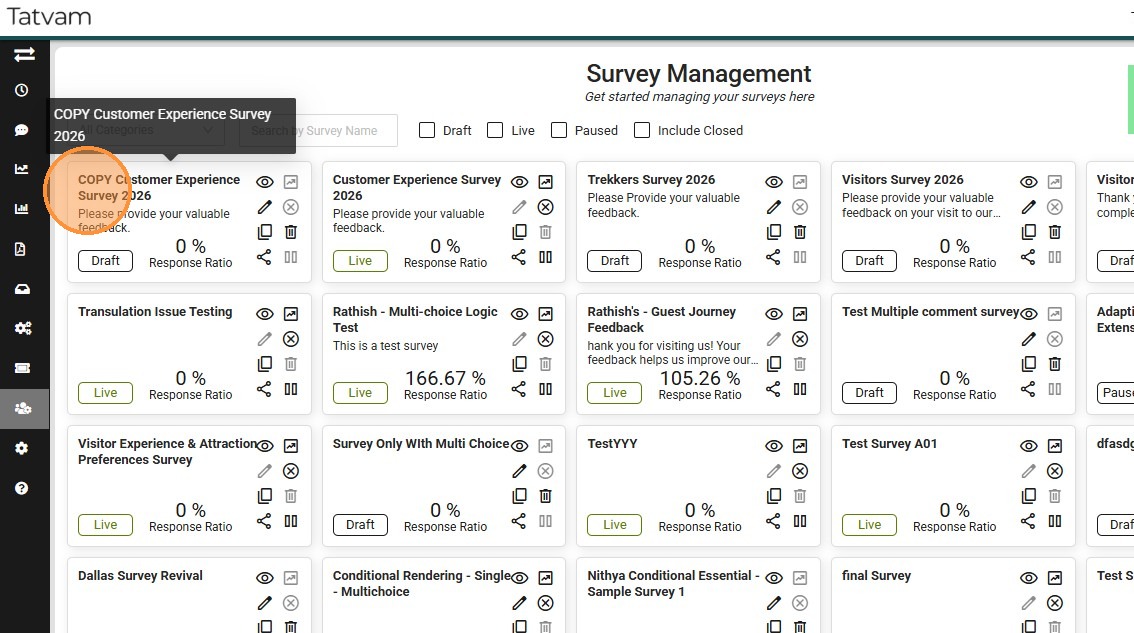
This guide provides a quick workflow to create new surveys by copying/cloning existing survey templates.
1. Navigate to https://live.tatvamanalytics.com/login
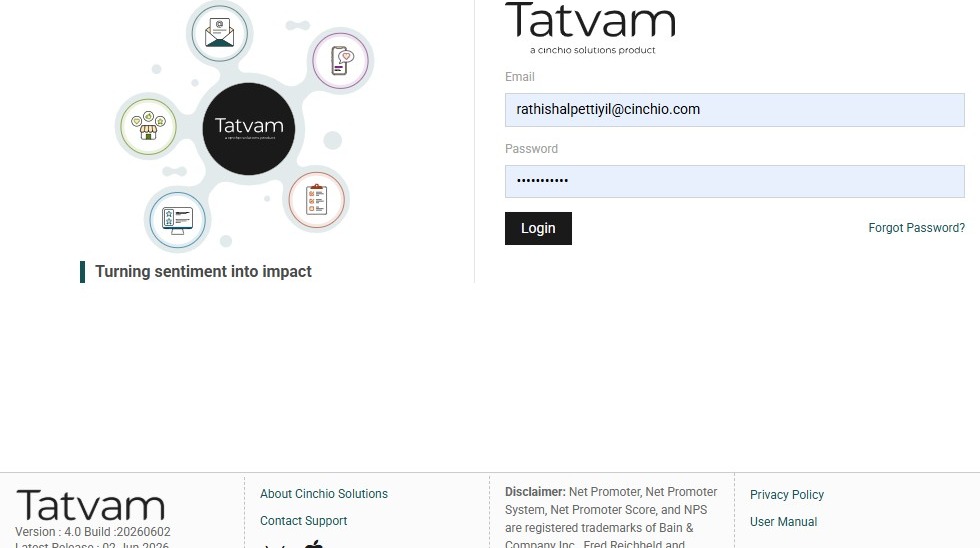
2. Click "Login"
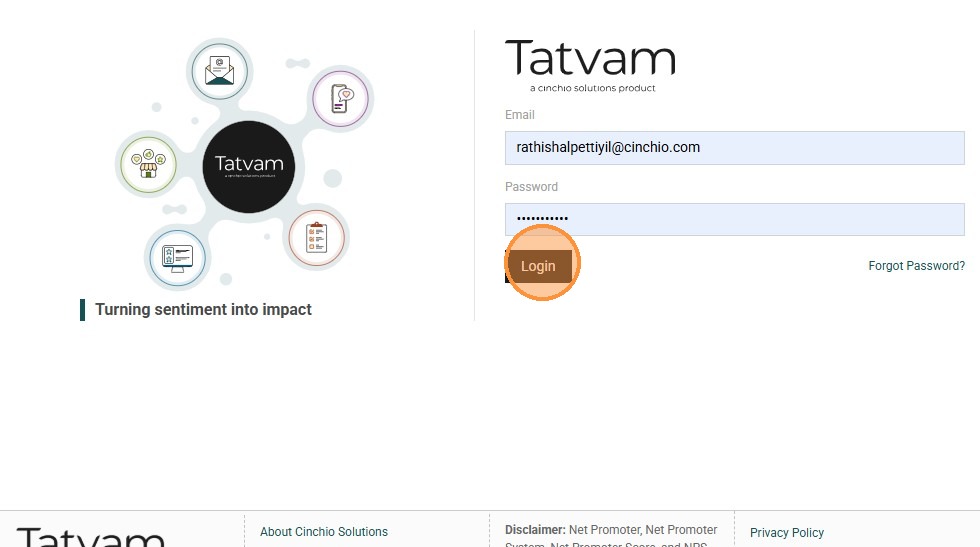
3. Click "Survey Designer"
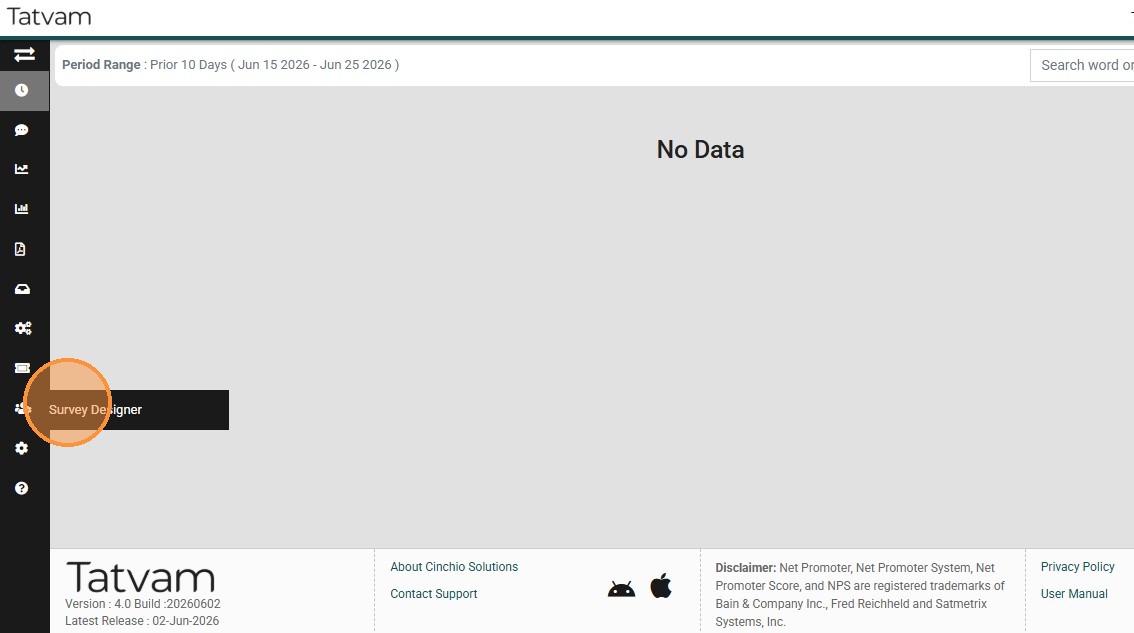
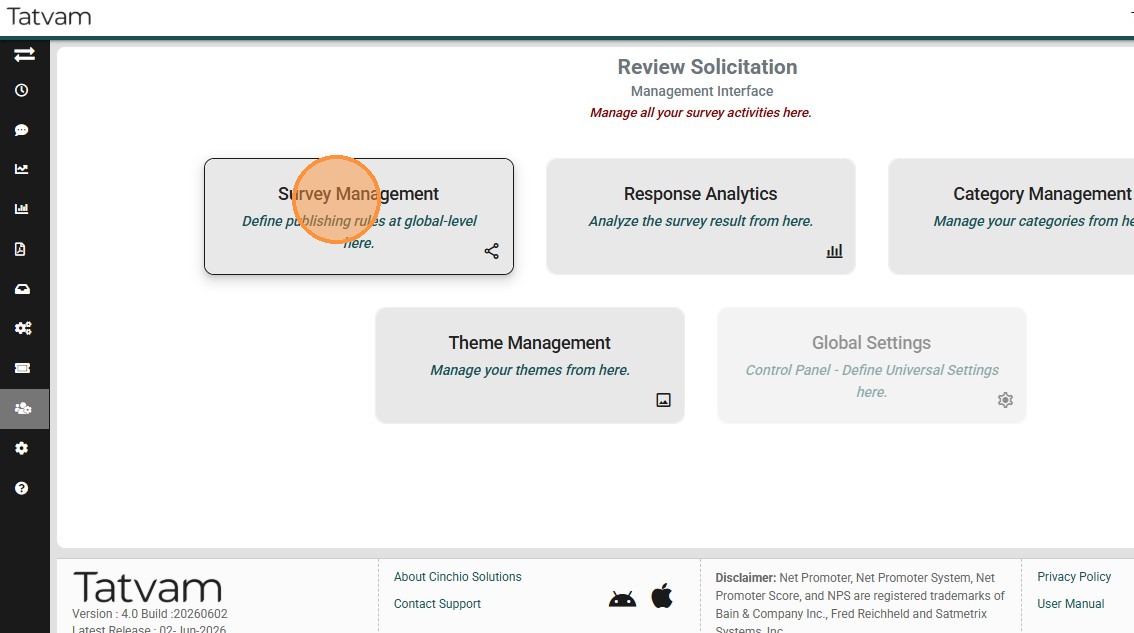
4. Click "Survey Management"
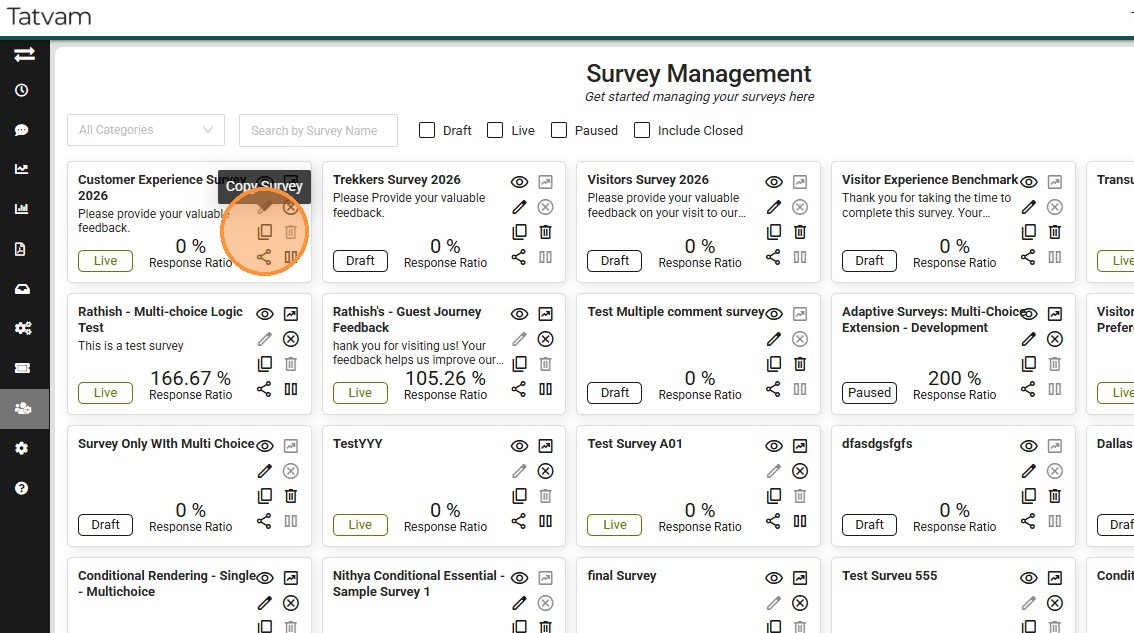
5. Click "copy" icon
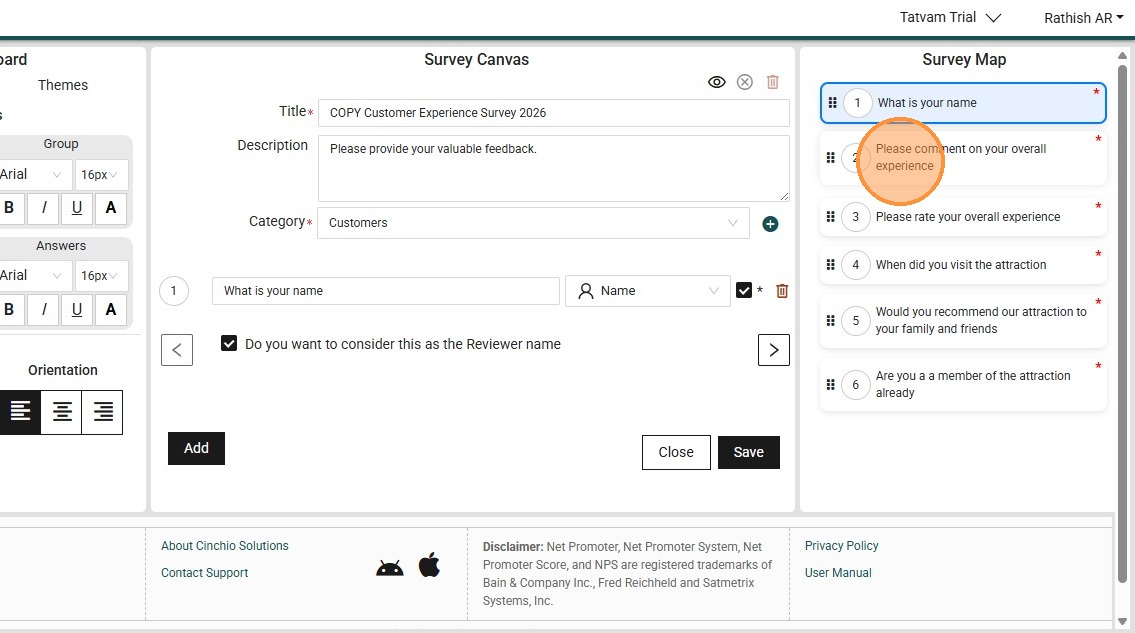
6. You can see the questions are copied from teh source surveys
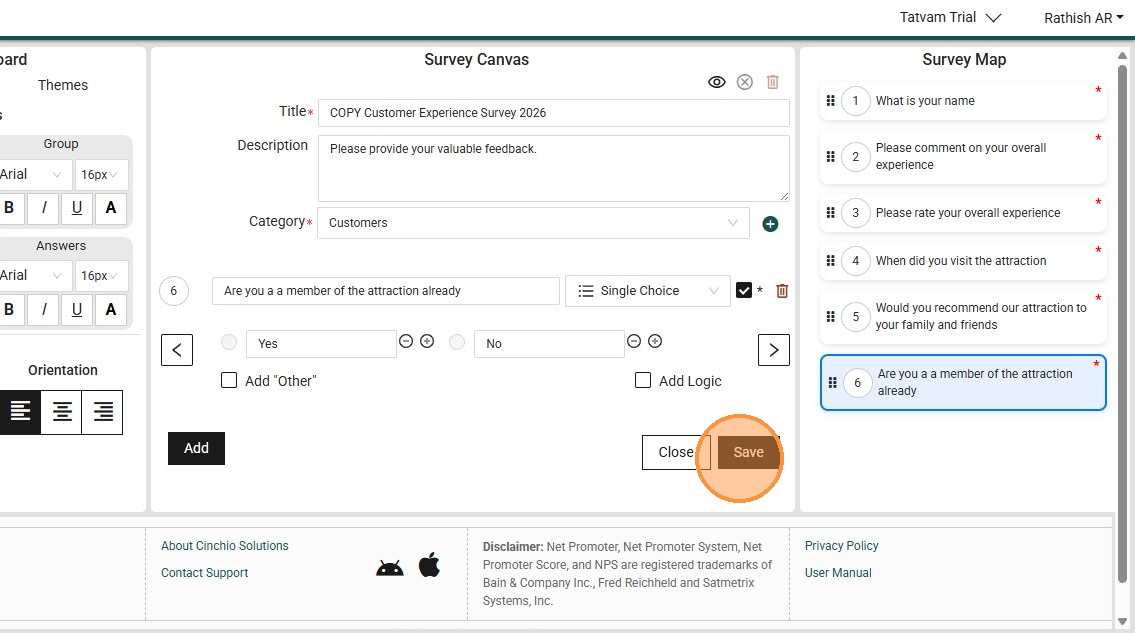
7. Click "Save"
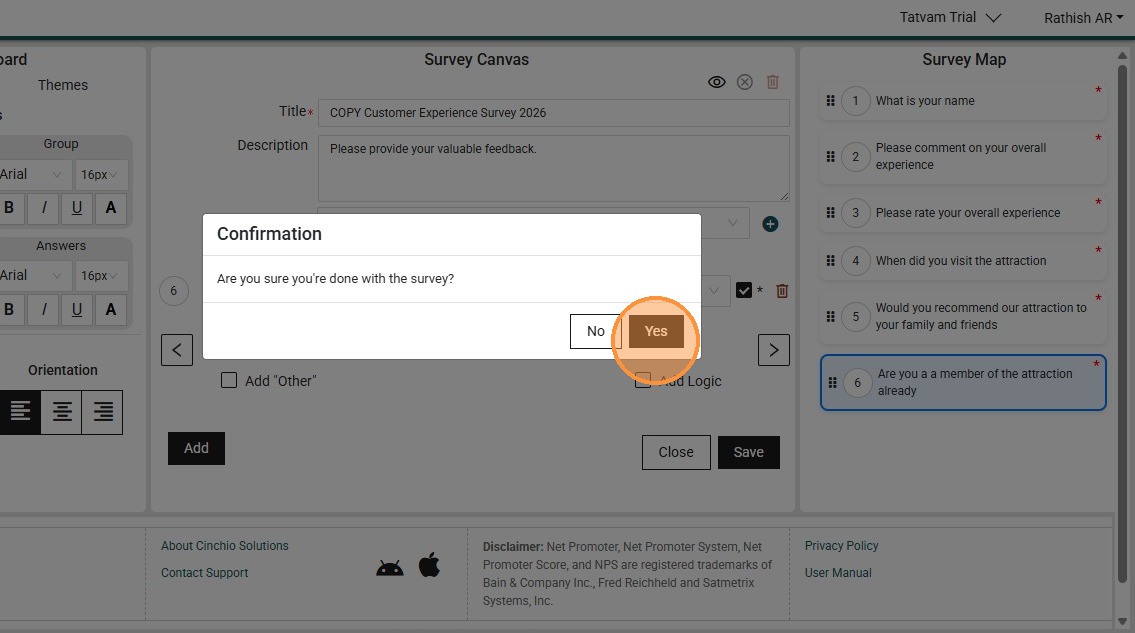
8. Click "Yes"
9. Click "Close"
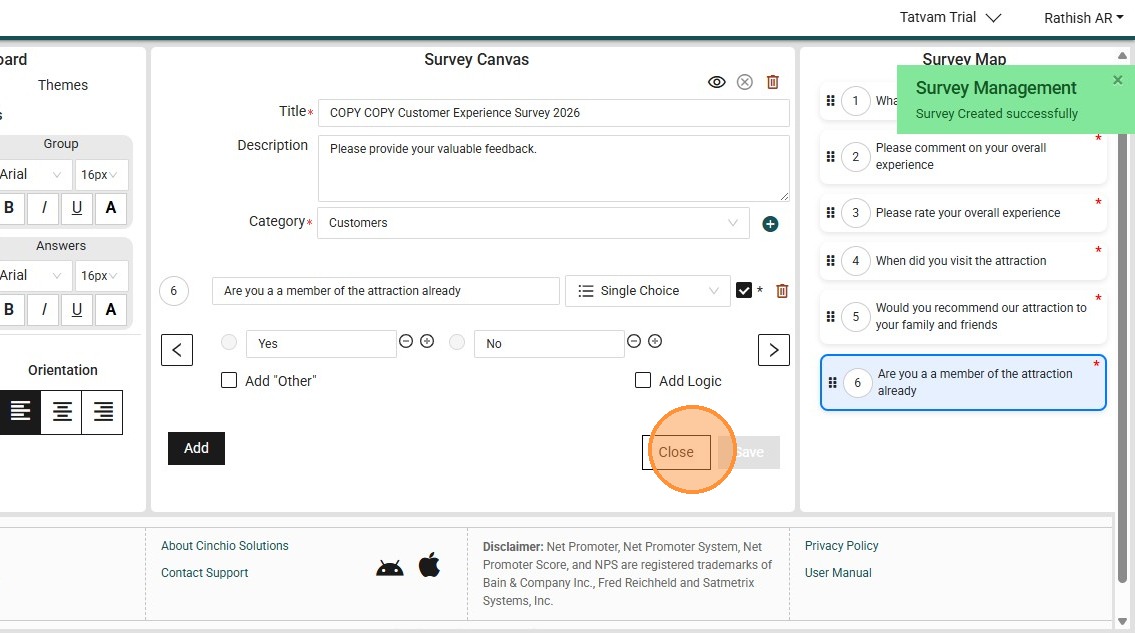
10. You can see the copied survey here - for example "COPY Customer Experience Survey 2026"