This guide provides a clear walkthrough for the survey QR Code or Campaign URL and and having it sent to our registered email.
1. Navigate to https://live.tatvamanalytics.com/login
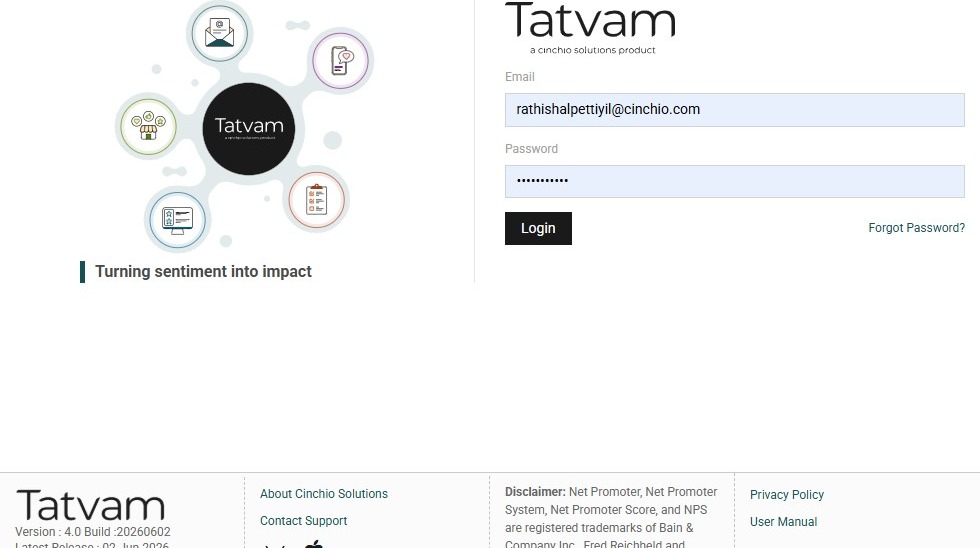
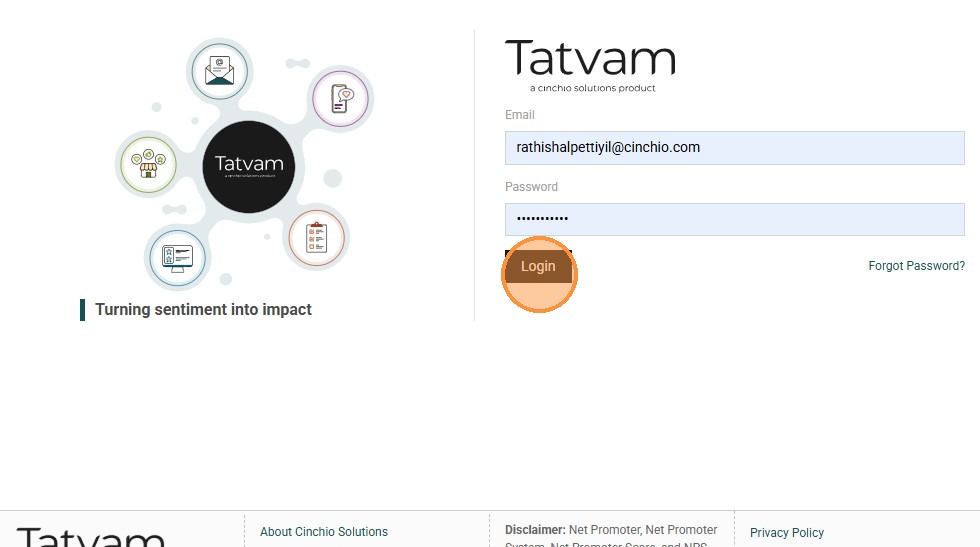
2. Enter your email and Tatvam password then click "Login"
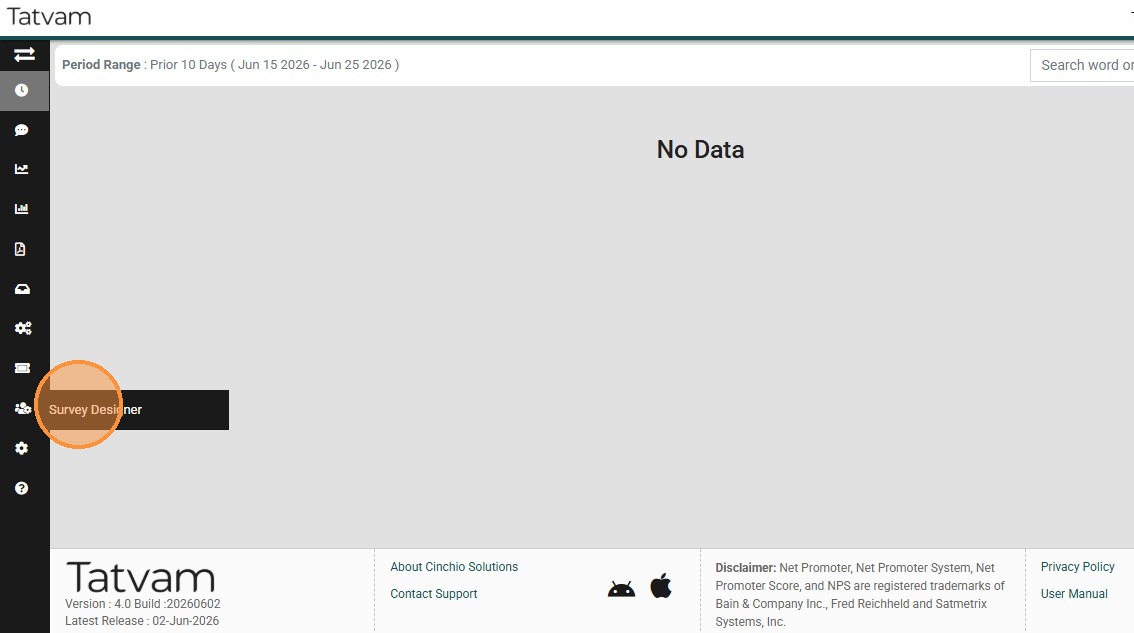
3. Click "Survey Designer"
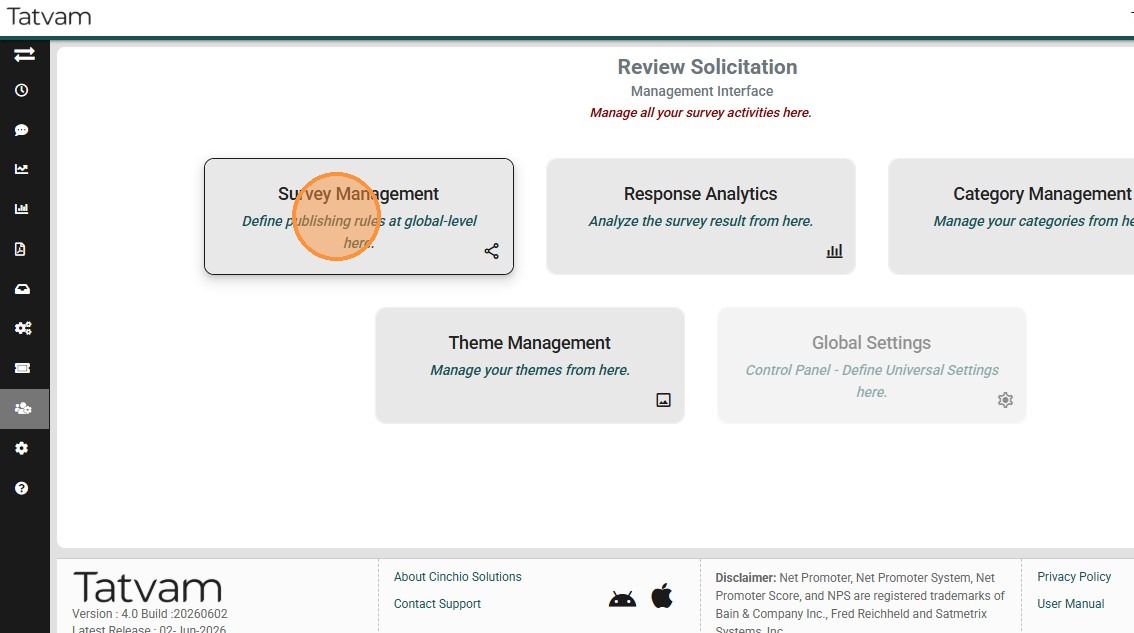
4. Click "Survey Management" menu
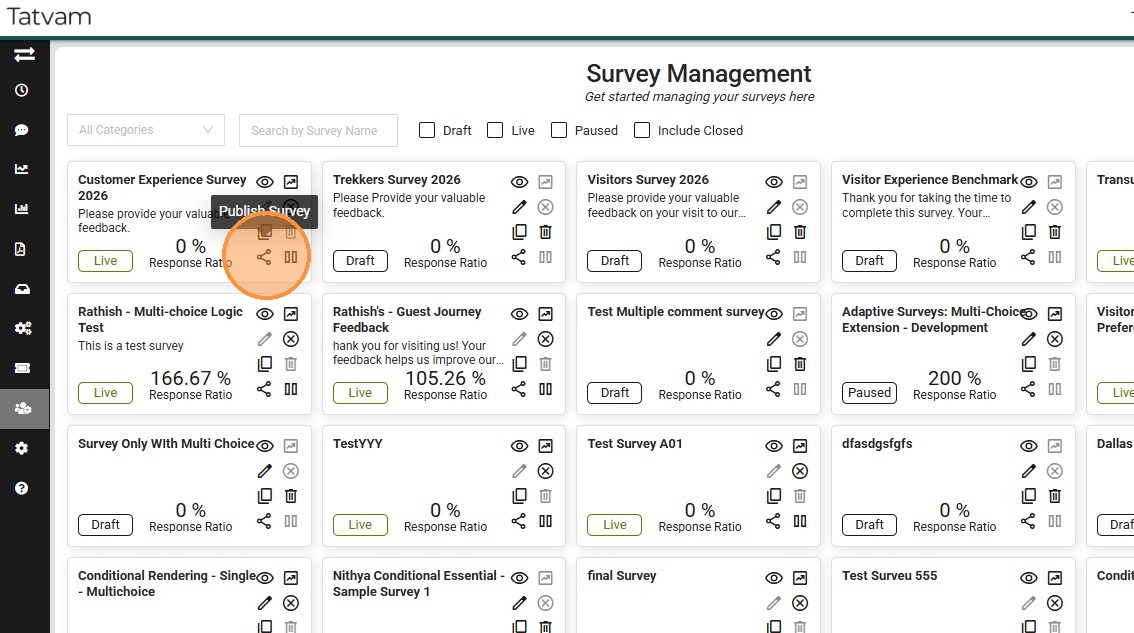
5. Locate the survey in question and click this icon to open the publishing screen
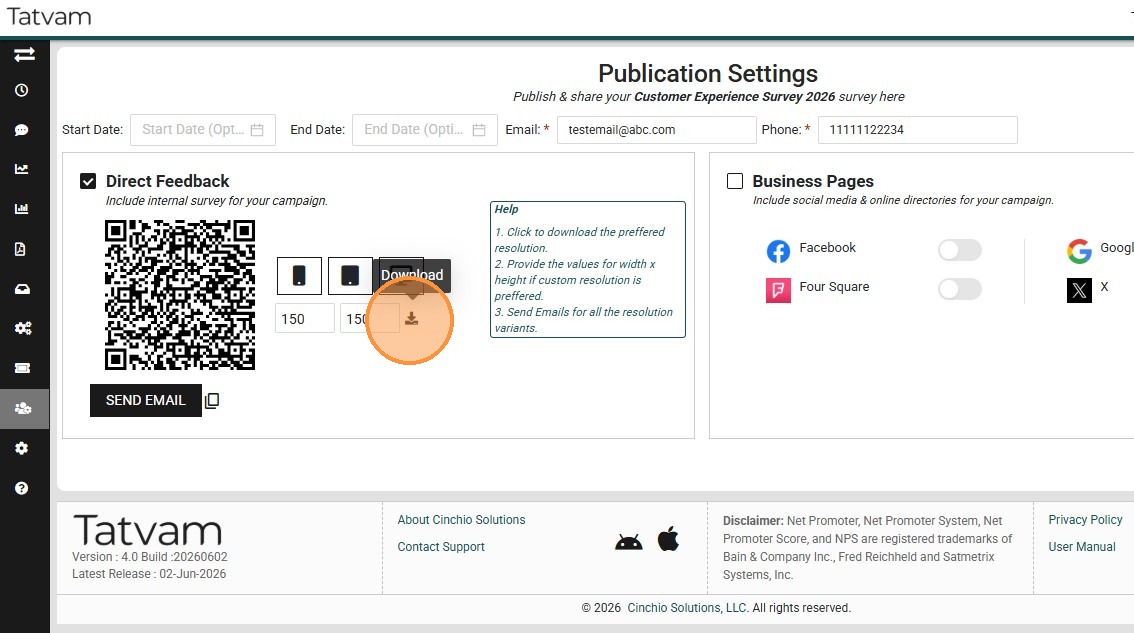
6. You can view the Survey QR Code here, and you can click on the download link too.
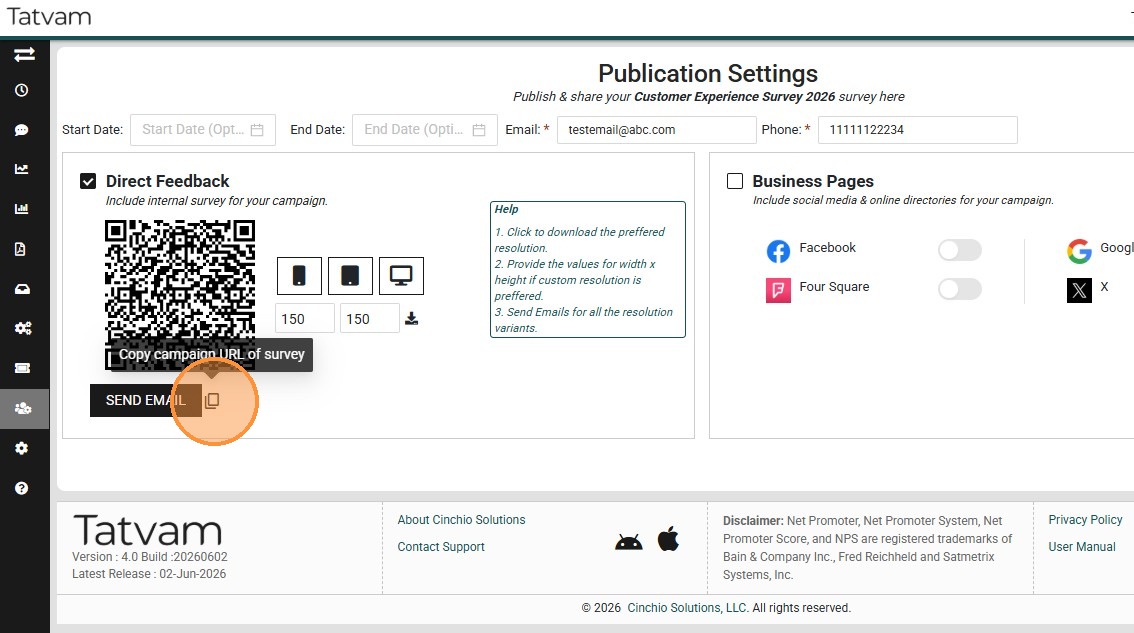
7. Click "Copy" icon to copy the Campaign URL
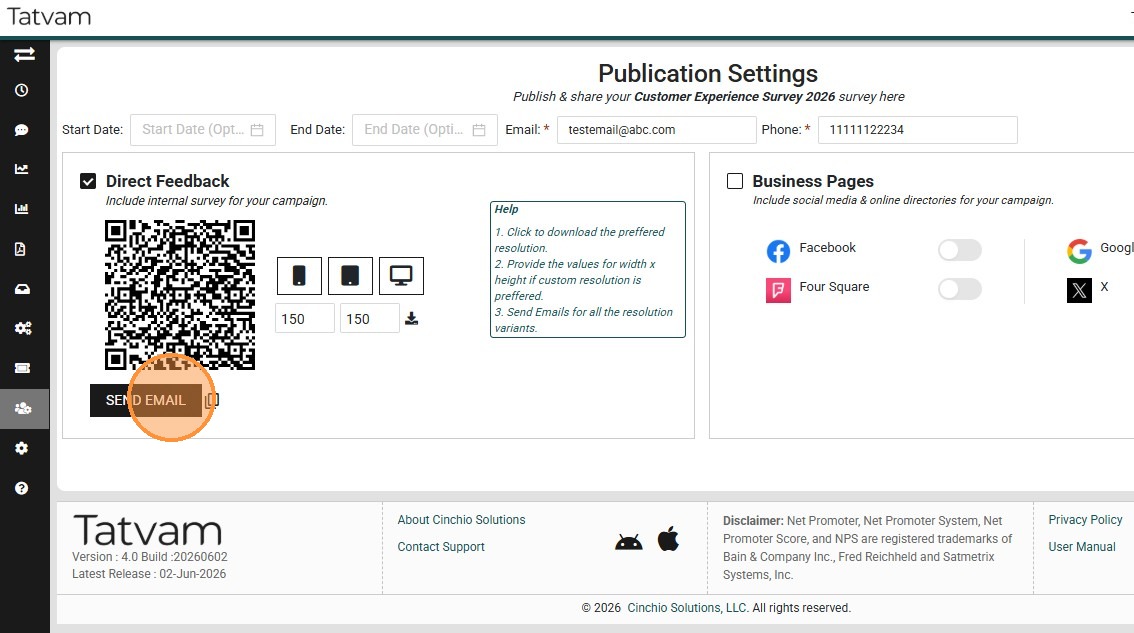
8. Click "Send Email" to have the survey QR code, and campaign URL sent over to your registered email.
9. Congratulations! You Found It!!